
What is 3D CAD and what is it used for?
Understand how a digital model helps you develop parts, review assemblies and prepare documentation before manufacturing.
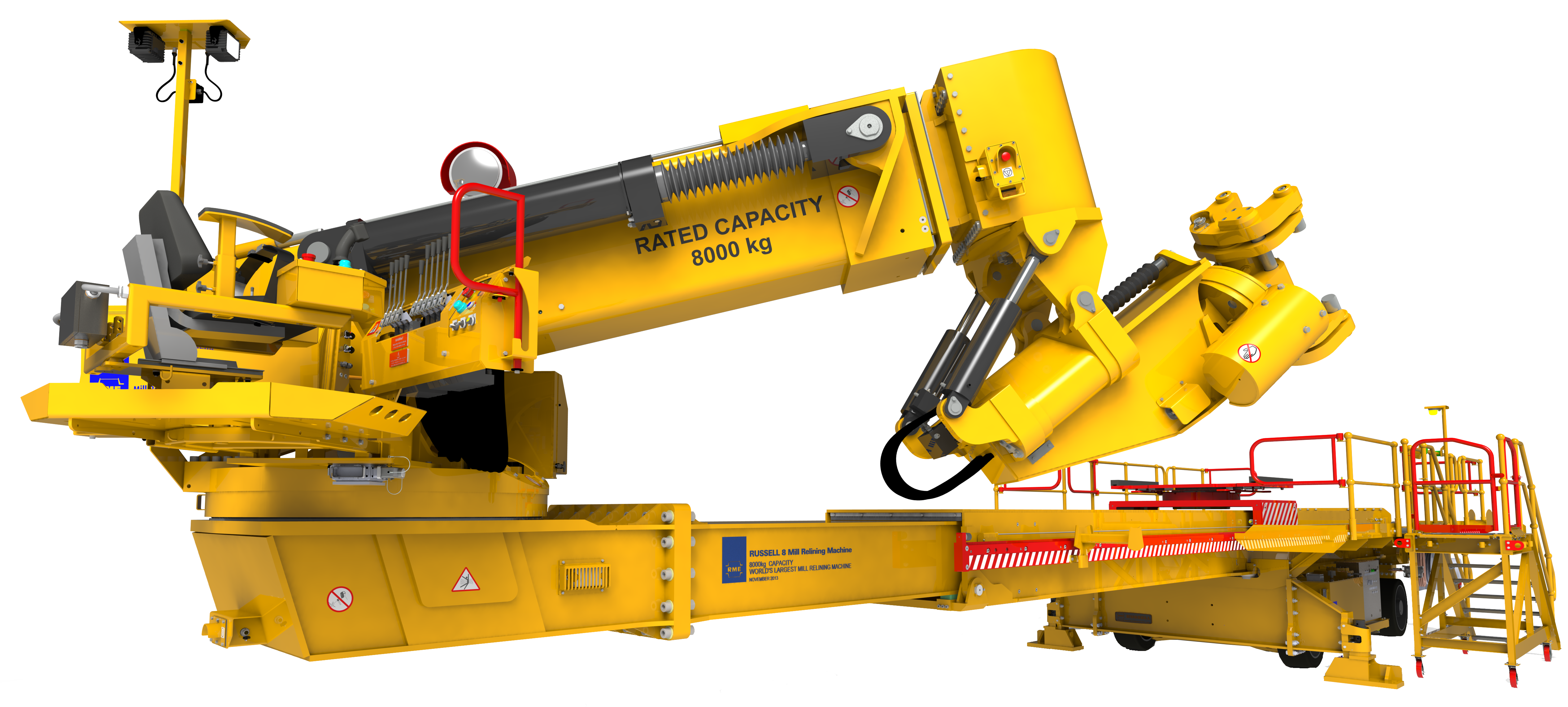
From an idea to a model you can review.
CAD stands for computer-aided design. In 3D CAD, you represent the geometry of a part or product in three dimensions. The model provides a starting point for reviewing its shape, relating it to other components and preparing information for the next stages of a project.
- Parts
- Define the geometry of each component.
- Assemblies
- Bring components together and review how they fit.
- Drawings
- Communicate dimensions and other information needed for manufacturing and inspection.
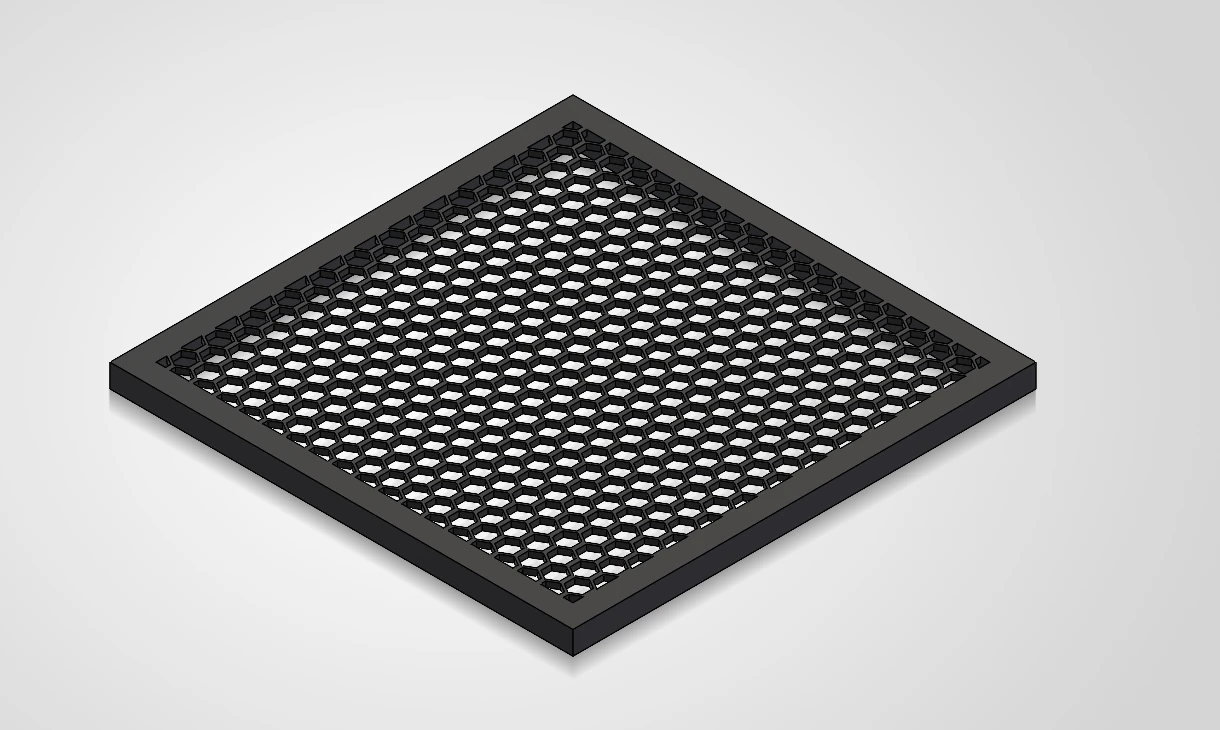
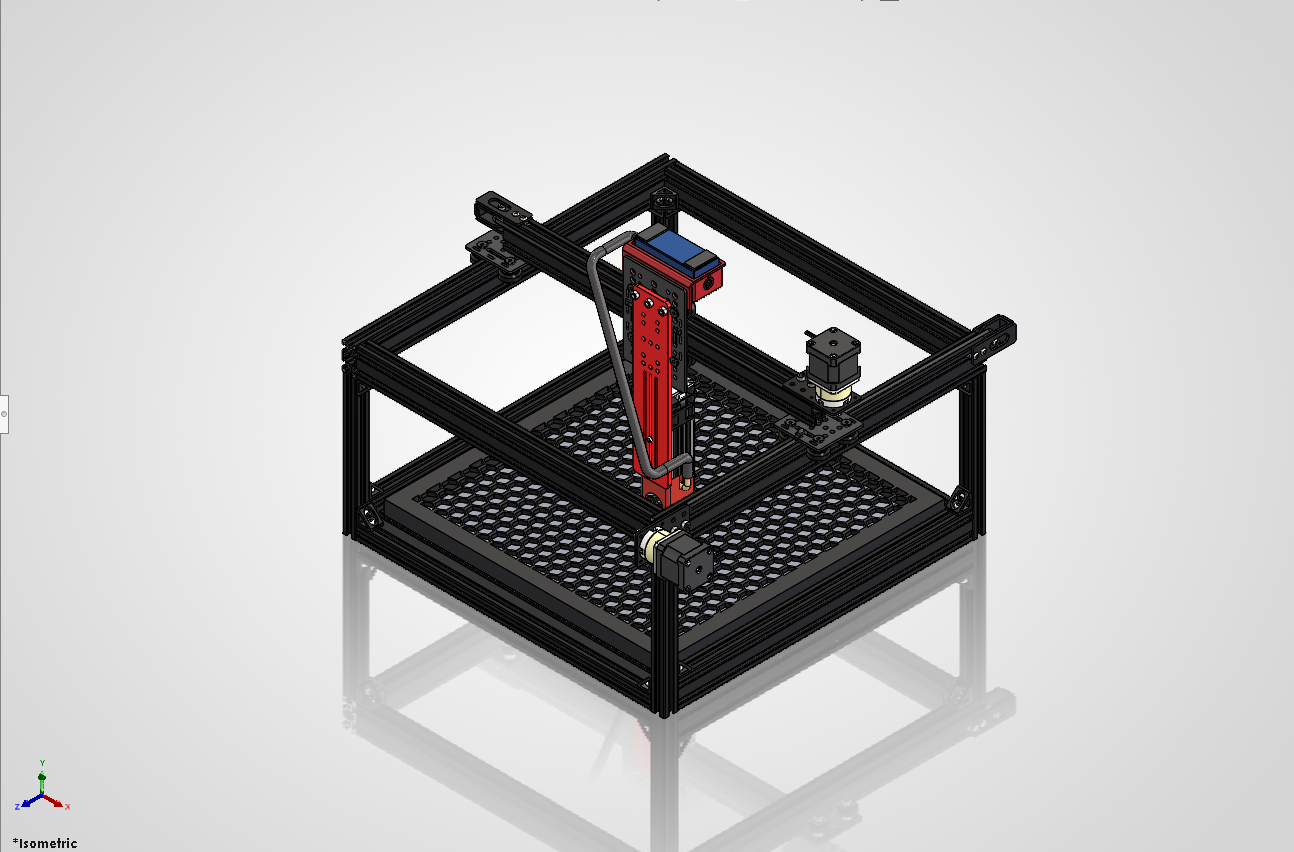
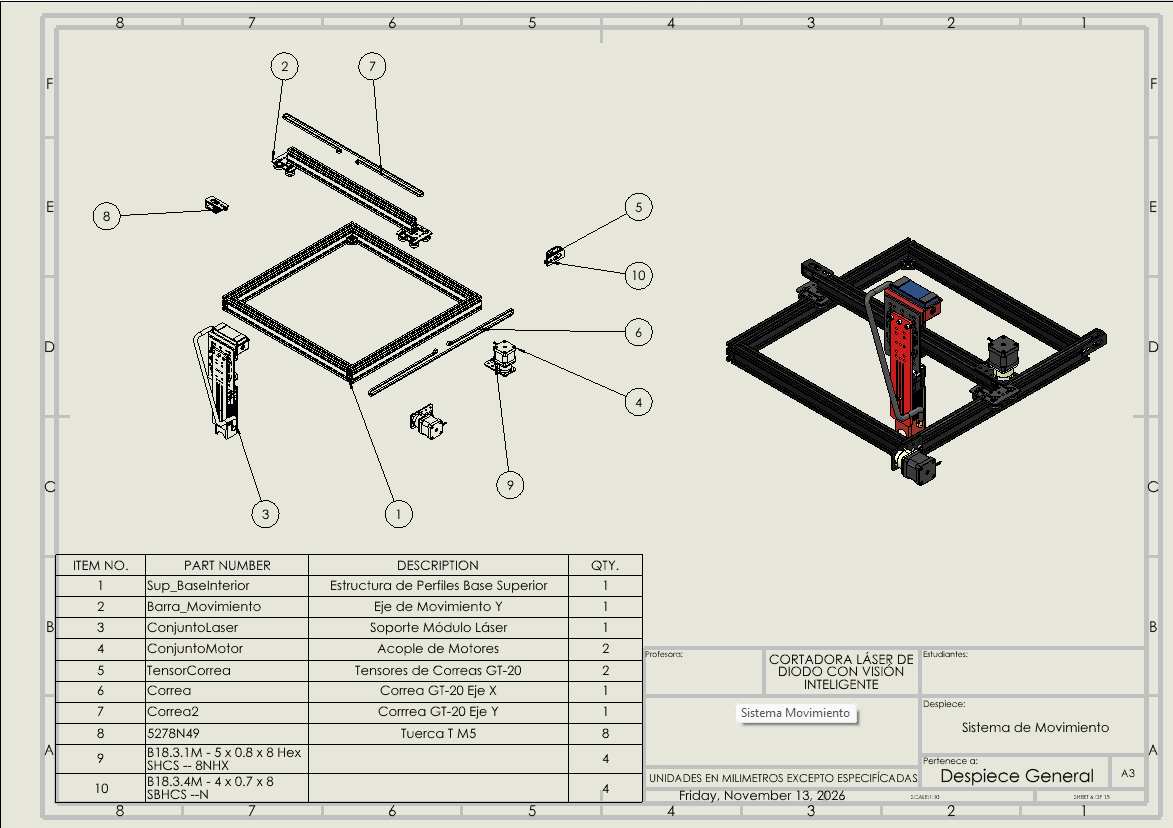
From the model to documentation.
Get a first look at SOLIDWORKS Design and some of the tasks it can support during product development.
Video from the official SOLIDWORKS channel.
2D drawings and 3D models work together.
| Information | 2D drawing | 3D model |
|---|---|---|
| Product shape | Views and sections | Geometry you can view from different angles. |
| Component relationships | Communicated through views and documentation | Represented within the assembly. |
| Documentation | Dimensions and annotations communicating requirements | Can provide the basis for drawings and other outputs. |
Educational example
A bracket that changes size.
Imagine a family of brackets in different sizes. A parametric model uses dimensions and relationships to define geometry. When a dimension changes, you can review its effect on the component, its assembly and the associated documentation. The update depends on how the model and its references were built.
Where can it help your team?
Develop and adapt products
Work on parts, variants and equipment according to your project requirements.
Explore design and engineering →Evaluate before manufacturing
Use the model as a starting point for the analyses your application requires.
Explore simulation →Prepare for production
Connect design information with machining and inspection documentation tasks.
Explore manufacturing →Capabilities depend on the tools and licenses used. CAD alone does not guarantee manufacturability or replace the checks required for your project.
The next step depends on how your team works.
At 3Designers, we review your projects, files and needs to help you choose tools and prepare your team.
Frequently asked questions
Let’s talk about what you want to design.
Tell us what your team develops and where it needs support to define the next step.
Let’s talk about your project