
Parametric design
Parametric 3D design for individual parts and mechanical assemblies.
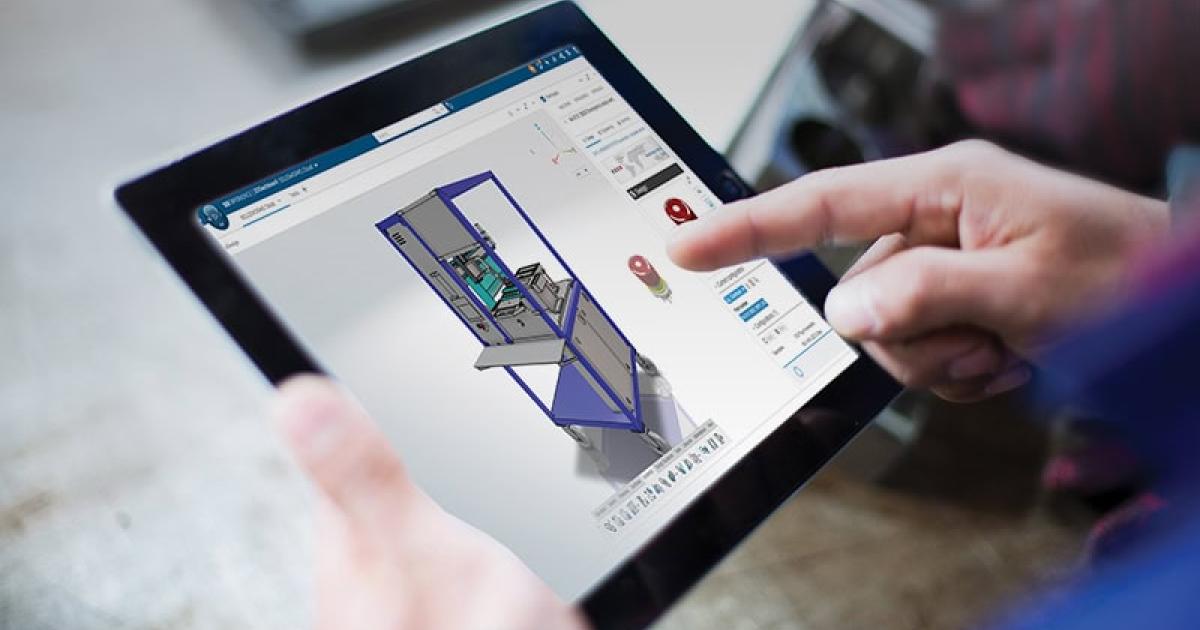
Design solutions
Discover the new era of design with browser-based tools for 3D design and lifecycle management.
Get ready for the next generation of design tools, developed by the team behind SOLIDWORKS® 3D CAD. SOLIDWORKS xDesign, formerly SOLIDWORKS Cloud, combines reliable design and collaboration tools that let you and every stakeholder work together anywhere, on any device, through a web browser. Say goodbye to high IT costs and invest in tools that grow with your business.
Parametric 3D design for individual parts and mechanical assemblies.
Subdivision and freeform surface modeling for organic, ergonomic shapes.
Specialized, production-ready sheet metal tools.
Accurate, production-ready structures, weldments and frames.
Define 3D models and quickly generate their 2D drawings.
Photorealistic product images using cloud computing.
Streamlined workflows to create mold geometry.
Share a link to get real-time feedback on designs.
Online storage and CAD-based revision management.
Create wikis to share information across teams and stay up to date.
In-depth, focused training to master xDesign.
Send feedback to SOLIDWORKS directly from within the software.
Local guidance and support from the 3Designers team.
Two ways to work with SOLIDWORKS: in the browser or installed on your computer.
| SOLIDWORKS xDesign | SOLIDWORKS Design with Cloud Services | |
|---|---|---|
| 3D modeling and 2D drawings | Next-gen cloud-based design: design first, worry about assembly structures later | Traditional design experience, trusted by millions of designers and engineers |
| Native file compatibility (.sldprt, .sldasm, .slddrw) | Multi-CAD style interoperability with associative updates and limited feature-level edits | Fully compatible |
| Offline usage | No (restricted offline usage) | Yes, unrestricted |
| Real-time collaboration | ✓ | ✓ |
| Cloud storage and revision management (PDM) | ✓ | ✓ |
| Licensing | Named user: one user, multiple devices | Machine license: any user, single machine |
| Installation | No install: browser on Mac, PC, mobile or Chromebook | Local install, PC only |
| Updates | Automatic, always on the latest version | Manual: download and install updates yourself |
| Training and support | ✓ | ✓ |
Source: official SOLIDWORKS comparison.
No. SOLIDWORKS Design is the desktop 3D CAD application; xDesign runs entirely in the browser.
No. xDesign runs in the browser and is always up to date.
Request a quote and we will help you choose the right subscription for your team.
Tell us how your team works and we will help you evaluate whether SOLIDWORKS xDesign is the right fit.