
Configurations in SOLIDWORKS
A practical explanation of how to use configurations in your models.
Video in Spanish
Why 3Designers
Since 2008, we have helped businesses and educational institutions across Central America and the Caribbean choose, implement and get more from SOLIDWORKS®. We combine guidance, official training and specialized technical support to help your team at every stage.
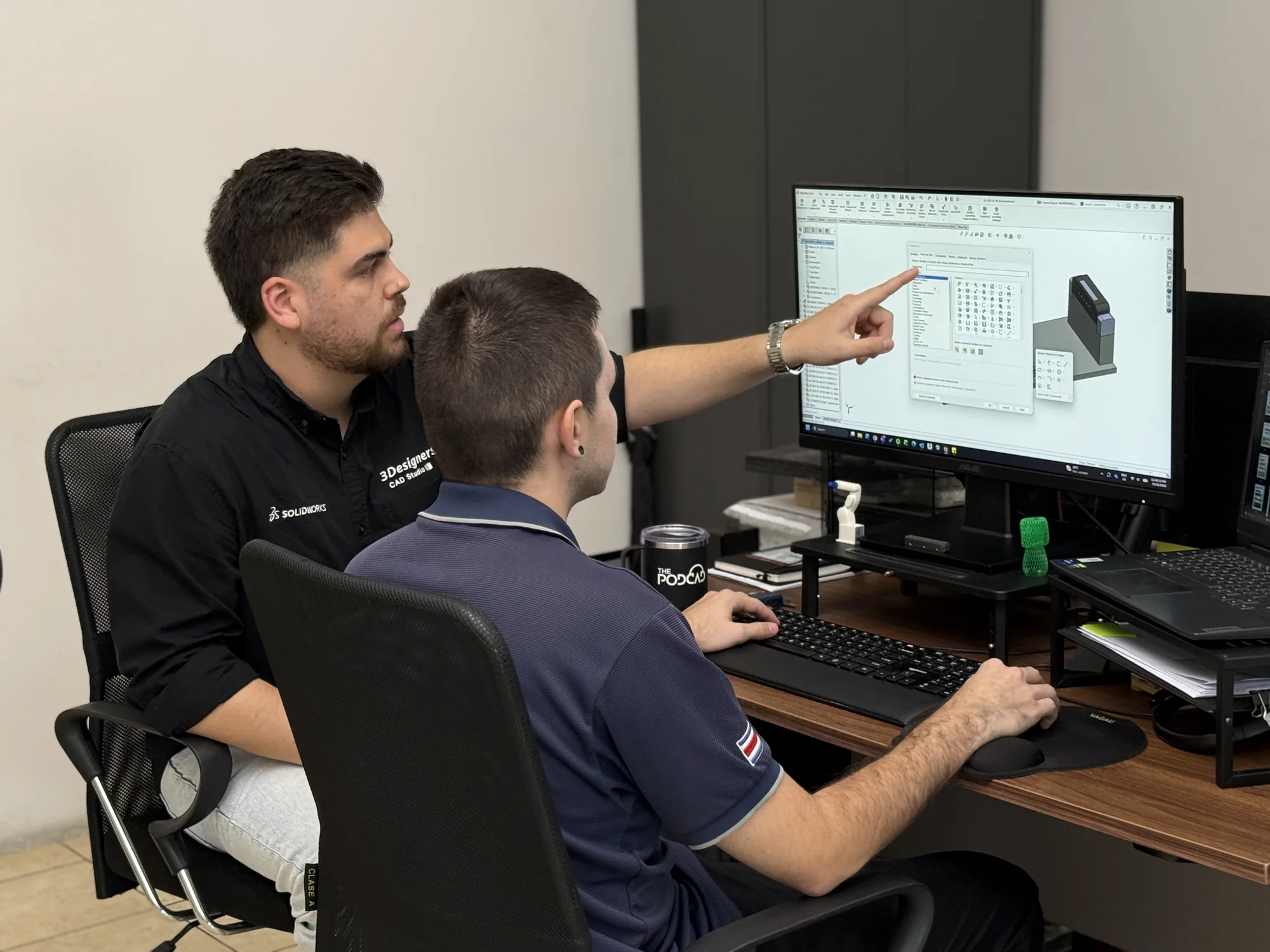
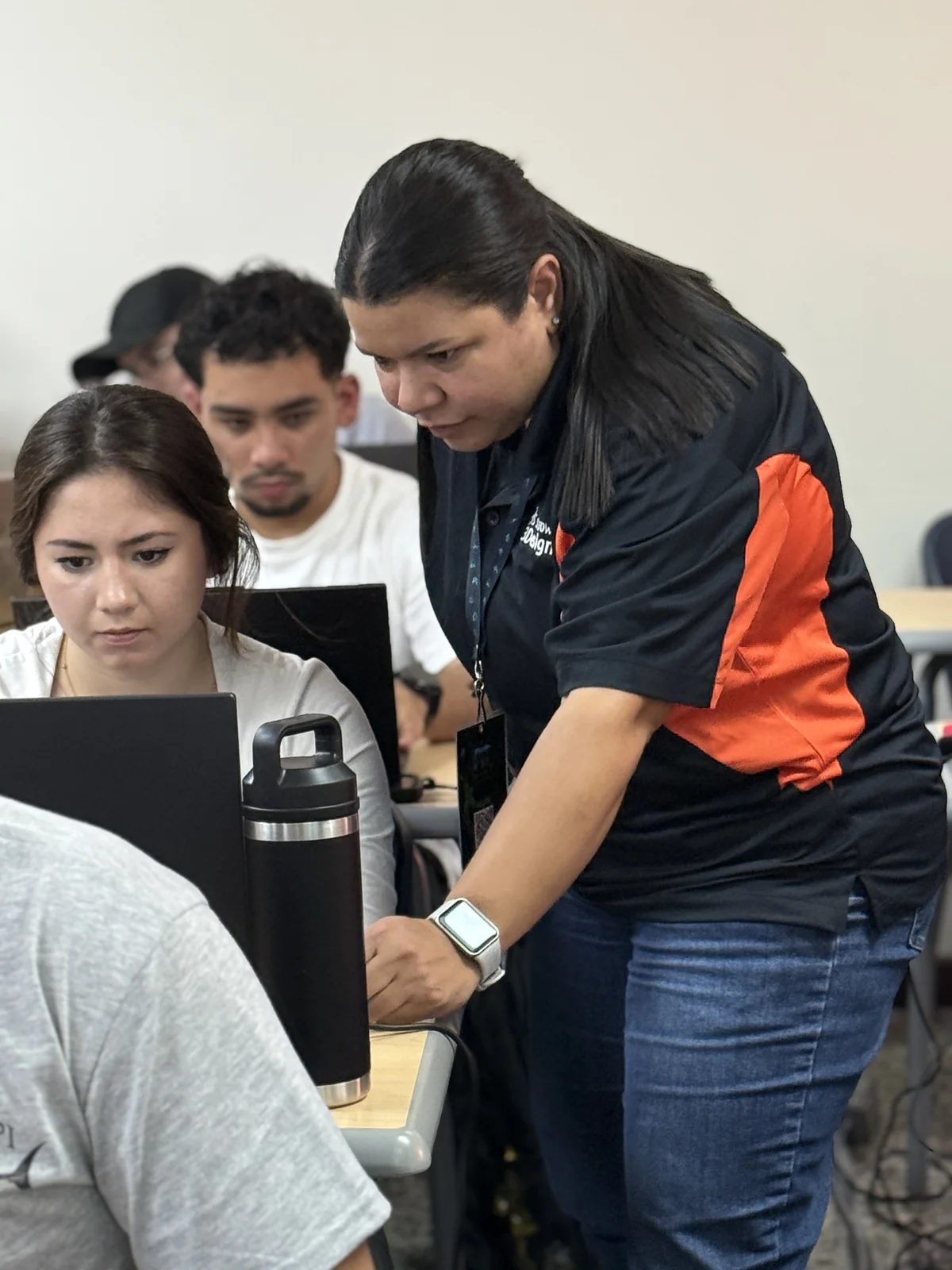
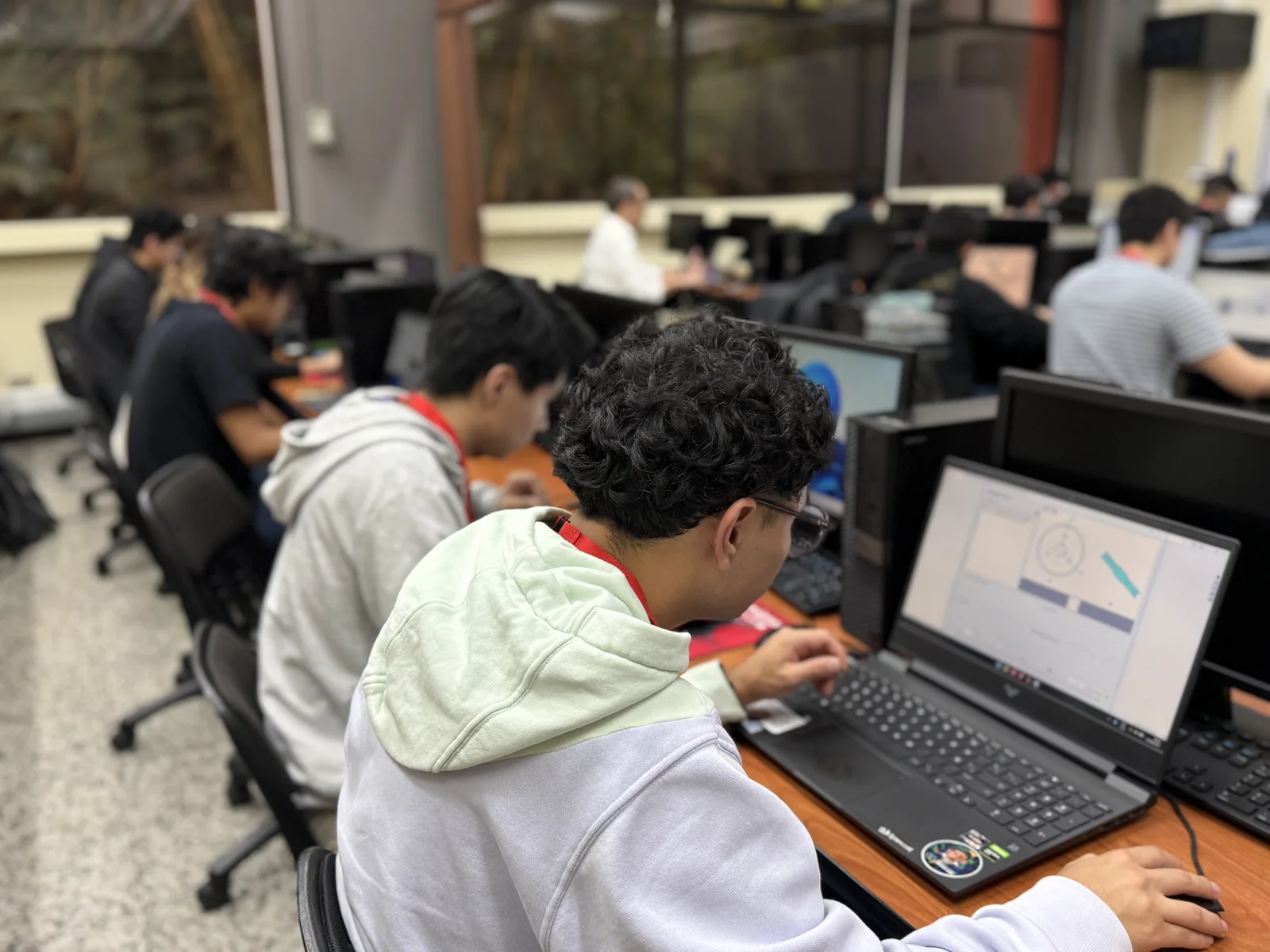
Every team starts from a different place. We work with you to understand what you need to solve, select suitable tools and prepare the people who will use them.
We help you evaluate solutions and licensing based on your applications, workflows and priorities.
We support you as you introduce the tools and prepare your team to start using them.
Our team includes a Certified SOLIDWORKS Instructor, a credential that recognizes preparation to deliver SOLIDWORKS training.
We combine this expertise with official course content, structured explanations and guided exercises to help your team understand the tools, practice using them and develop sound working practices.
During training, participants can ask questions and receive guidance on their exercises. The aim is to strengthen their knowledge and independence in applying what they learn.
When you purchase SOLIDWORKS through 3Designers, you receive specialized technical support at no additional charge during the support period included with your license.
Our team helps with installations, updates, usage questions and troubleshooting. We also provide guidance on best practices and ways of working to help you get more from your tools.
Our support continues after your purchase, with a team that knows the solutions and follows up on your questions.
As your projects evolve, we help you review the tools and skills your team may need.
Training and implementation projects are defined according to your team’s needs and the required scope.
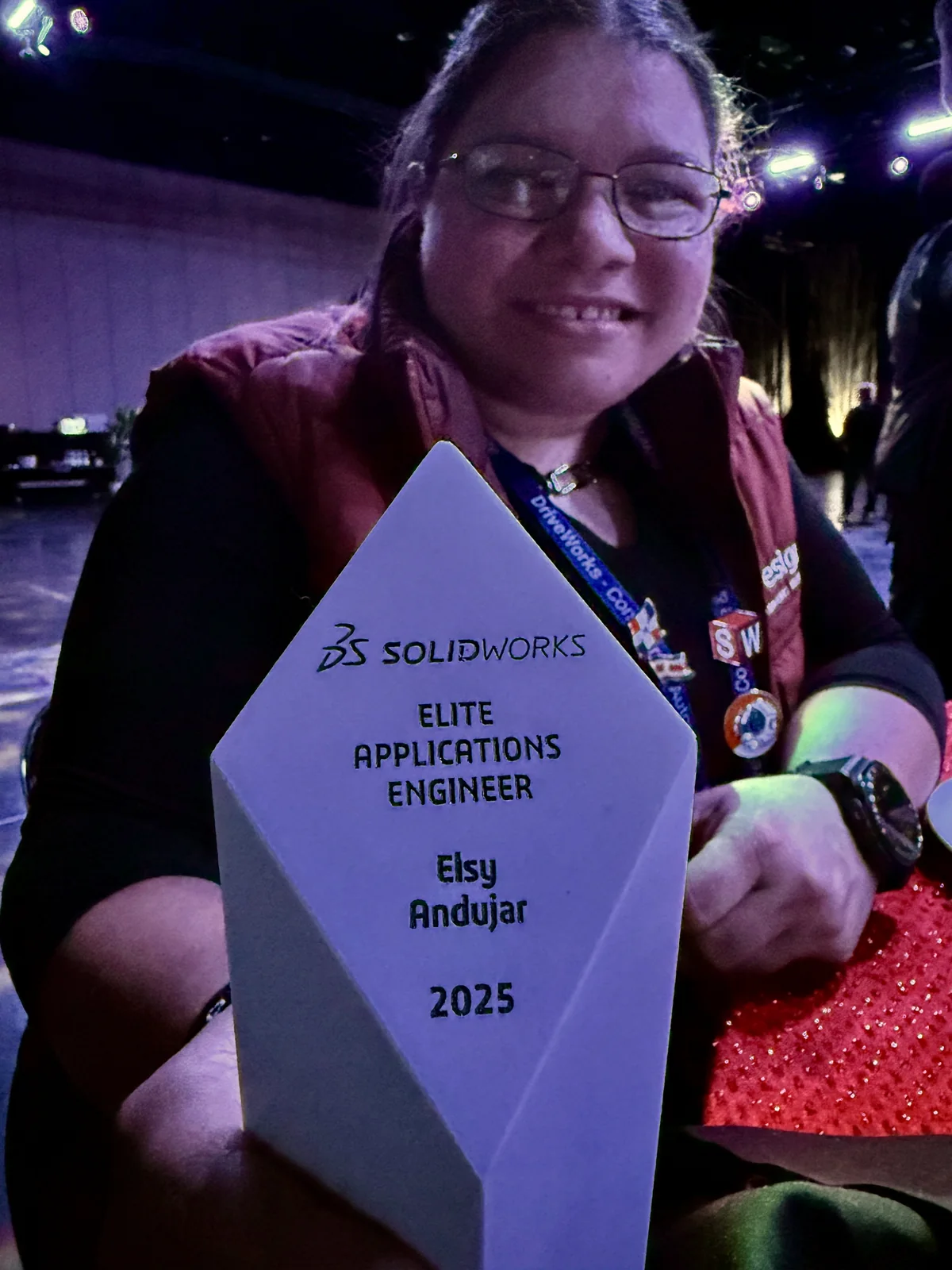
Explore official SOLIDWORKS trainingMembers of our team hold individual Certified SOLIDWORKS Professional (CSWP), Certified SOLIDWORKS Expert (CSWE) and Certified SOLIDWORKS Instructor credentials, as well as the SOLIDWORKS ELITE Applications Engineer distinction. Their knowledge supports the guidance, training and technical support we provide.
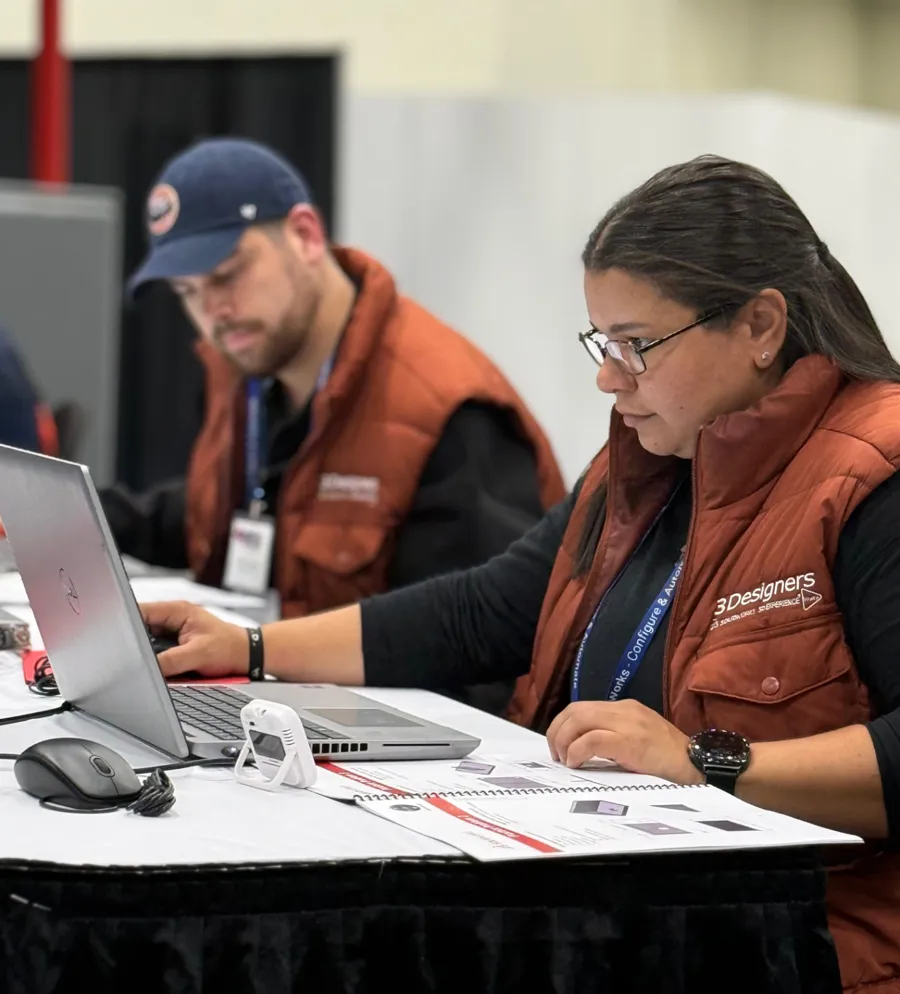
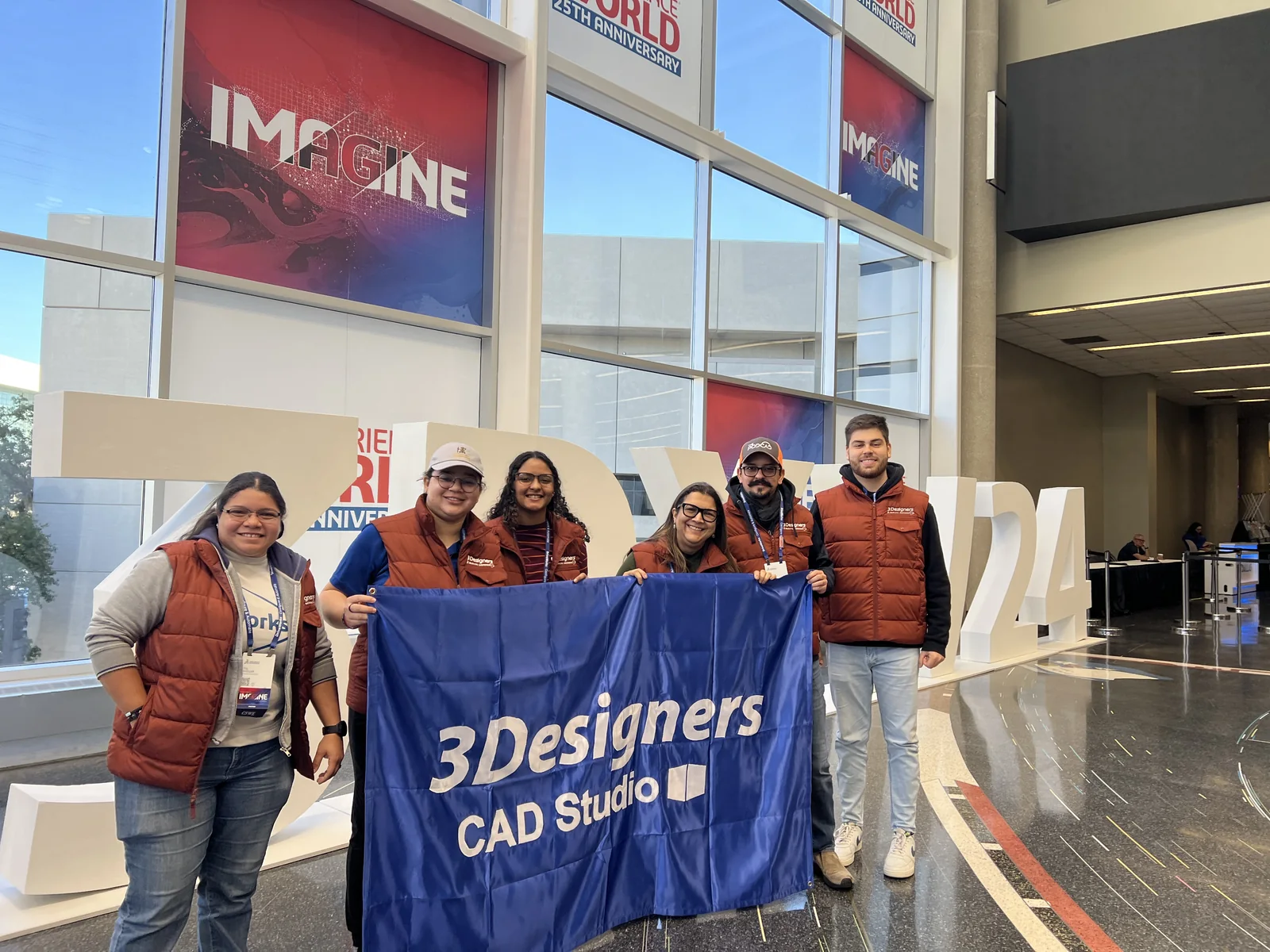
Individual certifications that recognize the SOLIDWORKS technical knowledge of members of our team.
Our team holds this credential for delivering SOLIDWORKS training. It supports the official training we provide, together with structured course content and guided practice.
Our team member Elsy Andújar holds this SOLIDWORKS distinction.
We help you evaluate design, simulation, data management, manufacturing and technical communication in the context of your work.
Our customers share their experience of training, technical support and working with 3Designers.
Customer experience
Explore Prodeinca's experience with SOLIDWORKS Electrical.
Spanish-language video from the 3Designers channel.
“We have always been able to count on the assistance and collaboration of the 3Designers team, not only for technical support but also for any other questions that come up in our day-to-day work. They are another member of our team.”
Arlene Dumé
FARCO · Dominican Republic
Translated from Spanish
“In addition, the training provided by 3Designers has helped us use SW efficiently and discover new ways to create our designs. It has also demonstrated their extensive knowledge of all the SW tools.”
Luis Matamoros
Smith&Nephew · Costa Rica
Translated from Spanish
“Likewise, the invaluable and prompt technical support we receive with software questions or errors helps significantly improve product development at our company.”
Eric Fernández
Nesplas · Dominican Republic
Translated from Spanish
We share technical explanations and resources to help you understand the tools, explore different ways of working and keep learning.
A practical explanation of how to use configurations in your models.
Video in Spanish
A look at common mistakes to keep in mind when working with SOLIDWORKS.
Video in Spanish
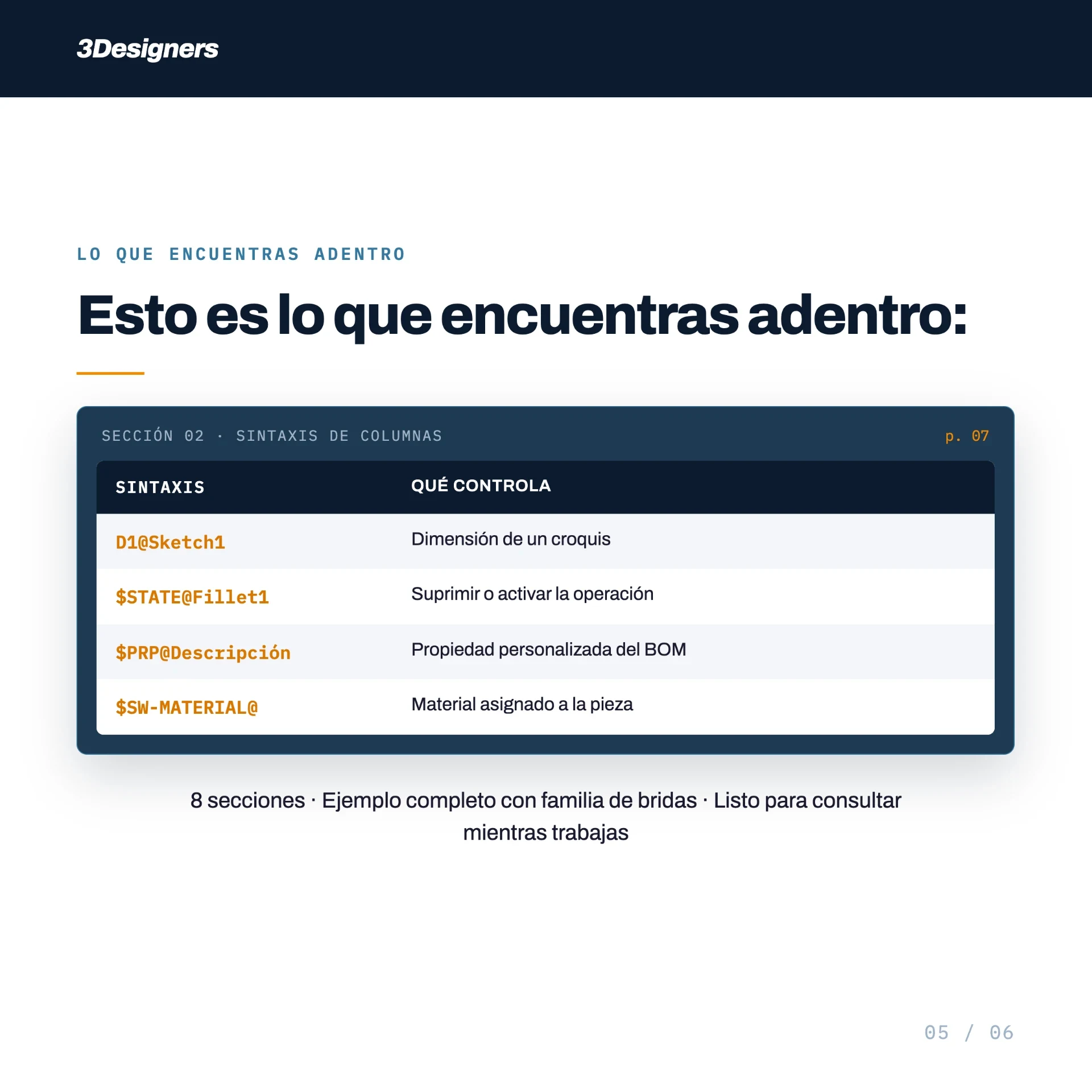
Free guide · 3Designers resource
Explore syntax, examples and recommendations for working with configurations and part families.
Spanish-language guide
Access the free guideTechnical events and community activities give us opportunities to share knowledge, discuss applications and stay connected with the people who use these tools.
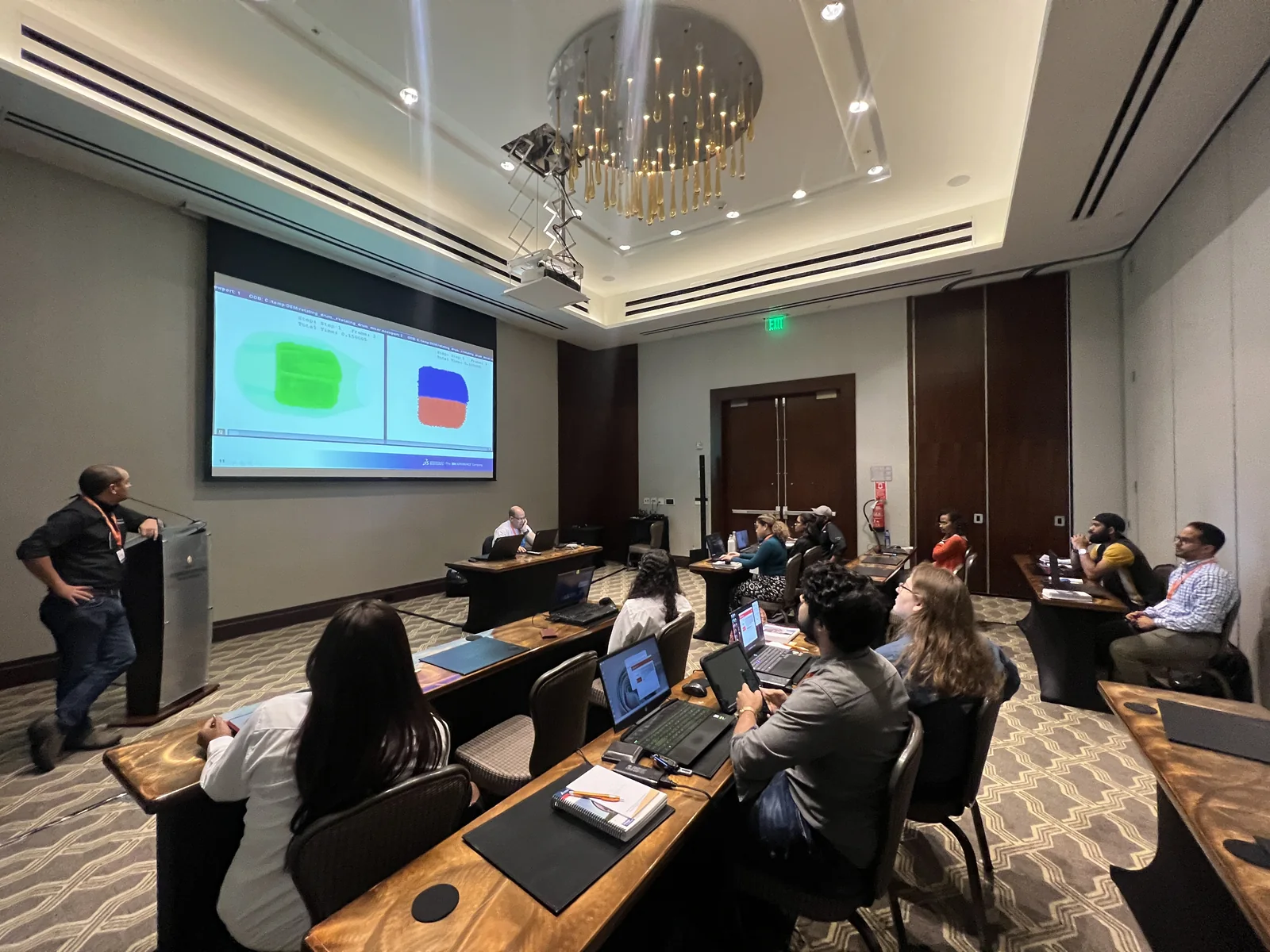
Presentations and discussions where participants can explore tools, ask questions and talk about everyday challenges.
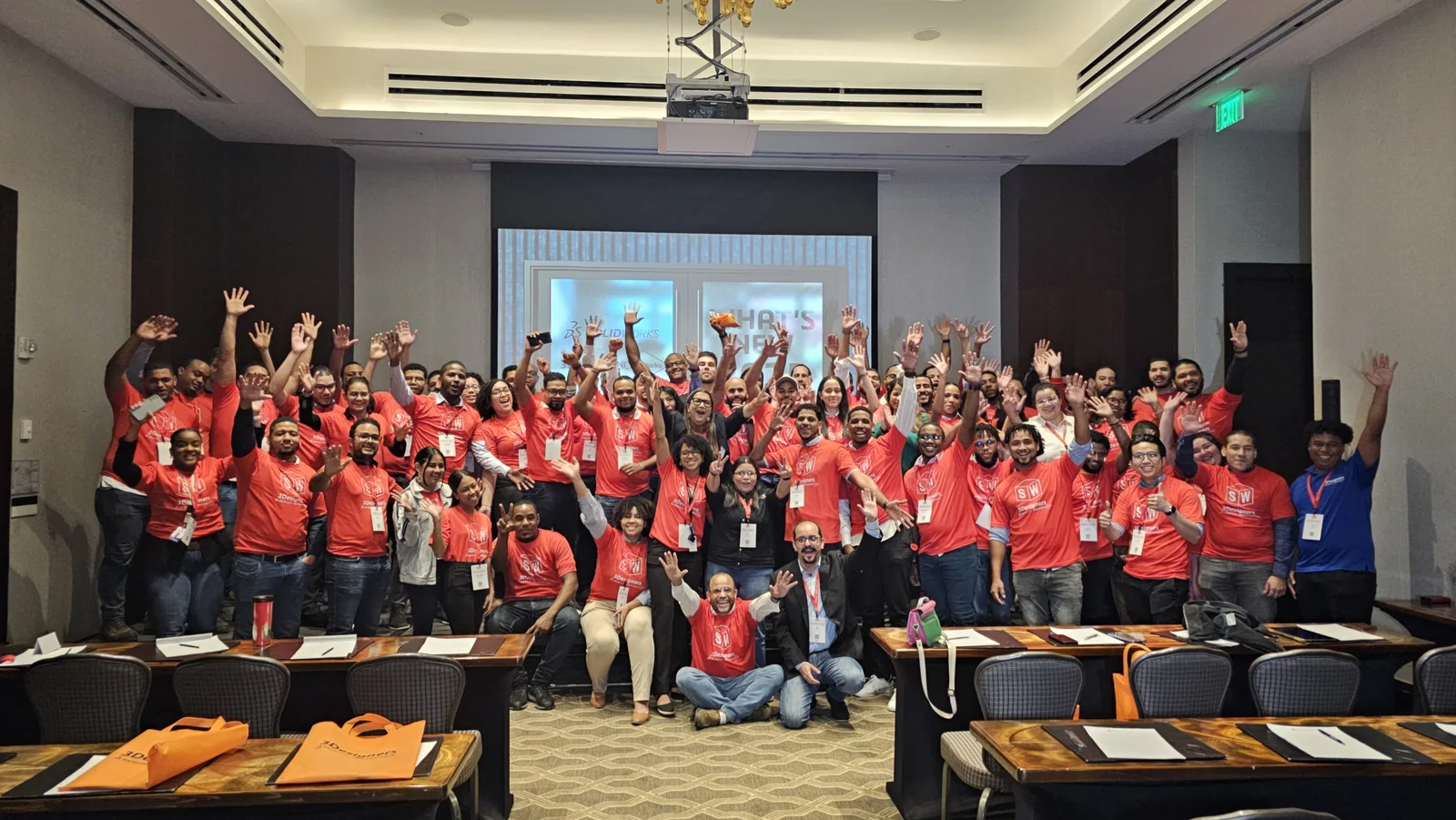
Professionals, educators and students come together to exchange experience and keep learning.
Participating since 2009
Our first participation in SOLIDWORKS World was in Orlando in 2009. We share part of that journey, its connections and the conversations we bring to our region.
Explore our participation in 3DEXPERIENCE World →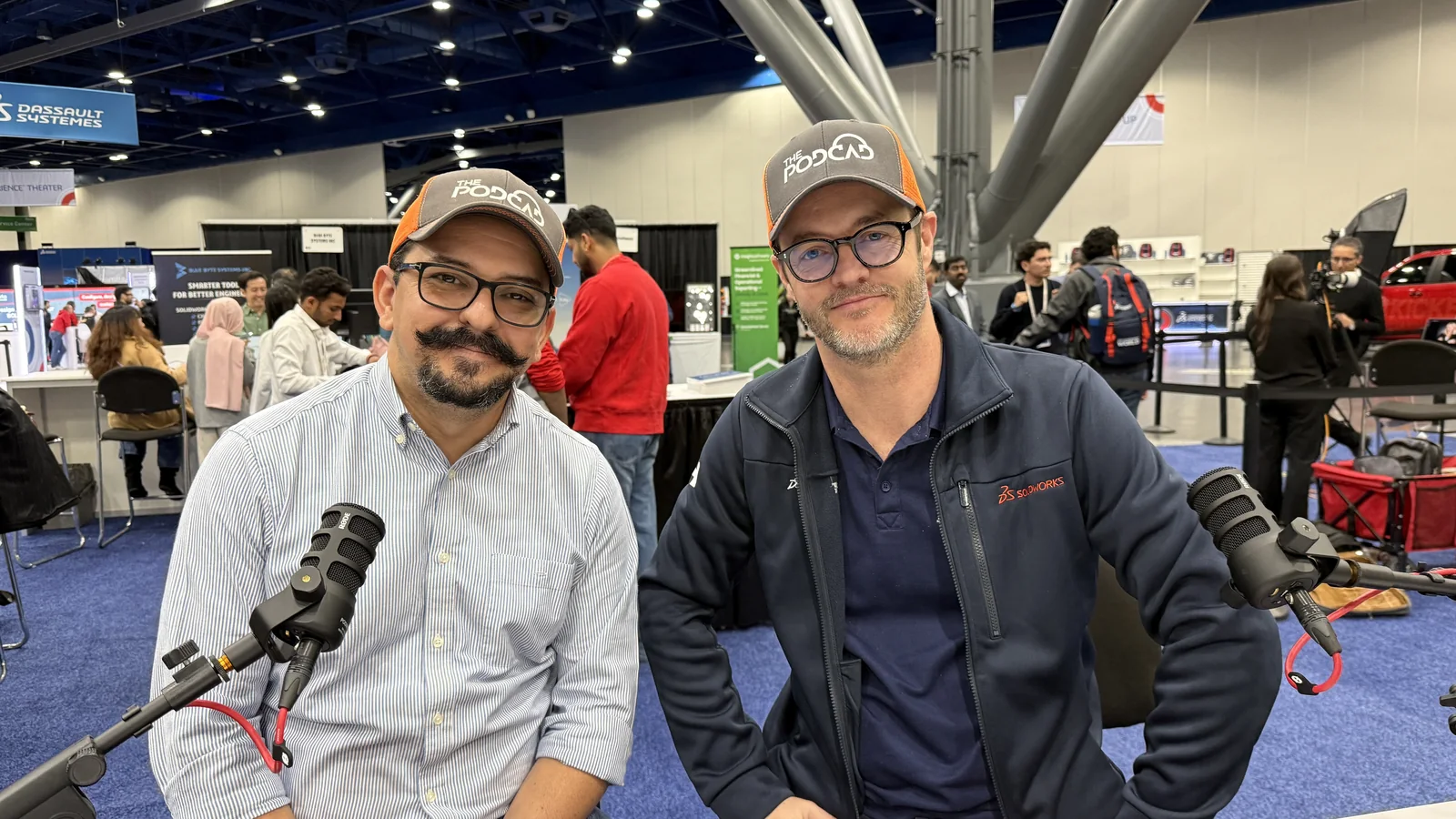
Conversations about CAD, engineering, manufacturing, technology and innovation with professionals sharing their experience. A place to broaden your perspective and connect with what is happening in the industry.
Explore The PodCAD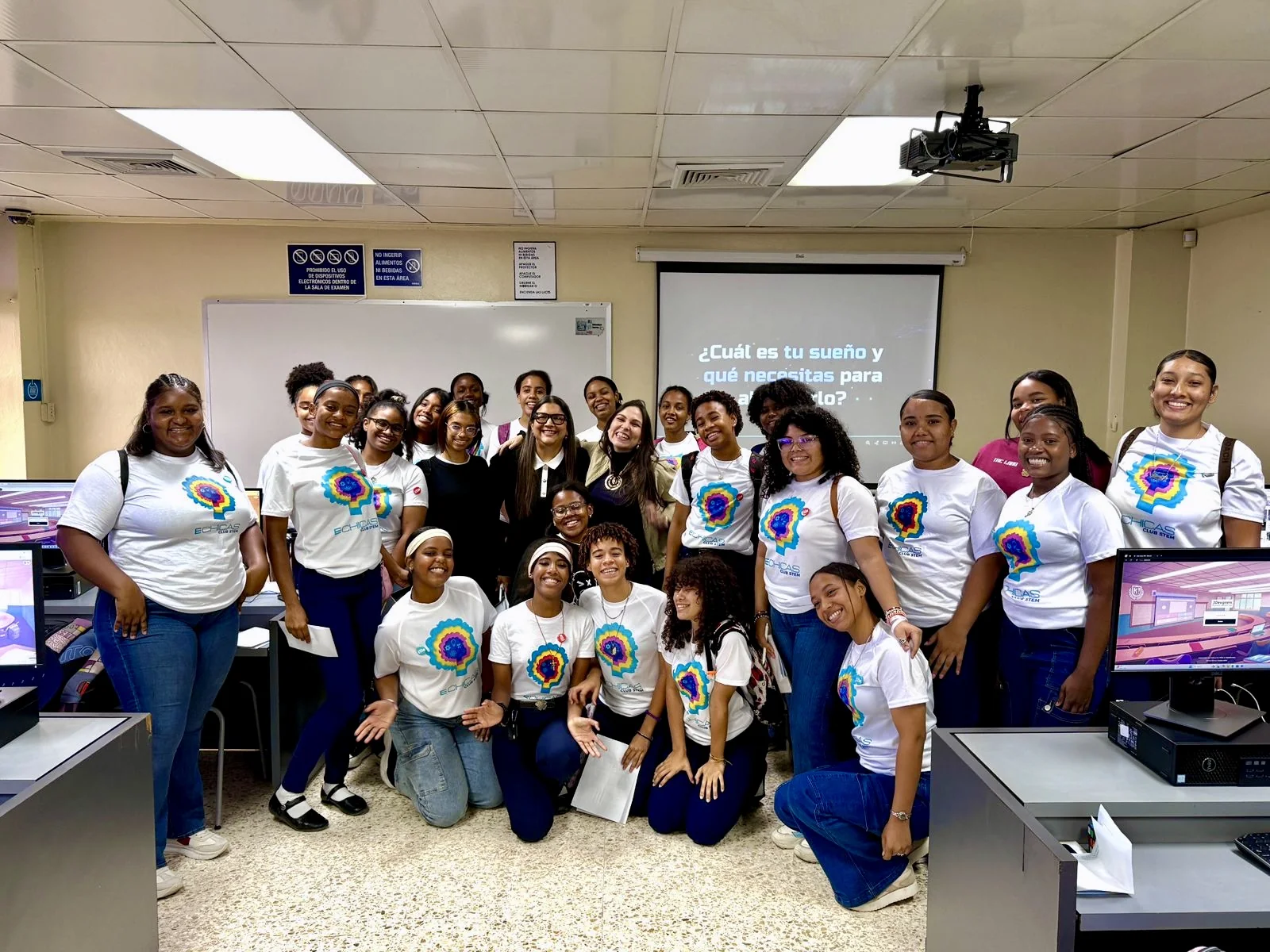
InspiraSTEAM is a 3Designers initiative that introduces children and teenagers in the Dominican Republic to STEAM through hands-on experiences and encounters with professionals. We aim to spark interest in STEAM careers and broaden opportunities, with a particular focus on girls and young women.
Explore InspiraSTEAMWe work with institutions seeking to integrate SOLIDWORKS into student learning and strengthen the skills of their teaching teams.
Explore our education offeringEducation experience
Discover CEDES Don Bosco's experience with 3Designers in technical education.
Spanish-language video from the 3Designers channel.
Tell us what you want to develop, which tools you use and where you need support. We will help you evaluate the next step.
Let's discuss your project