
Manufacturing
Connect your designs with production.
Prepare CNC machining and inspection documentation with SOLIDWORKS solutions for engineering, the shop floor and quality teams.
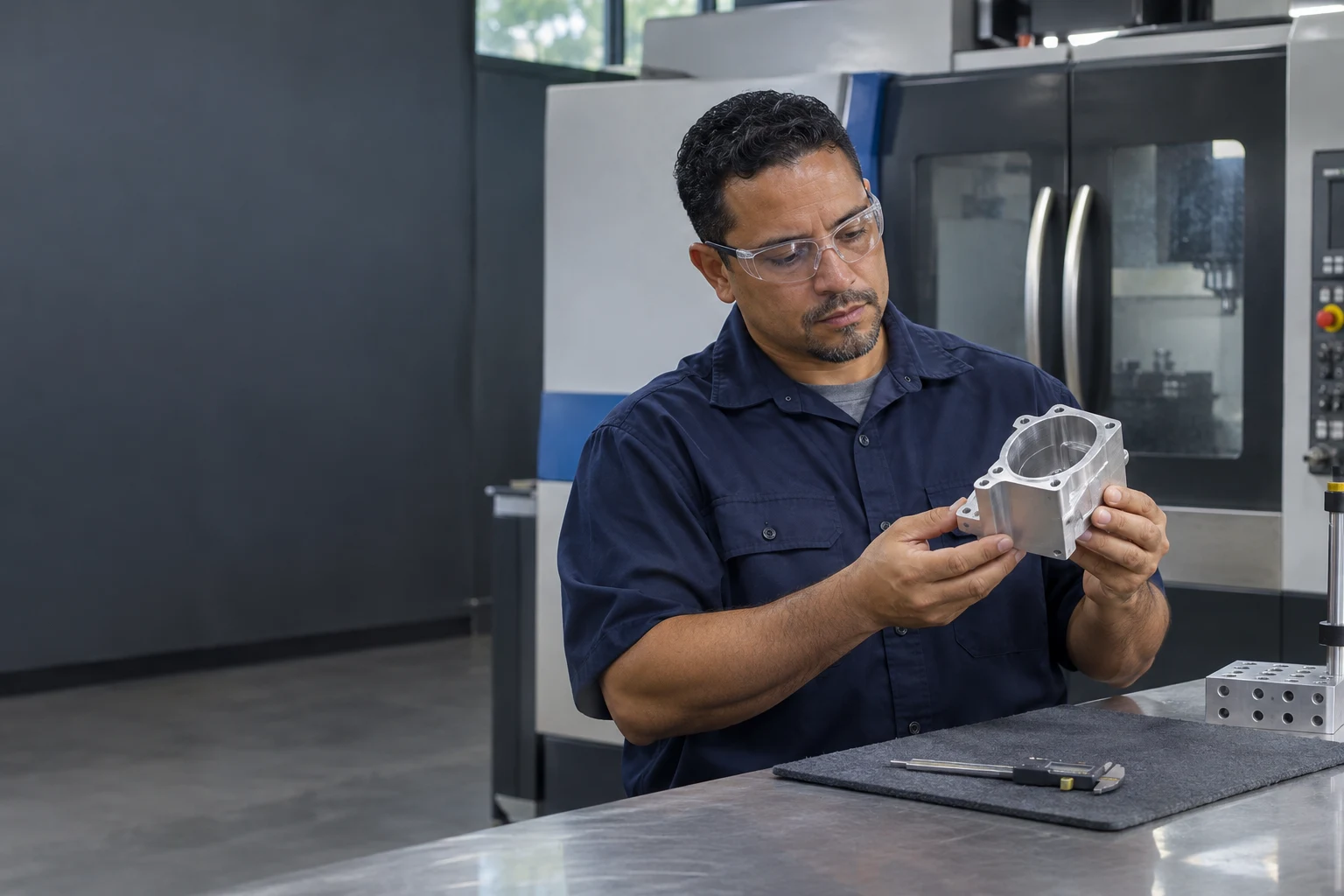
What does your team need to prepare?
Moving from design to production means defining how to manufacture a part and how to document its inspection. At 3Designers, we help you choose tools based on your parts, equipment and workflow.
- Program machining operations from your models.
- Review operations before running them on the shop floor.
- Prepare inspection documentation for your quality team.
Solutions for manufacturing and quality
SOLIDWORKS CAM
Programming within SOLIDWORKS.
Prepare part machining with rules-based tools. Compare Standard and Professional based on the operations you need.
Explore SOLIDWORKS CAMSOLIDWORKS Inspection
More organized inspection documentation.
Prepare ballooned drawings and inspection reports. Professional adds tools for recording and reviewing measurement results.
Explore SOLIDWORKS InspectionNC Shop Floor Programmer
CNC programming connected to 3DEXPERIENCE.
Create machining programs, review operations with machine simulation and share manufacturing data on the platform.
Explore NC Shop Floor ProgrammerA starting point for choosing
| Need | Solution to evaluate |
|---|---|
| Program within the SOLIDWORKS environment | SOLIDWORKS CAM |
| Prepare inspection drawings and reports | SOLIDWORKS Inspection |
| Connect programming and machine simulation with 3DEXPERIENCE | NC Shop Floor Programmer |
The choice depends on your operations, input formats and equipment.
Choose your tools with guidance from 3Designers.
We review your needs to guide solution selection and implementation scope. Training and specialized support help your team make effective use of the solution.
Frequently asked questions
Do we need all three solutions?
It depends on your process. We can review machining and inspection documentation needs separately to recommend suitable tools.
What should we share for an assessment?
Your part types, manufacturing operations, CNC machines and controls, incoming file formats and required quality documents.
Let’s review your design-to-manufacturing process.
Tell us what your team manufactures and what it needs to prepare for production. We’ll help you identify the next step.