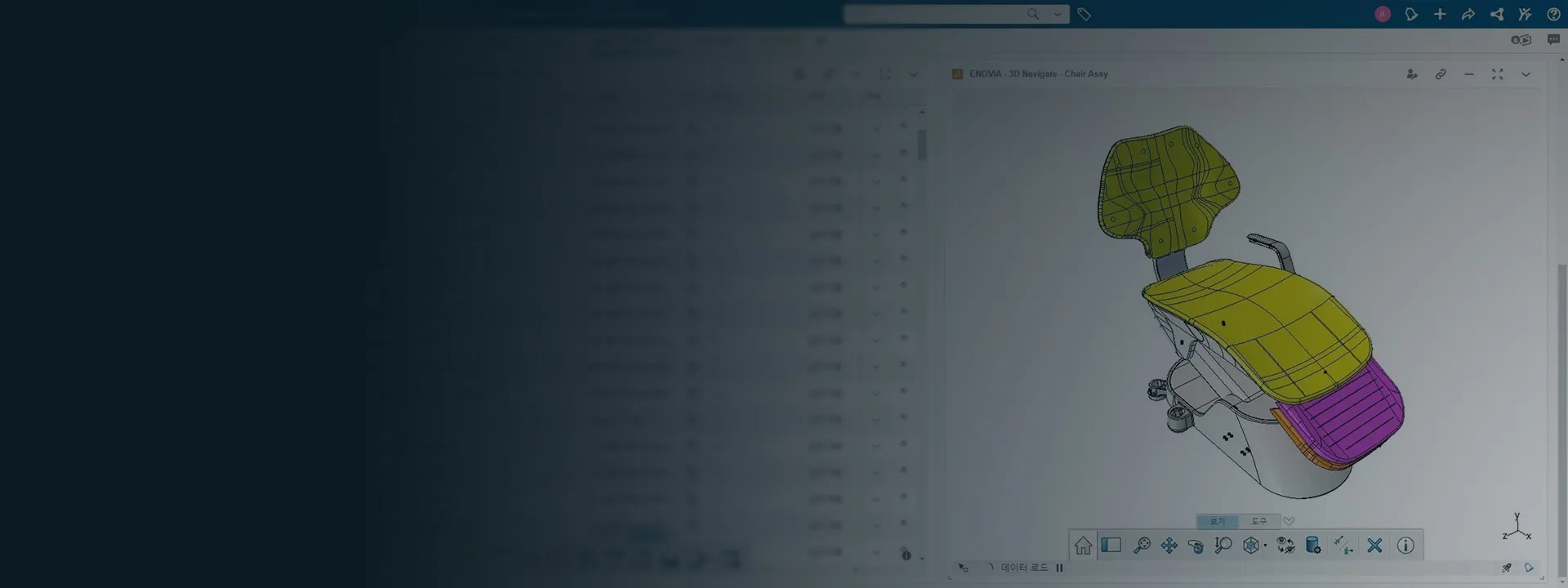
It's unclear which revision should be manufactured.
Centralize files and set up revisions and approvals to identify which design is released before manufacturing a component or tool.
SOLIDWORKS PDM
Medical devices and life sciences
Evaluate your designs, organize technical documentation and control changes across devices, tooling and manufacturing equipment with SOLIDWORKS and 3Designers.
Solutions for development teams, manufacturing engineering and suppliers to the medical sector.
Centralize files and set up revisions and approvals to identify which design is released before manufacturing a component or tool.
SOLIDWORKS PDM
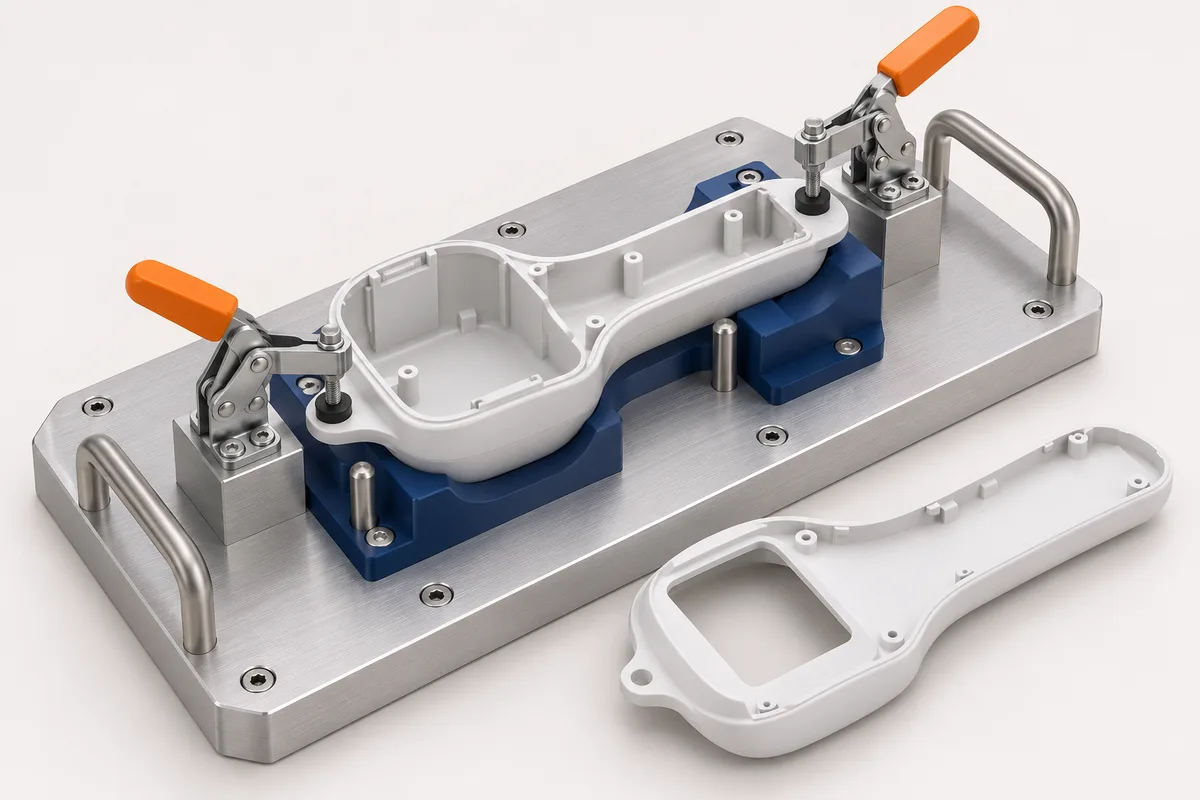
Design the tooling in context with the part. Check interferences, clearances and access before building fixtures or assembly tooling.
SOLIDWORKS Design
Compare stresses and deformations under defined conditions. Use the results to guide changes and prepare the physical tests you need.
SOLIDWORKS Simulation
Keep drawings and bills of materials linked to the model. Make updates easier and review deliverables before sharing them with manufacturing or suppliers.
SOLIDWORKS Design
Evaluate filling and identify potential air traps or weld lines. Compare alternatives before committing to mold changes.
SOLIDWORKS Plastics
Organize versions, revisions and approval states to see how design information has evolved and make cross-team review easier.
SOLIDWORKS PDM
Check how the part is positioned, where it is held and how much space the assembly needs. Anticipate adjustments before building the tooling or bringing it to the line.
Combine the design, analysis and information management capabilities your application requires.
Need
Design devices, components and tooling
SOLIDWORKS Design
Need
Control files, revisions and approvals
SOLIDWORKS PDM
Need
Compare the mechanical behavior of designs
SOLIDWORKS Simulation
Need
Evaluate the filling of injection-molded parts
SOLIDWORKS Plastics
Need
Prepare machining operations for parts and tooling
SOLIDWORKS CAM
Capabilities depend on the selected product and package. We help you evaluate the right combination for your application.
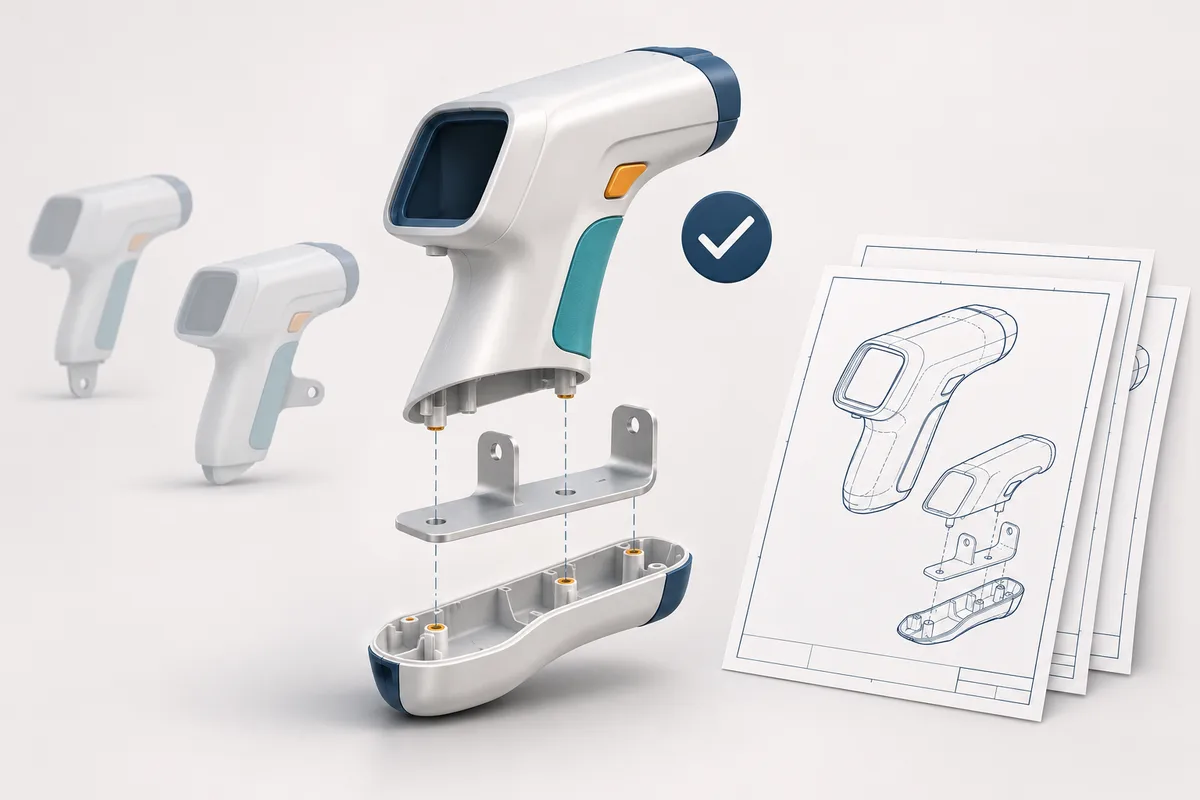
Organize models, drawings and revisions so your team can identify which information is approved and review changes before manufacturing.
See how other manufacturers use SOLIDWORKS.
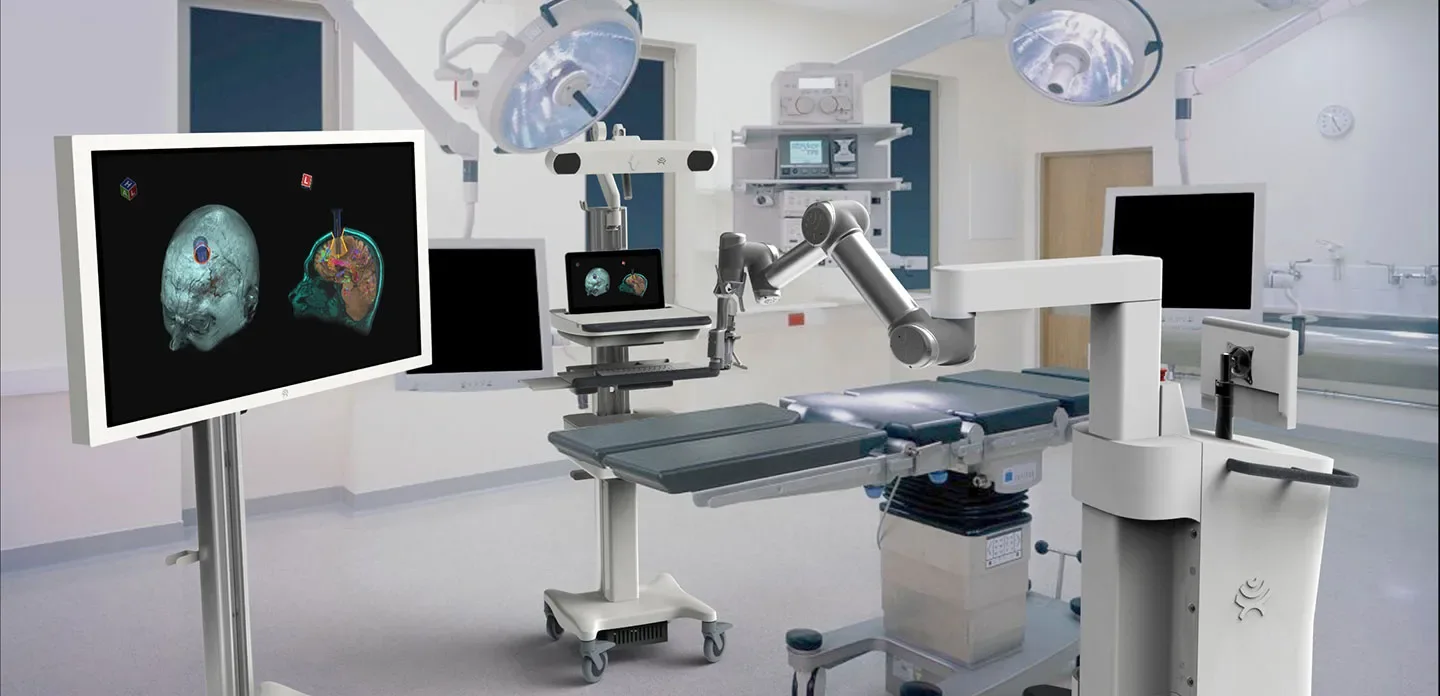
Develops neurosurgical systems with SOLIDWORKS, combining design, simulation, revision control, and technical documentation.
Source: SOLIDWORKS (opens in a new tab)Develops the Ability Hand prosthetic through iterations of 3D models and simulation to review motion, strength, and manufacturability.
Source: SOLIDWORKS (opens in a new tab)We support your team in selecting, implementing and using the solutions, with official training and specialized support in Central America and the Caribbean.
We identify the right tools for your development, tooling or manufacturing engineering projects.
We help you install and configure the solutions you've acquired.
We prepare your team to design and document projects with a consistent working foundation.
We help you resolve usage questions and technical issues in daily work with SOLIDWORKS.
Yes. It can be used to develop components, tooling, fixtures and assembly stations based on your customer's requirements and models.
Yes. You can use the part geometry as a reference to develop the tooling and check its fit in the assembly. Compatibility and available references depend on the format and quality of the file you receive.
SOLIDWORKS PDM lets you manage files, versions, revisions and approval workflows according to the configuration implemented. This helps identify released information and review its history.
No. It lets you compare alternatives and evaluate behavior under defined conditions. It complements the tests and validations each application requires.
No. The tools support design and the control of technical information. Compliance also depends on the organization's processes, configuration, validations and controls.
The selection depends on your applications. We can evaluate a starting point and expand capabilities based on your projects and the way your team works.
Tell us what you need to develop and where adjustments or difficulties controlling changes show up. We'll help you identify the right SOLIDWORKS solutions.
Let's talk about your project