
Manufacturing · CNC programming
SOLIDWORKS CAM
Prepare machining within SOLIDWORKS and reuse your team’s manufacturing rules.
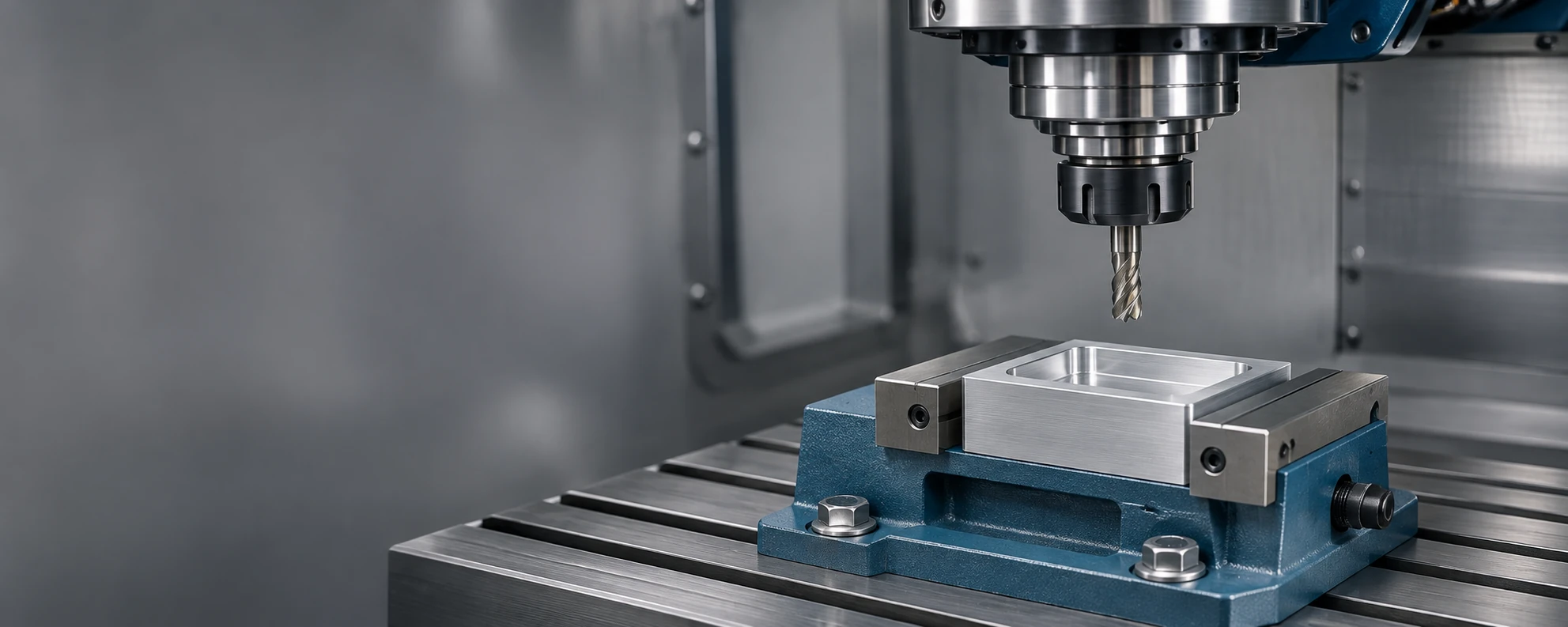
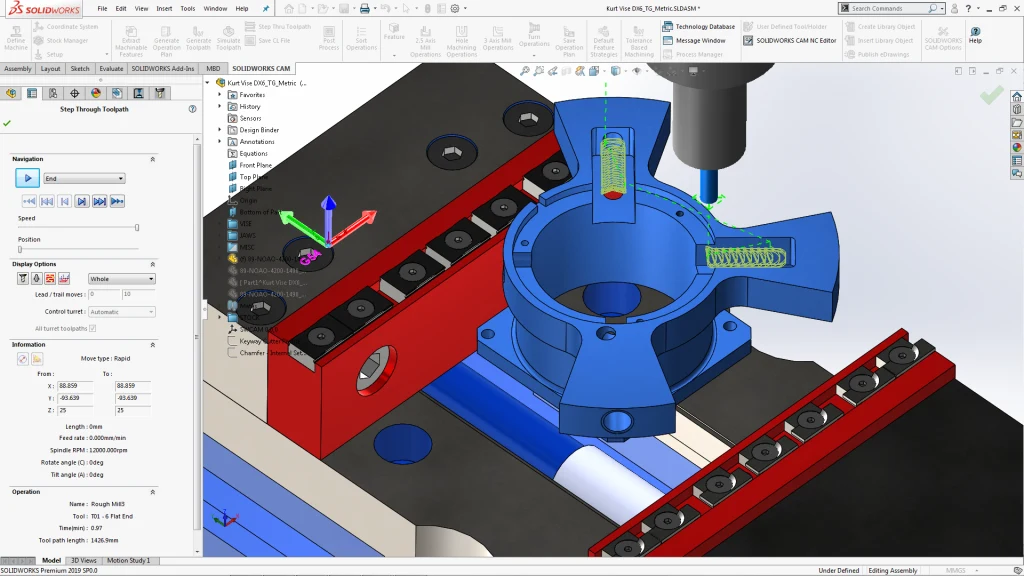
Program within your design environment.
SOLIDWORKS CAM is an add-in integrated with SOLIDWORKS CAD. Feature recognition and rules-based machining tools help you prepare operations and keep programming associated with the design.
Standard or Professional, based on your operations.
Evaluate the package based on the parts you manufacture and the operations your shop needs.
Standard
For programming 2.5-axis milling of individual parts within SOLIDWORKS.
Professional
Extends Standard with turning, assembly machining, 3+2 programming and high-speed machining.
Swipe to compare packages →
| Capability | Standard | Professional |
|---|---|---|
| 2.5-axis part milling | Included | Included |
| Rules-based machining | Included | Included |
| Automatic recognition of machinable features | Included | Included |
| Turning | Not included | Included |
| Assembly machining | Not included | Included |
| 3+2 programming | Not included | Included |
| High-speed machining (HSM) | Not included | Included |
Frequently asked questions
Is 3+2 programming the same as simultaneous five-axis machining?
No. In 3+2 machining, rotary axes position the part or tool before machining; the axes do not all move simultaneously during cutting.
How do we know whether it fits our machines?
Share the machine model, CNC control and required operations. This information helps assess compatibility and postprocessor requirements.
Is it included in our current license?
We review your license and its terms before recommending a purchase or upgrade.
Choose your tools with guidance from 3Designers.
We review your needs to guide solution selection and implementation scope. Training and specialized support help your team make effective use of the solution.
Let’s review your shop’s parts and operations.
Tell us what you need to machine and which equipment you use so we can assess the right package.