Every order starts almost from scratch.
Reuse components and develop variants with parametric designs and configurations. Leverage existing work and keep the model, the assembly and its drawings linked.
SOLIDWORKS Design
Review assemblies, coordinate mechanical and electrical design and prepare for manufacturing with SOLIDWORKS and support from 3Designers.
Solutions for equipment manufacturers, integrators and in-plant engineering teams.
Reuse components and develop variants with parametric designs and configurations. Leverage existing work and keep the model, the assembly and its drawings linked.
SOLIDWORKS Design
Check interferences, clearances and motion in the 3D assembly before manufacturing. Anticipate conflicts that could force you to modify finished parts.
SOLIDWORKS Design
Connect electrical schematics with the 3D assembly to coordinate components and plan wiring before assembly.
SOLIDWORKS Electrical + Design
Compare alternatives through stress and deformation analysis. Use simulation to guide decisions and complement your team's physical testing.
SOLIDWORKS Simulation
Centralize files and set up revision and approval controls so the team can identify the documentation released for manufacturing.
SOLIDWORKS PDM
Generate drawings and bills of materials linked to the model so they're easier to update when the design changes. Review the documentation before releasing it to the shop floor.
SOLIDWORKS Design
Review components, clearances and assembly sequences in the 3D model. Detect potential conflicts and discuss adjustments before the design reaches the shop floor.
Start with the capabilities you need today and expand them as your projects grow.
Need
Design parts, assemblies and documentation
SOLIDWORKS Design
Need
Coordinate schematics, components and wiring
SOLIDWORKS Electrical
Need
Evaluate mechanical behavior
SOLIDWORKS Simulation
Need
Control files, revisions and approvals
SOLIDWORKS PDM
Need
Connect design with machining operations
SOLIDWORKS CAM
Capabilities depend on the selected product and package. We help you evaluate the right combination for your application.
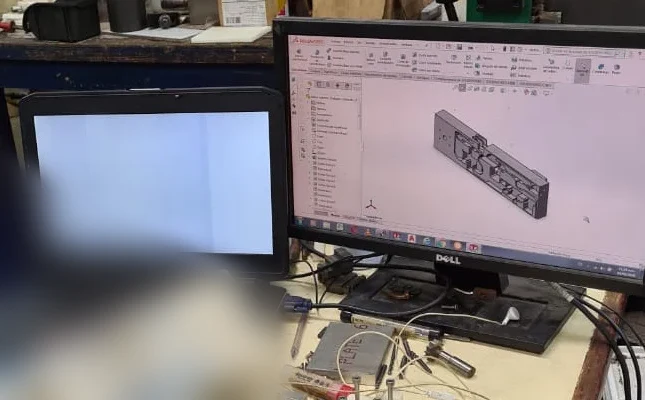
3Designers customer
JPIM Manufacturing | Dominican Republic
The story shows how JPIM uses models and assemblies to develop fixtures and communicate their manufacturing requirements, with training and support from 3Designers.
See how other manufacturers use SOLIDWORKS.
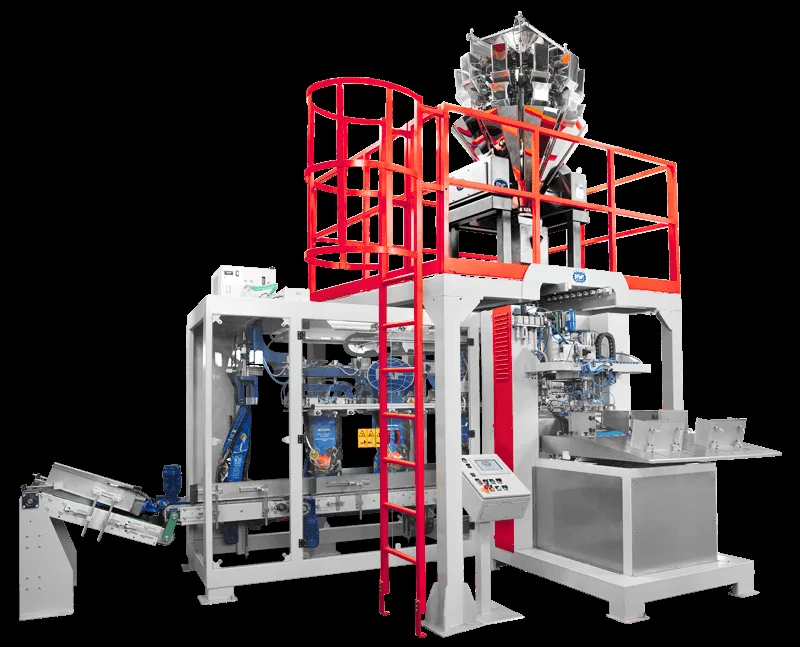
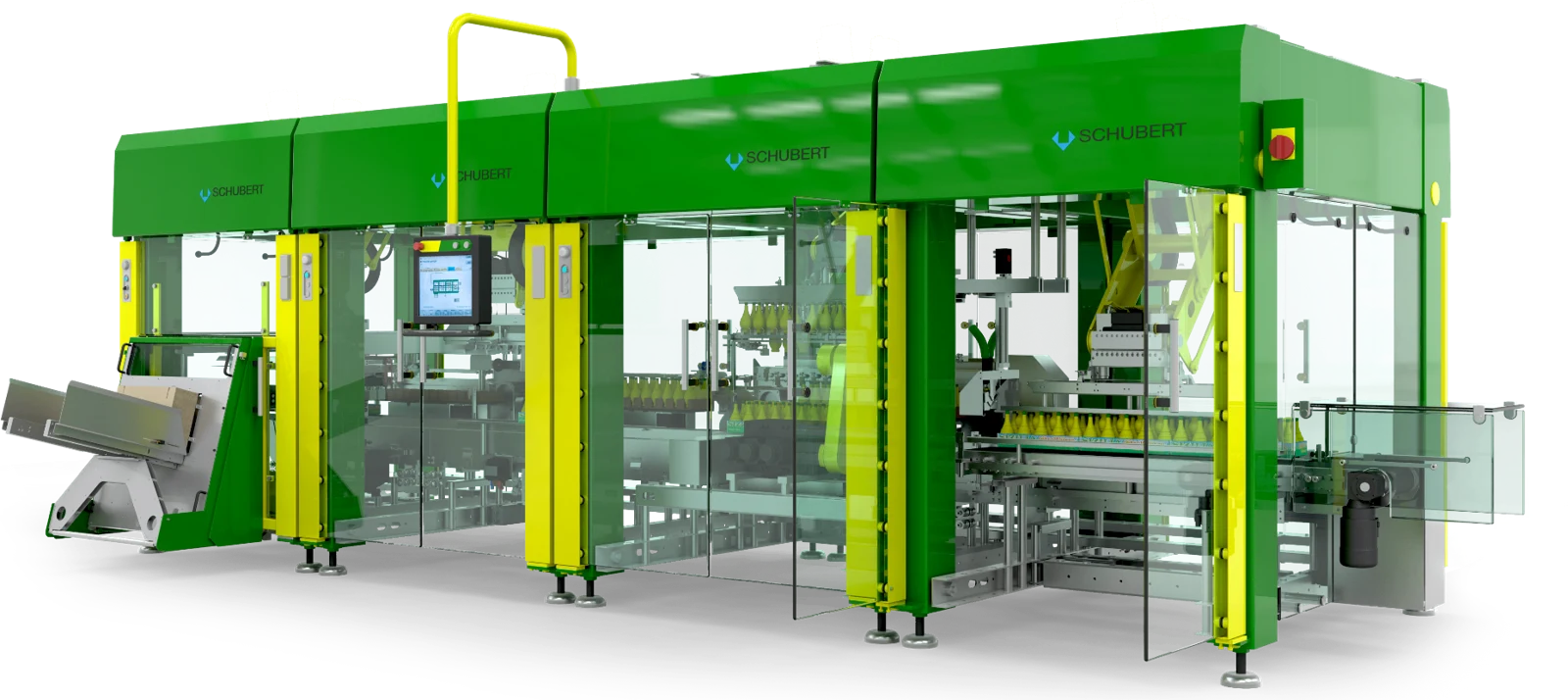
Designs integrated packaging lines with SOLIDWORKS Design, Simulation, and PDM to coordinate assemblies, evaluate alternatives, and control manufacturing information.
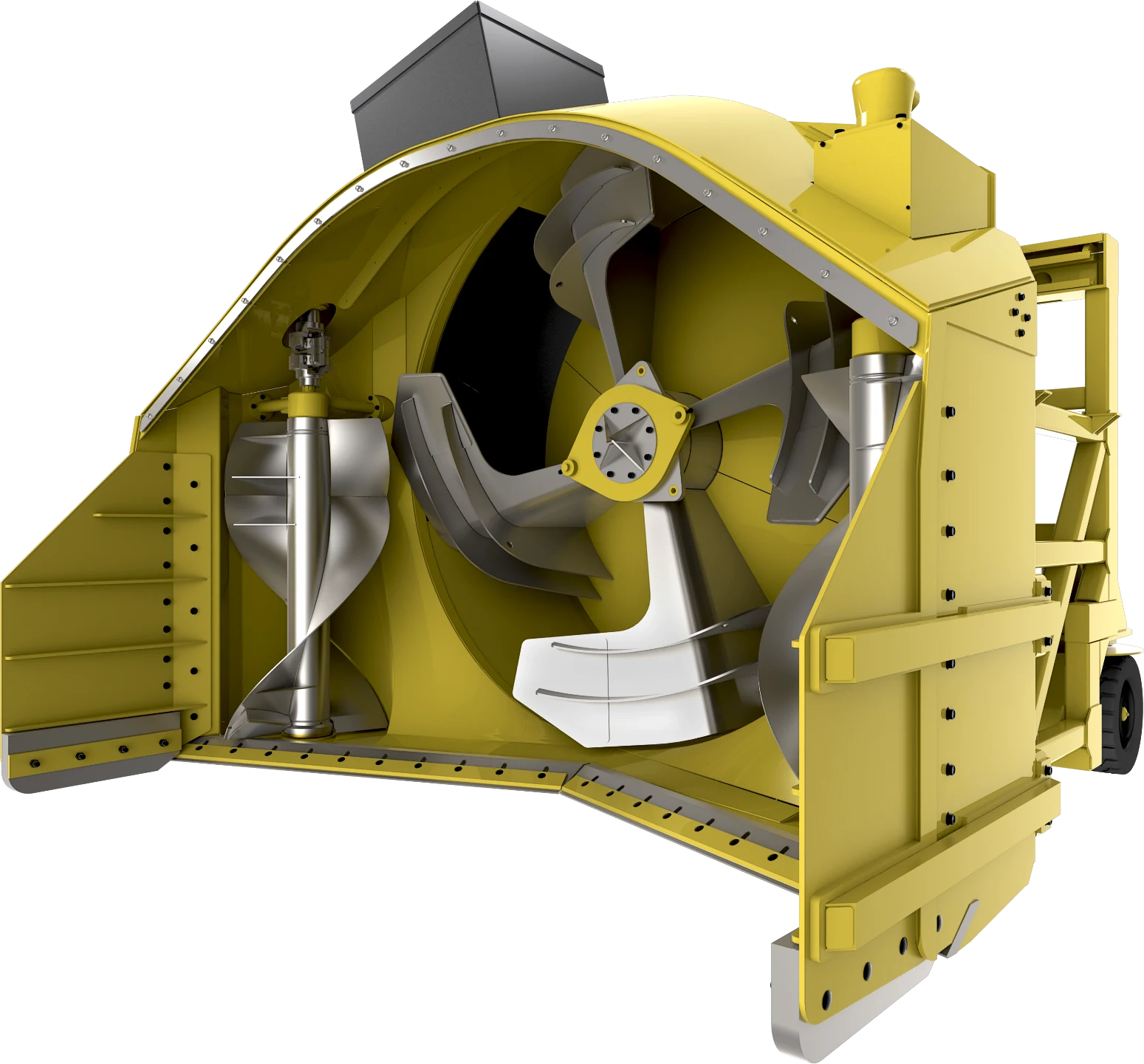
Source: SOLIDWORKS (opens in a new tab)Develops custom bagging and palletizing systems with SOLIDWORKS Design and 3DEXPERIENCE to review concepts and organize files before manufacturing.
Source: SOLIDWORKS (opens in a new tab)From selection to daily use, we support you with implementation, official training and specialized support in Central America and the Caribbean.
We identify the right solutions for your applications and needs.
We help you install and configure the solutions you've acquired.
We prepare your team to use the tools with a consistent working foundation.
We help you resolve usage questions and technical issues in daily work.
Yes. It can be used to design workstations, tooling, fixtures and equipment modifications inside a plant, as well as machinery intended for sale.
Yes. Parametric modeling and configurations let you develop variants of a design. How to structure them depends on what changes between machines and what must stay common.
Yes. With the right combination of SOLIDWORKS Design and SOLIDWORKS Electrical, you can connect schematics and 3D models to coordinate components and wiring.
Simulation helps compare alternatives and anticipate behavior under defined conditions. It complements the validation and physical testing each application requires.
The selection depends on your needs. We can evaluate a starting point and a gradual addition of capabilities.
The solutions described focus on mechanical and electrical design, simulation, documentation and data management. PLC and robot programming require specific tools that should be evaluated separately.
Tell us what you need to design or improve. We'll help you identify the right SOLIDWORKS solutions for your application.
Let's talk about your project