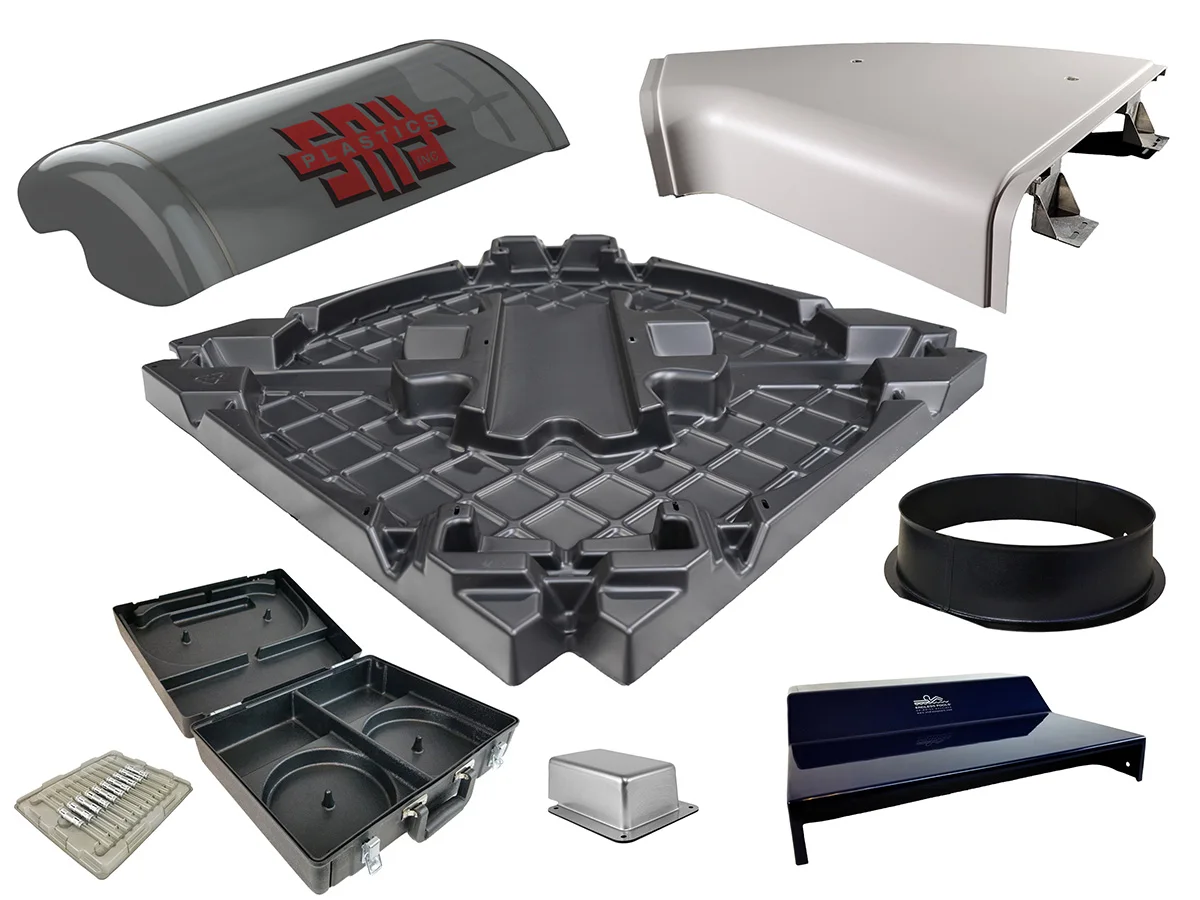
Part geometry makes ejection difficult.
Review draft angles and areas that could prevent ejection. Adjust the design and pull direction before progressing with the tooling.
SOLIDWORKS Design
Develop plastic products and containers, review geometry and evaluate injection molding where relevant, with SOLIDWORKS and support from 3Designers.
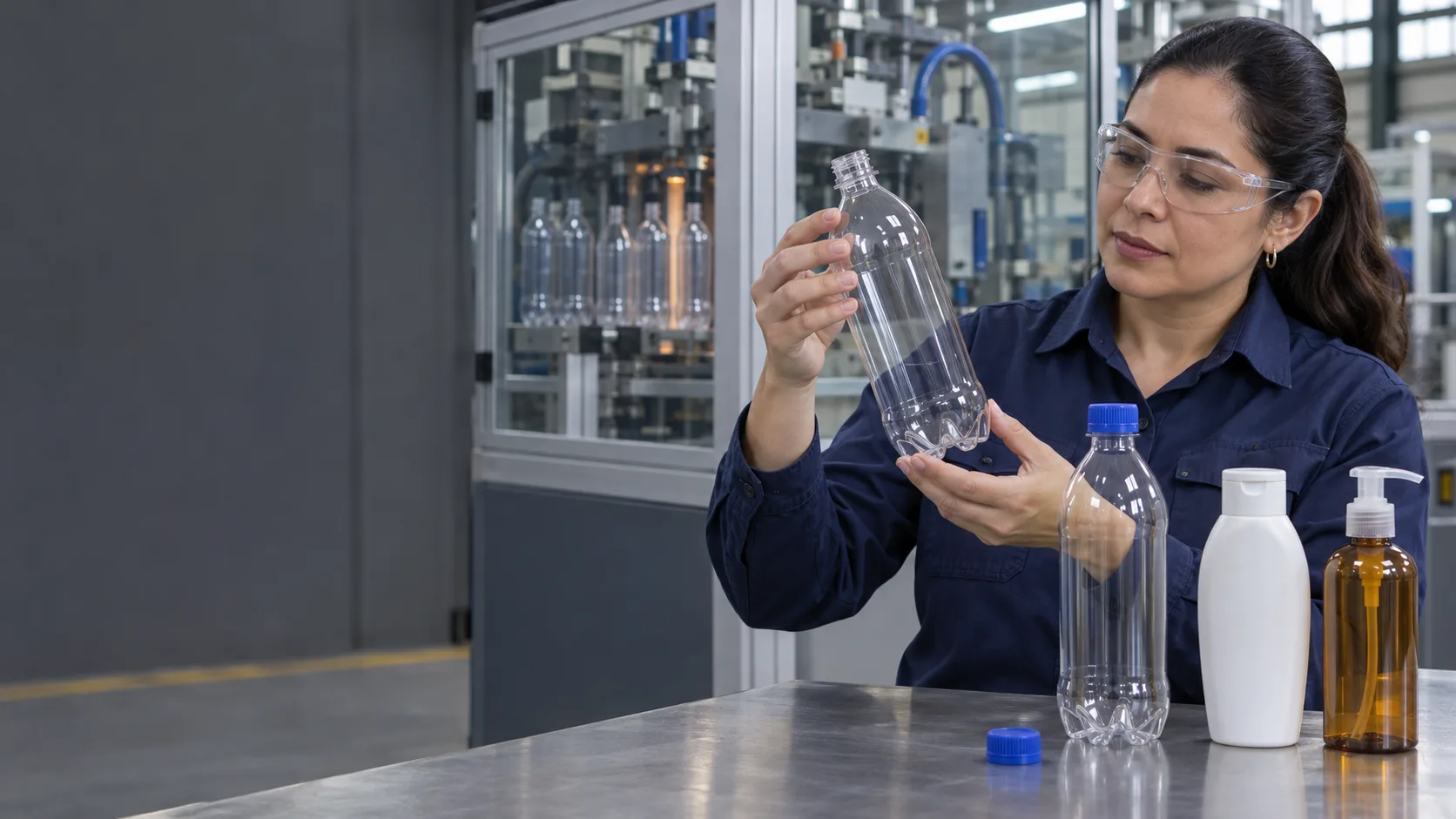
Solutions for plastic product manufacturers, packaging developers and engineering teams working with parts, molds and tooling.
Product modeling and manufacturing simulation have different scopes. The SOLIDWORKS Plastics analyses described here apply to injection molding.
Review draft angles and areas that could prevent ejection. Adjust the design and pull direction before progressing with the tooling.
SOLIDWORKS Design
Design components together and review interferences, clearances and mating geometry. Define the tolerances and tests needed to evaluate how they work.
SOLIDWORKS Design
For injection-molded parts, analyze material flow to identify potential short shots, weld lines and air traps before deciding on changes.
SOLIDWORKS Plastics
Use SOLIDWORKS Plastics Premium to study mold cooling and part warpage. Compare alternatives under defined material and process conditions.
SOLIDWORKS Plastics Premium
Organize models, drawings and documents with revision and approval controls. Identify released information before sharing it with manufacturing or suppliers.
SOLIDWORKS PDM
Create photorealistic images from CAD models to compare colors and finishes. Present visual proposals before producing physical samples.
SOLIDWORKS Visualize
Mating geometry affects assembly and product use. Review dimensions, clearances and potential interferences, and define the fit and functional tests your application requires.
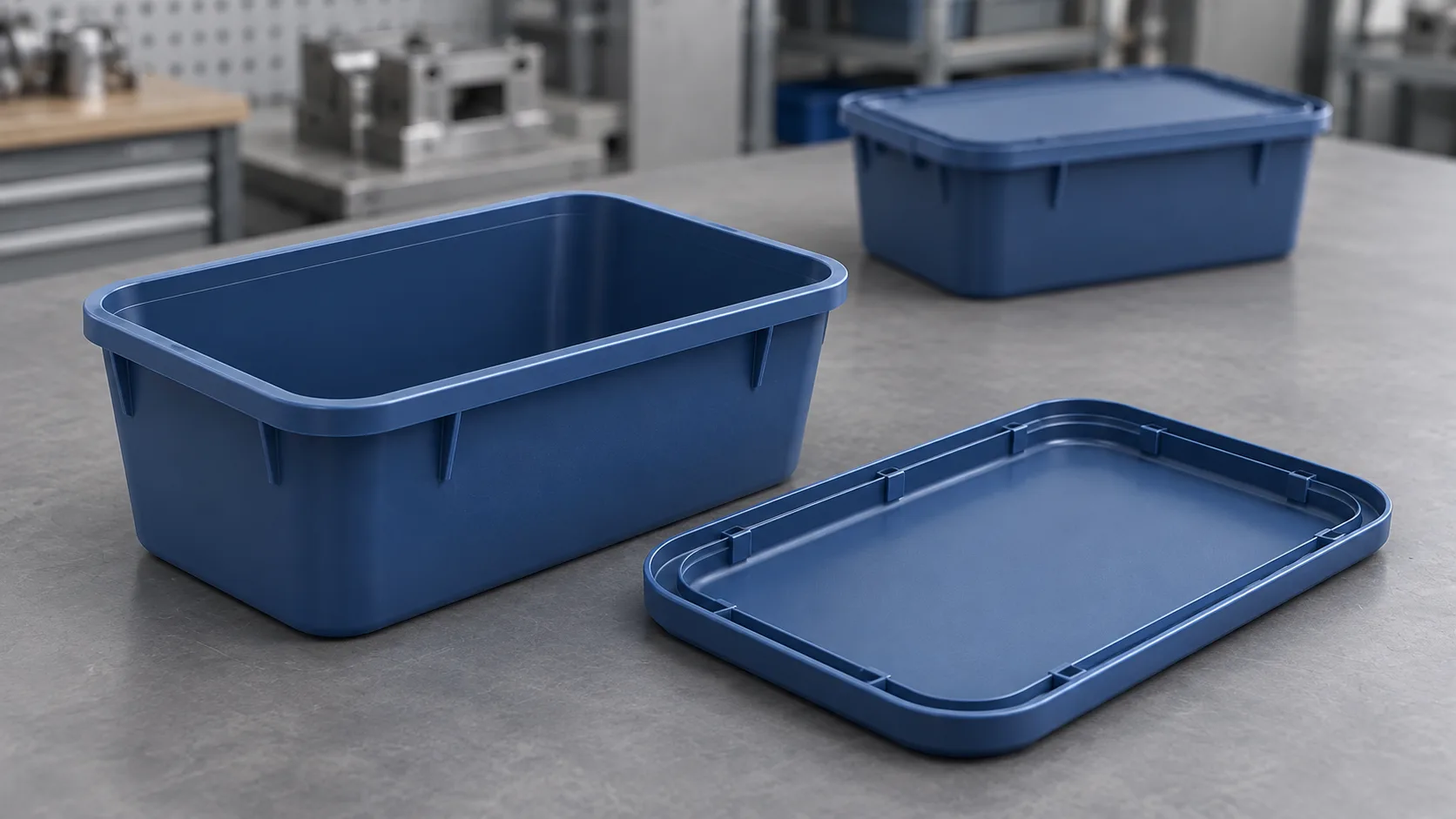
The right combination depends on what you design, how it is manufactured and what you need to evaluate or communicate.
Need
Design products, containers, closures and molds
SOLIDWORKS Design
Need
Evaluate injection molding based on the analysis required
SOLIDWORKS Plastics
Need
Control files, revisions and approvals
SOLIDWORKS PDM
Need
Present appearance alternatives with photorealistic images
SOLIDWORKS Visualize
Capabilities depend on the product, package and configuration. Plastics analysis capabilities vary between Standard, Professional and Premium.
Shape, color and finish also influence the decision. Use visualization to present options and agree on a design direction before investing in samples.
3Designers customer
Nesplas | Dominican Republic
A plastic packaging manufacturer that adopted 3D models to work with complex geometry, manage changes, and connect design information with manufacturing, with support from 3Designers.
“We always receive personalized support!”
See how other manufacturers use SOLIDWORKS.
Develops thermoformed parts and connects design and production information with SOLIDWORKS and DELMIAWorks, including models, tooling, and document control.
Source: SOLIDWORKS (opens in a new tab)We guide you through solution selection, implementation and use, with official training and specialized support across Central America and the Caribbean.
We review the product, manufacturing process and capabilities your team needs.
We work with you to define the installation and configuration scope for the solutions you purchase.
We help your team build a consistent foundation for using the tools.
We help you resolve software questions and technical issues in your daily work.
Yes. You can develop component geometry, review assemblies and prepare documentation. Tool selection and manufacturing evaluation depend on the product and process.
Its primary role is to simulate injection molding. Product and mold geometry is developed using CAD tools; analysis helps evaluate design and process decisions.
Standard includes fill analysis. Professional adds packing analysis and capabilities for evaluating the feed system. Premium includes mold cooling and part warpage analysis. We help you choose based on what you need to study.
The analyses described on this page apply to injection molding. For other processes, we review modeling and simulation needs separately before recommending a tool.
Design tools help review geometry and fit. Leak tightness, material compatibility and food contact requirements need their own testing, documentation and validation.
It helps compare alternatives under defined conditions. It complements product and mold testing; analysis quality depends on material data, geometry and process conditions.
Tell us what you need to develop, how it is manufactured and where corrections arise. We'll help you evaluate suitable SOLIDWORKS solutions for your team.
Let's discuss your project