
Product visualization
SOLIDWORKS Visualize
Create photorealistic images from your CAD models for proposals, catalogs and product presentations before manufacturing.
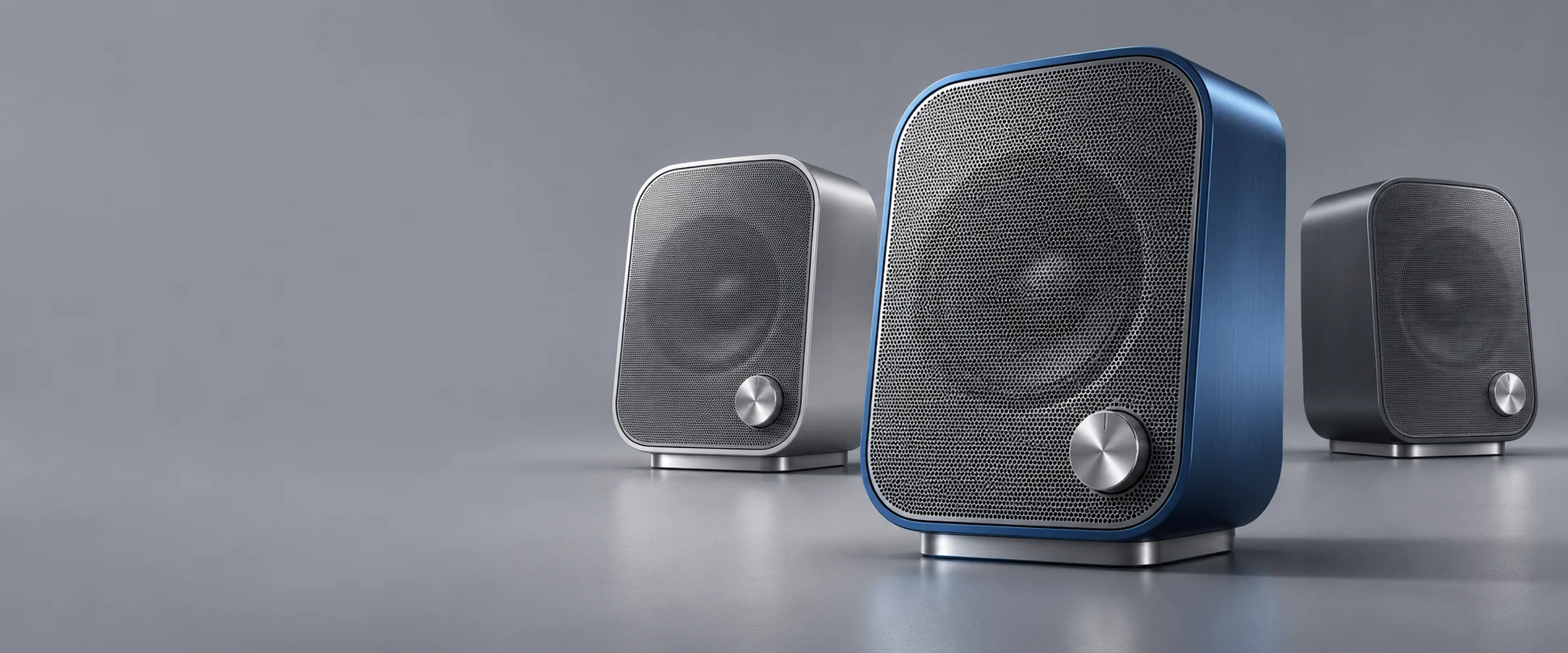
Prepare your product’s visual presentation.
Sales proposals
Present the design with materials, lighting and camera angles that help communicate its appearance.
Catalogs and launches
Prepare product images for your sales and marketing materials.
Finish evaluation
Explore visual alternatives for colors and materials before deciding on the final presentation.
Animation and interactive content
With Professional, create animations and product spins to explain and present the design.
Standard or Professional, based on your deliverables
Swipe to compare →
| Capability | Standard | Professional |
|---|---|---|
| Photorealistic images from CAD data | Included | Included |
| Materials, lighting and cameras | Included | Included |
| Updates from the source CAD model | Included | Included |
| Part and camera animations | Not included | Included |
| Interactive spins and panoramas | Not included | Included |
| Integrated render queue | Not included | Included |
A comparison of selected capabilities. We review the version, hardware and licensing conditions for your intended workflow.
Check what your current license includes.
The SOLIDWORKS 2026 installation documentation states that each SOLIDWORKS Design Professional and Premium license on active subscription includes a seat of Visualize Standard. Before you purchase another solution, we review your license entitlements and activation. Visualize Professional requires confirmation of the applicable package and conditions.
Choose your tool with support from 3Designers.
We review your models, required deliverables and workflow. We help you select the solution and define the implementation scope, with training and technical support for teams across Central America and the Caribbean.
Frequently asked questions
Does Standard include Professional’s animation tools?
Standard focuses on still images. The animation tools and interactive spins described on this page belong to Professional.
Does Visualize run as a stand-alone application?
Yes. It is installed as a desktop application and can run on a different computer from the one used for modeling. We review file compatibility and hardware requirements for your case.
Does a render guarantee that the physical product will look exactly the same?
Results depend on the model, materials, lighting and scene settings. Renders help communicate and evaluate appearance; compare against physical samples when finishes are critical.
Need assembly instructions or illustrations for manuals? Explore SOLIDWORKS Composer
Give your next product a clear visual presentation.
Tell us which images or animations you need to prepare. We help you evaluate the right edition and workflow.