Design changes leave drawings out of date.
Keep drawings linked to the 3D model to make updates easier. Review dimensions, tolerances and notes before releasing manufacturing documentation.
SOLIDWORKS Design
Design parts, structures and molds, prepare machining operations and organize documentation with SOLIDWORKS and support from 3Designers.
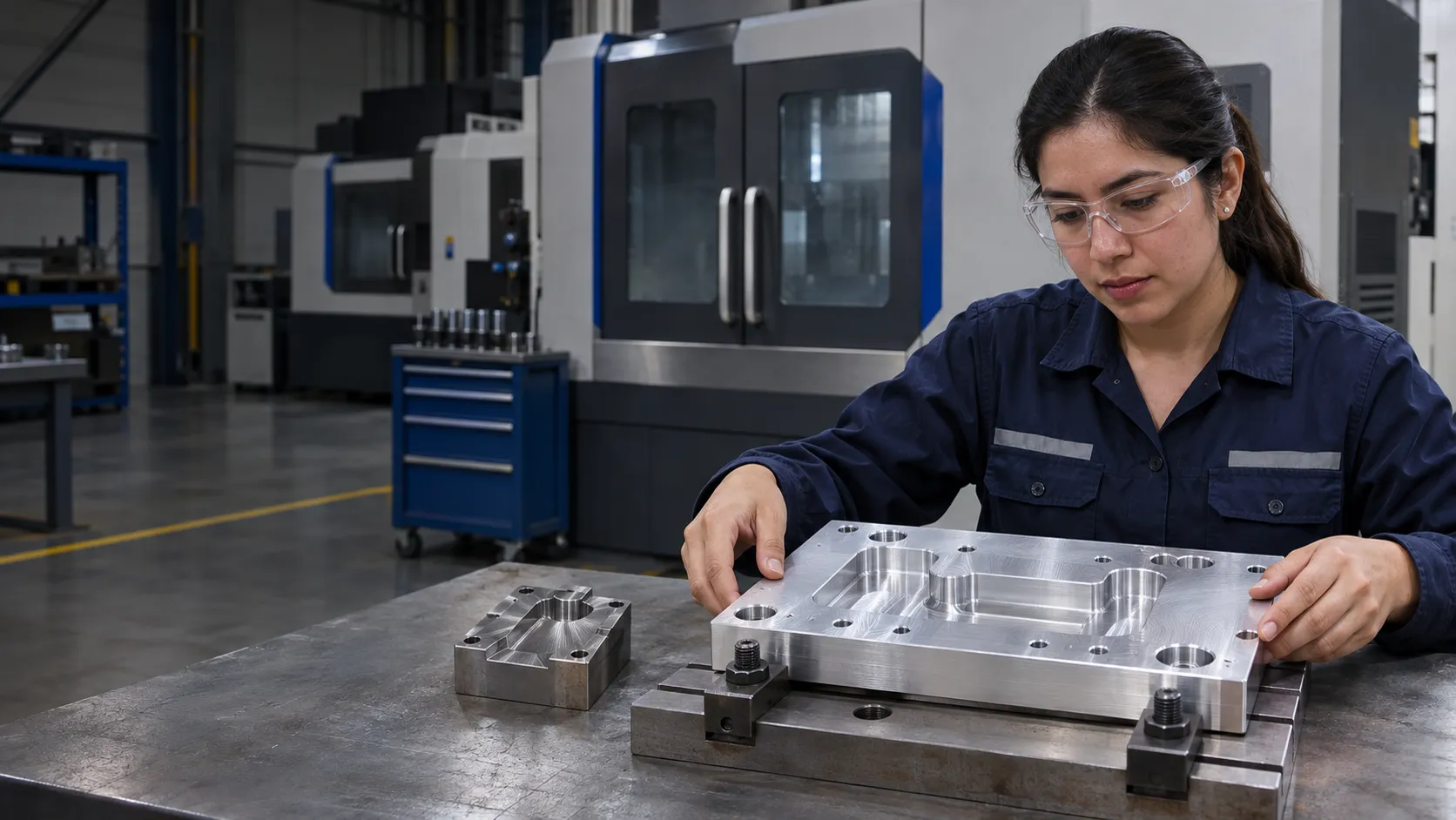
Solutions for machine shops, component manufacturers and engineering teams developing metal products, molds and tooling.
Keep drawings linked to the 3D model to make updates easier. Review dimensions, tolerances and notes before releasing manufacturing documentation.
SOLIDWORKS Design
Use weldment and sheet metal tools to prepare cut lists and flat patterns. Set manufacturing parameters to match your shop's materials and processes.
SOLIDWORKS Design
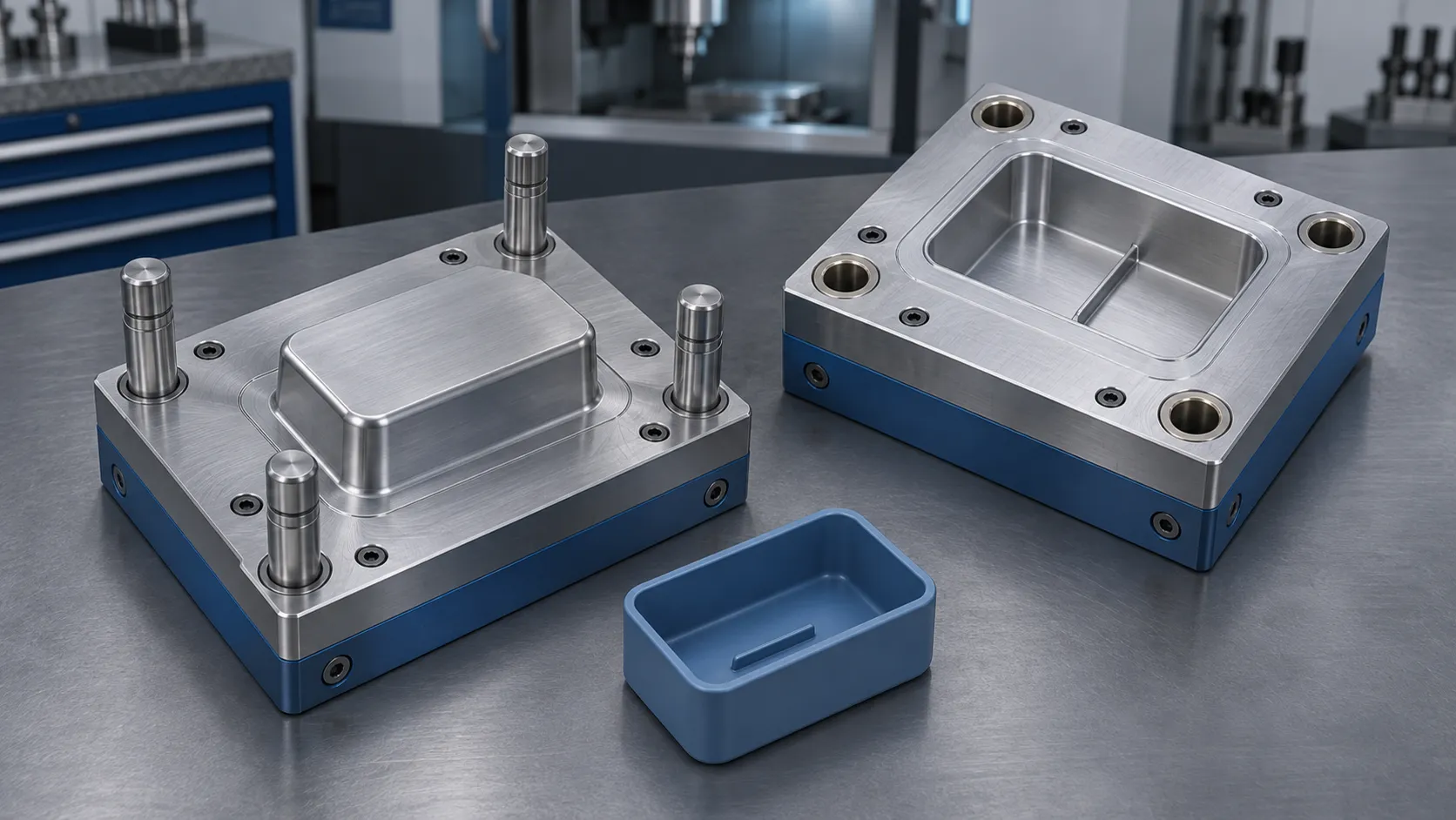
Review draft angles and areas that prevent ejection. Develop cores and cavities from the part geometry to identify needed mold design changes earlier.
SOLIDWORKS Design
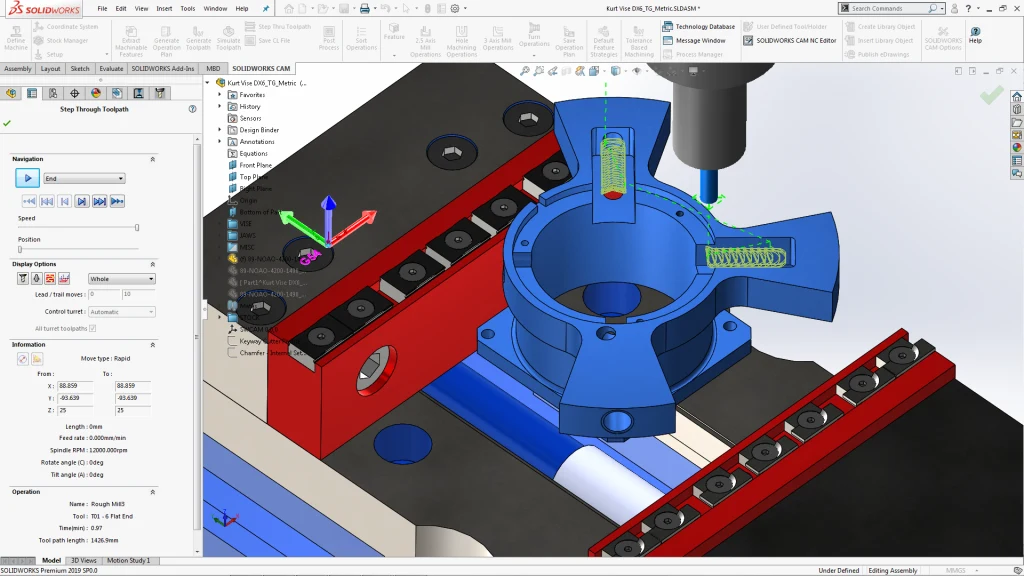
Prepare operations within SOLIDWORKS and use machining rules. Evaluate the required capabilities based on part geometry, operations and shop equipment.
SOLIDWORKS CAM
Organize models, drawings and documents with revision and approval controls. Help your team identify released information before using it.
SOLIDWORKS PDM
Extract characteristics from compatible documentation, generate numbered balloons and prepare reports to organize what needs to be inspected.
SOLIDWORKS Inspection
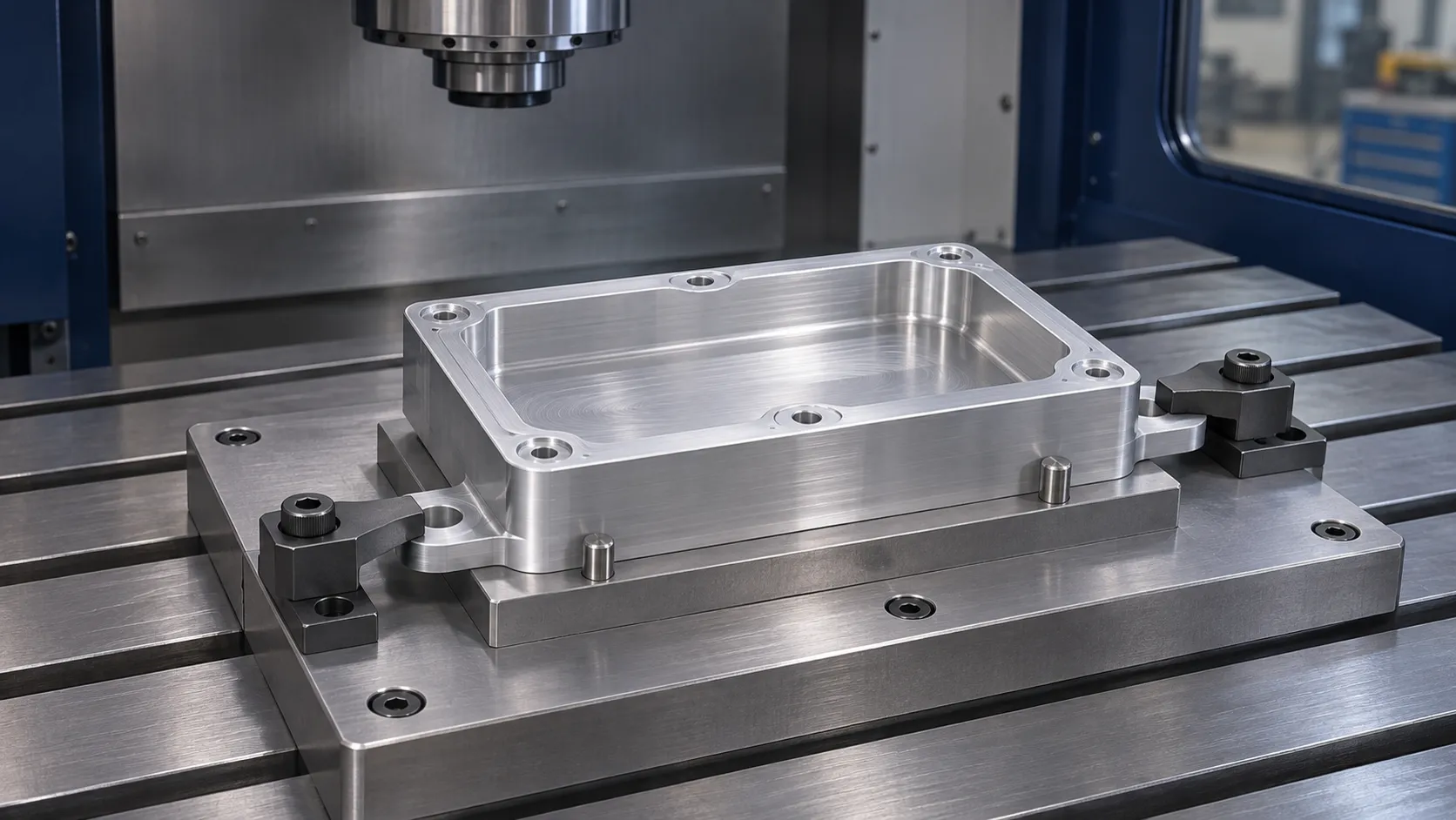
Consider how the part is held, which areas need machining and what information the shop needs. Reviewing the design and setup together helps identify changes before manufacturing.
Choose a starting point based on what you design, how you manufacture and the documentation you need to deliver.
Need
Design parts, structures, sheet metal and molds
SOLIDWORKS Design
Need
Prepare machining operations within SOLIDWORKS
SOLIDWORKS CAM
Need
Prepare ballooned drawings and inspection reports
SOLIDWORKS Inspection
Need
Control files, revisions and approvals
SOLIDWORKS PDM
Capabilities depend on the product, package and configuration. For machining, we also review operations, the machine, CNC control and postprocessor requirements.
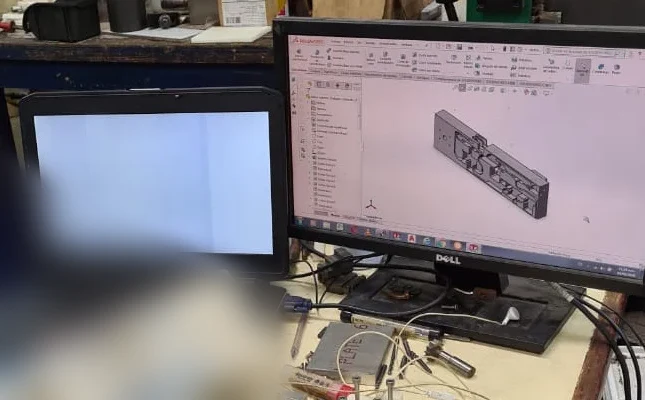
3Designers customer
JPIM Manufacturing | Dominican Republic
Designs and manufactures molds, fixtures, and precision parts. The story documents the use of 3D models to communicate designs to the shop floor and reuse previous work.
“We are more efficient in our day-to-day work.”
See how other manufacturers use SOLIDWORKS.
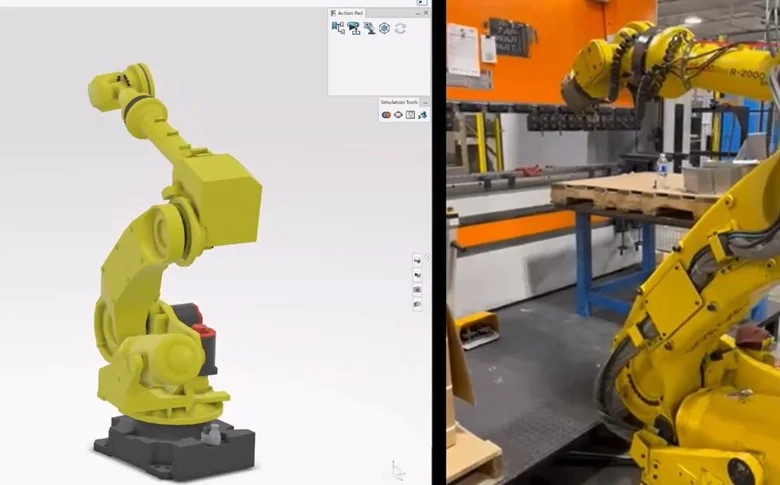
A metal component manufacturer combining design and machining with SOLIDWORKS and CAM, and extending its process with dedicated robot programming tools.
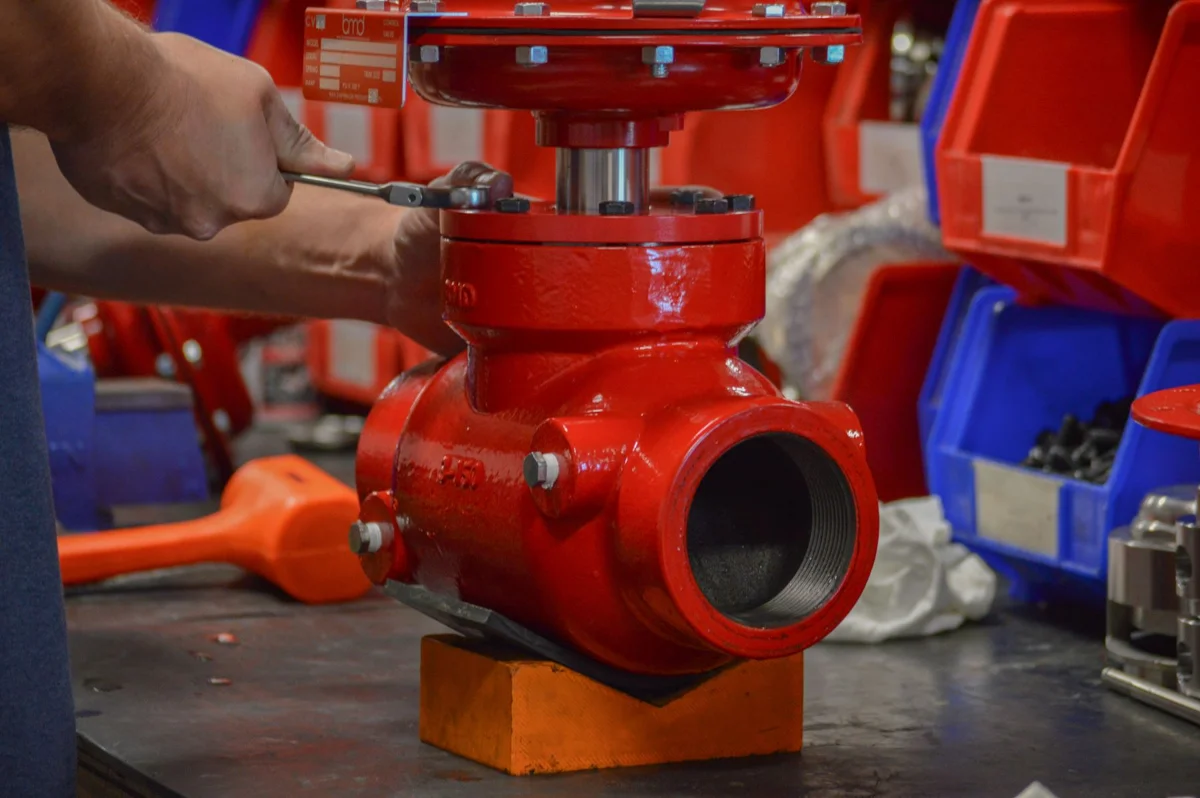
Source: SOLIDWORKS (opens in a new tab)Manufactures valves, regulators, and control systems for the energy sector. Uses SOLIDWORKS and Flow Simulation to optimize machined components and validate fluid performance before production.
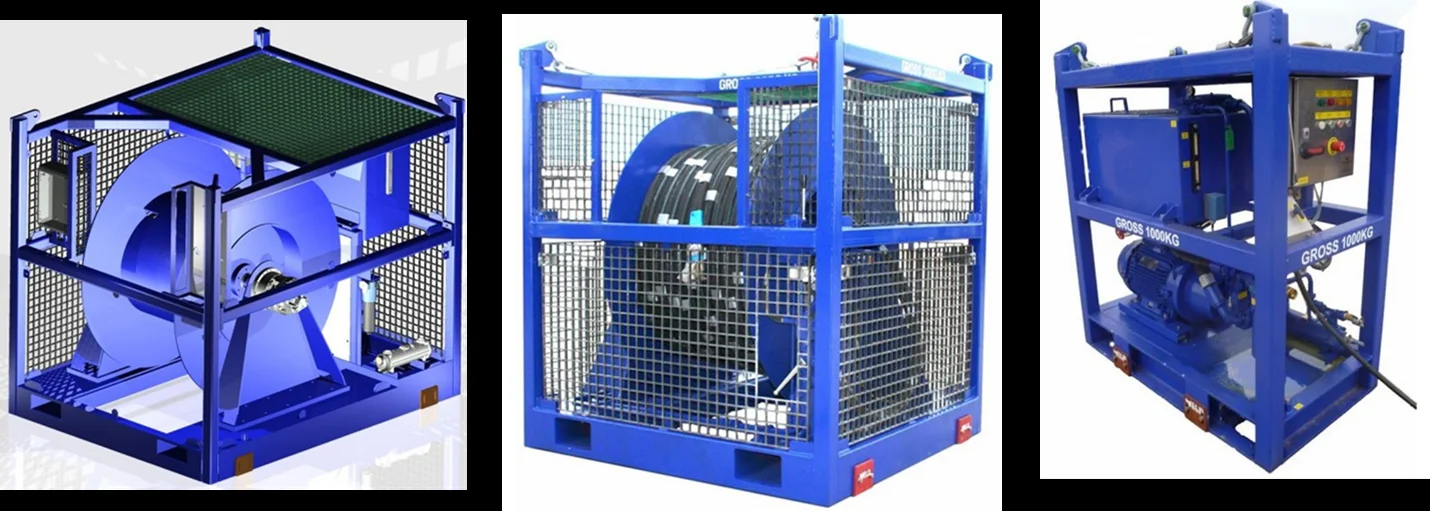
Source: SOLIDWORKS (opens in a new tab)Designs and manufactures geotechnical equipment, constant-tension winches, and hydraulic systems. Leverages SOLIDWORKS to accelerate mechanical design, validate complex structures, and produce precise 3D models.
Source: SOLIDWORKS (opens in a new tab)We help you select and implement the right tools, with official training and specialized support across Central America and the Caribbean.
We review your parts, processes and deliverables to identify suitable solutions.
We work with you to define the installation and configuration scope for the solutions you purchase.
We help your team build a consistent foundation for using the tools.
We help you resolve software questions and technical issues in your daily work.
Yes, using compatible formats. Reviewing a sample helps confirm the geometry, references and documentation available before defining the workflow.
Yes. Its mold design tools help review ejection and develop cores and cavities. Machining software is evaluated separately based on the surfaces and operations required.
Yes. SOLIDWORKS Design includes sheet metal and weldment tools. Bend parameters and cut data must be set and reviewed for the manufacturing process.
Selection requires a review of geometry, operations, the machine, control and postprocessor. Standard and Professional have different capabilities; share a representative part so we can evaluate the solution.
Measurements are taken using the instruments in your process. Inspection helps prepare documentation; Professional adds entry and import of compatible measurement results.
It depends on your needs and the licenses you already have. We can start with design, machining, inspection documentation or file control and expand when appropriate.
Tell us what you manufacture, which equipment you use and where rework occurs. We'll help you evaluate the SOLIDWORKS solutions suited to your operation.
Let's discuss your project