
Manufacturing · Quality documentation
SOLIDWORKS Inspection
Prepare ballooned drawings and inspection reports from your part documentation.
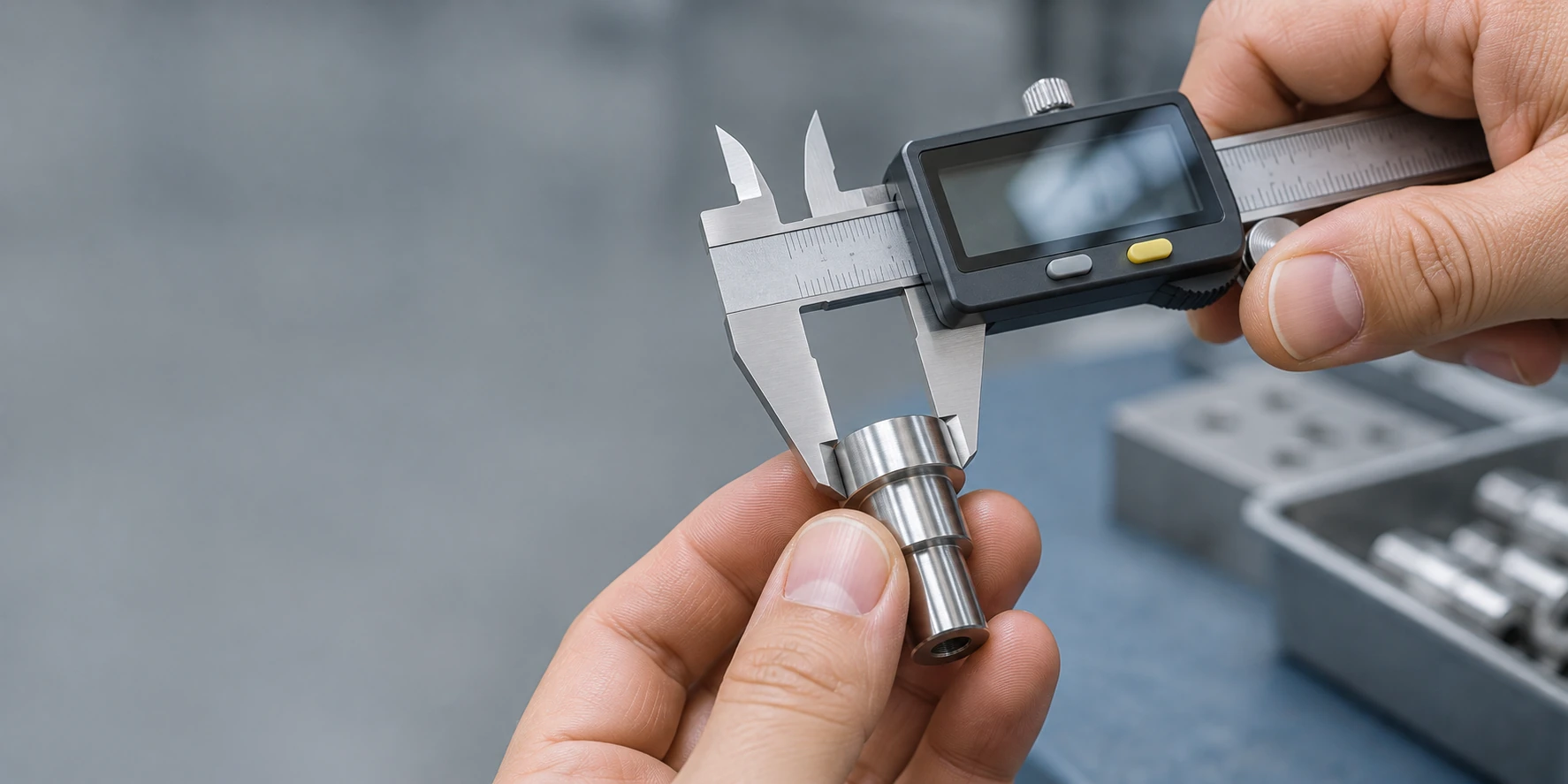
Organize the characteristics you need to inspect.
SOLIDWORKS Inspection helps extract characteristics and prepare reports through a standalone application and a SOLIDWORKS add-in. Optical character recognition (OCR) helps capture information from PDF and TIFF drawings.
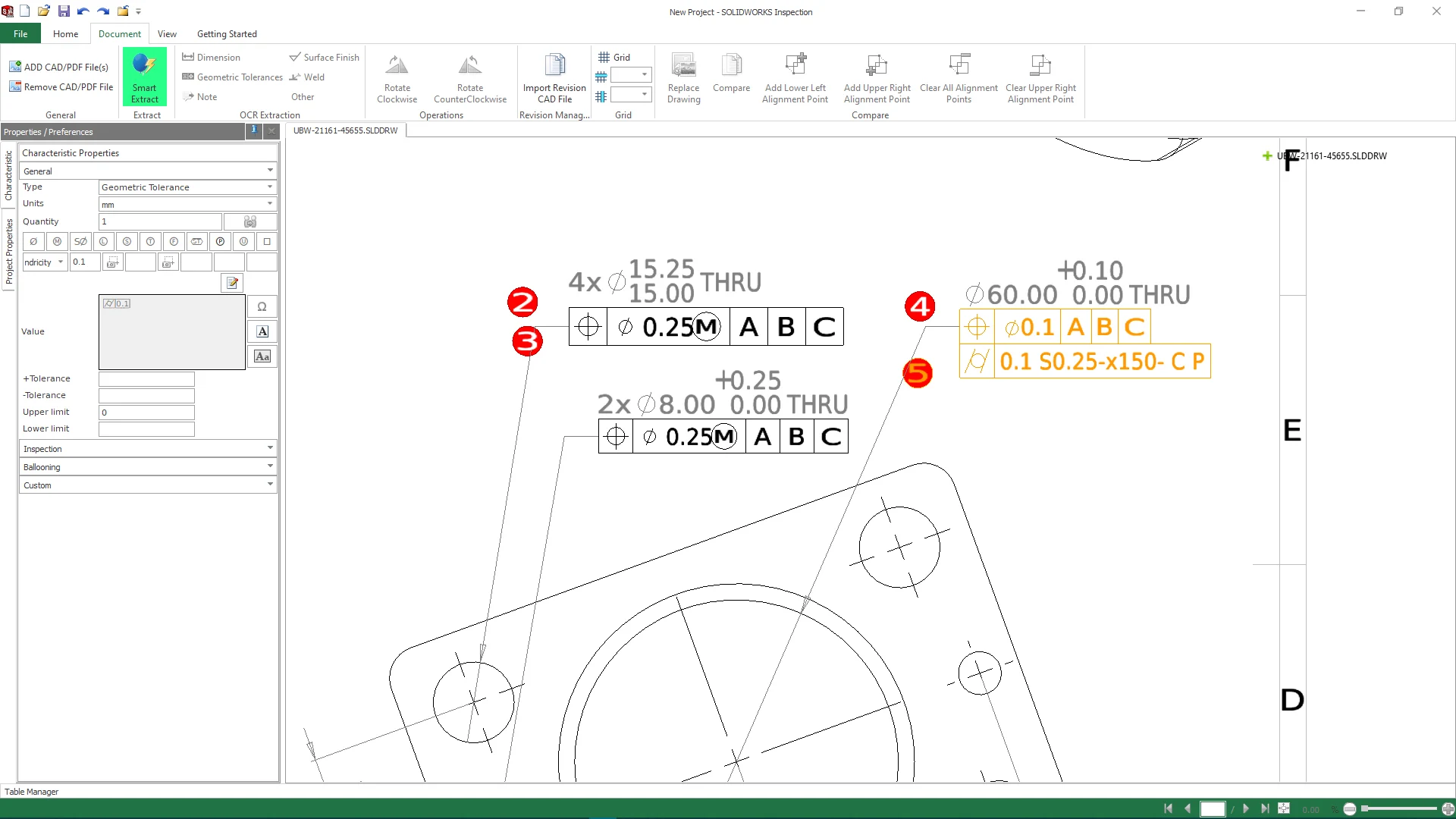
Documentation, or documentation and results.
Standard
For creating first article and in-process inspection documentation from 2D data.
Professional
Adds support for 3D CAD data, measurement entry and the import of compatible CMM results.
Swipe to compare packages →
| Capability | Standard | Professional |
|---|---|---|
| Standalone application and SOLIDWORKS add-in | Included | Included |
| Documentation from PDF, TIFF and compatible 2D drawings | Included | Included |
| OCR and ballooning | Included | Included |
| Excel inspection reports | Included | Included |
| Direct use of compatible 3D CAD data | Not included | Included |
| Measurement entry and CMM import | Not included | Included |
| Graphical status based on tolerances and measurements | Not included | Included |
Frequently asked questions
Can we use it without designing in SOLIDWORKS?
Yes. The standalone application lets you prepare documentation from compatible formats. We review your files to recommend the package.
Does the software physically measure parts?
Measurements are taken using your inspection equipment. Professional lets you enter or import compatible results for review within the project.
Does using Inspection guarantee quality certification?
No. The tool supports documentation; compliance depends on applicable requirements and your organization’s processes.
Choose your tools with guidance from 3Designers.
We review your needs to guide solution selection and implementation scope. Training and specialized support help your team make effective use of the solution.
Let’s review how you prepare inspection reports.
Share the file formats you receive and the deliverables your quality team needs.