
Changing dimensions means starting over.
Reuse parametric models and configurations to develop variations in dimensions and components. Define what can change and review its effect on the assembly.
SOLIDWORKS Design
Develop variations, review assemblies, and prepare manufacturing documentation for custom furniture and components with SOLIDWORKS and support from 3Designers.
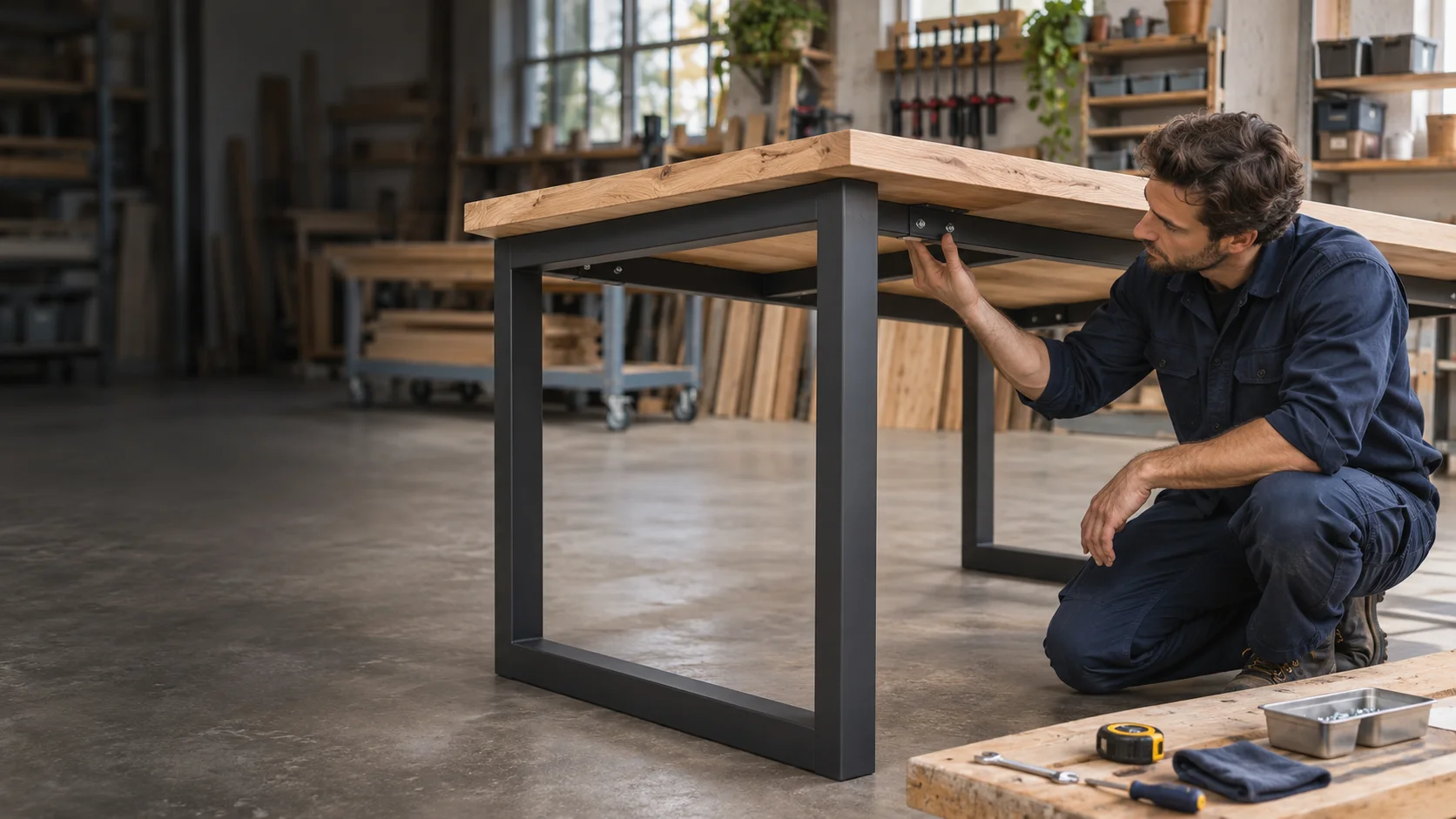
For manufacturers who need to adapt dimensions, combine materials, and coordinate design, manufacturing, and installation.
Reuse parametric models and configurations to develop variations in dimensions and components. Define what can change and review its effect on the assembly.
SOLIDWORKS Design
Review interferences, clearances, and the placement of parts and hardware in the 3D assembly before manufacturing. Anticipate adjustments that could affect assembly or installation.
SOLIDWORKS Design
Keep drawings and bills of materials linked to the model. Organize part properties and review the documentation for the variation you plan to manufacture.
SOLIDWORKS Design
Create photorealistic images from the CAD model to show forms and finish options. Help customers review the proposal before manufacturing.
SOLIDWORKS Visualize
Reuse 3D models to create illustrations, exploded views, and visual sequences that help explain assembly and installation.
SOLIDWORKS Composer
Centralize files and establish revision and approval controls so your team can identify the documentation released for manufacturing.
SOLIDWORKS PDM
The 3D model helps you review parts, joints, and assembly clearances. The same information can provide a starting point for drawings, sales imagery, and instructions, using the right tools for each deliverable.
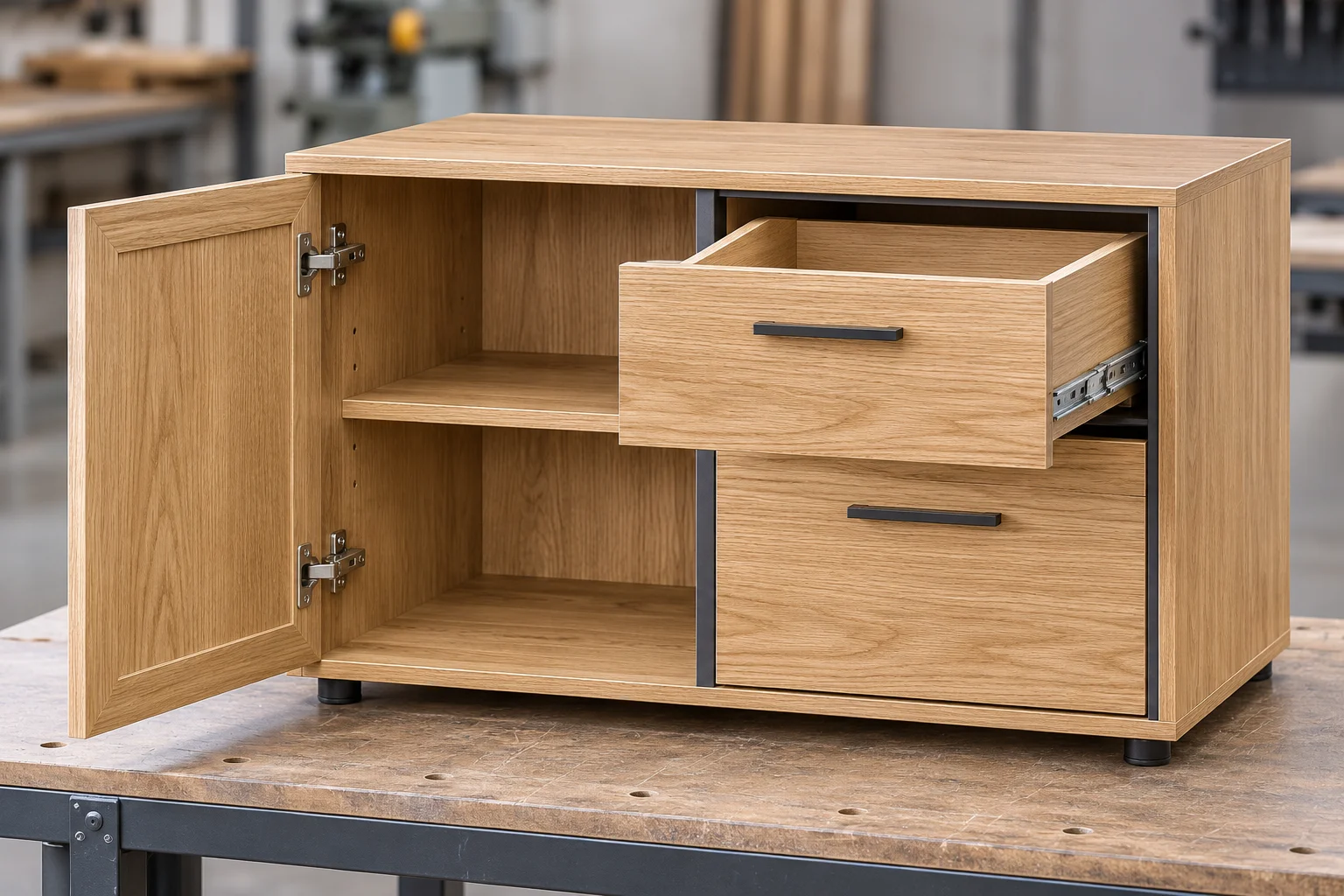
Start with the product you manufacture and the information you need to deliver. We help you assess a starting point and add capabilities when needed.
Need
Design parts, develop variations, and prepare drawings and bills of materials
SOLIDWORKS Design
Need
Evaluate stresses and deformations in supports, frames, and components under defined loads
SOLIDWORKS Simulation
Need
Present products and finish options with photorealistic images
SOLIDWORKS Visualize
Need
Prepare illustrations and instructions for assembly and installation
SOLIDWORKS Composer
Need
Control files, revisions, and approvals
SOLIDWORKS PDM
Capabilities depend on the product and package selected. CNC programming and cutting optimization are evaluated based on the materials, machines, and software your shop uses.
See how other manufacturers use SOLIDWORKS.
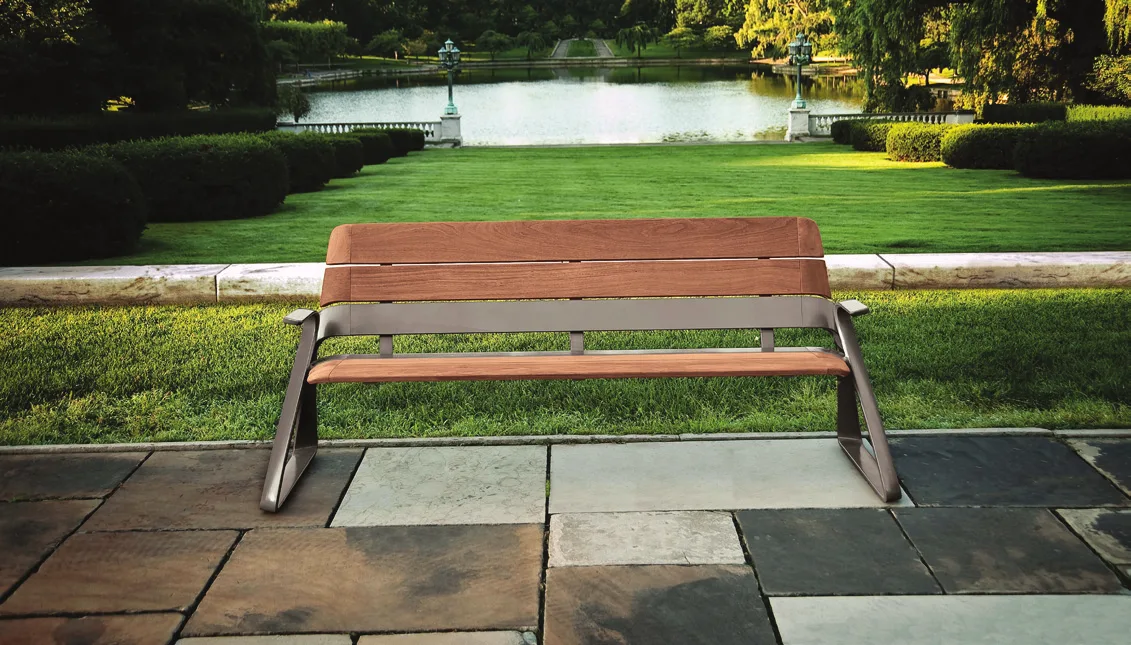
United States
Outdoor site furniture such as benches, planters, and tables, developed with integrated SOLIDWORKS solutions.
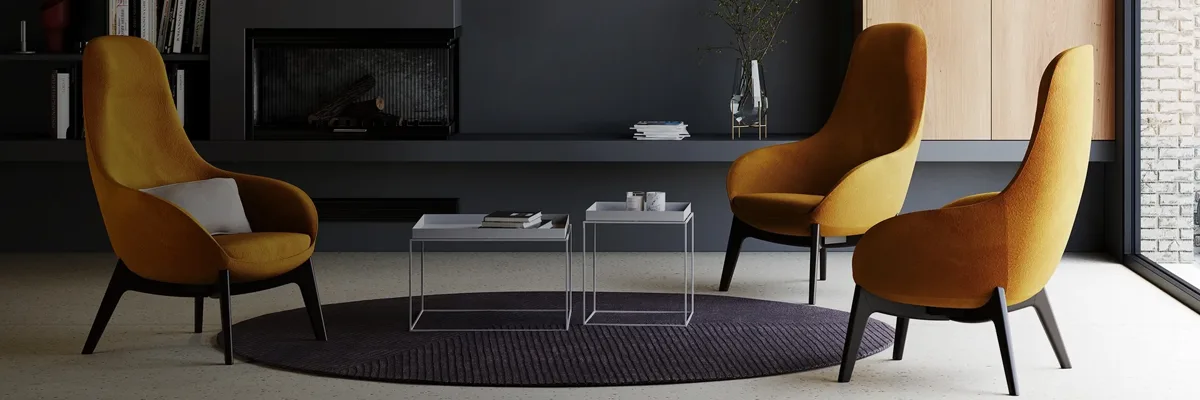
Italy
Polyurethane molding and furniture accessories; organizes data, revisions, and approvals with SOLIDWORKS and 3DEXPERIENCE Works.
Brazil
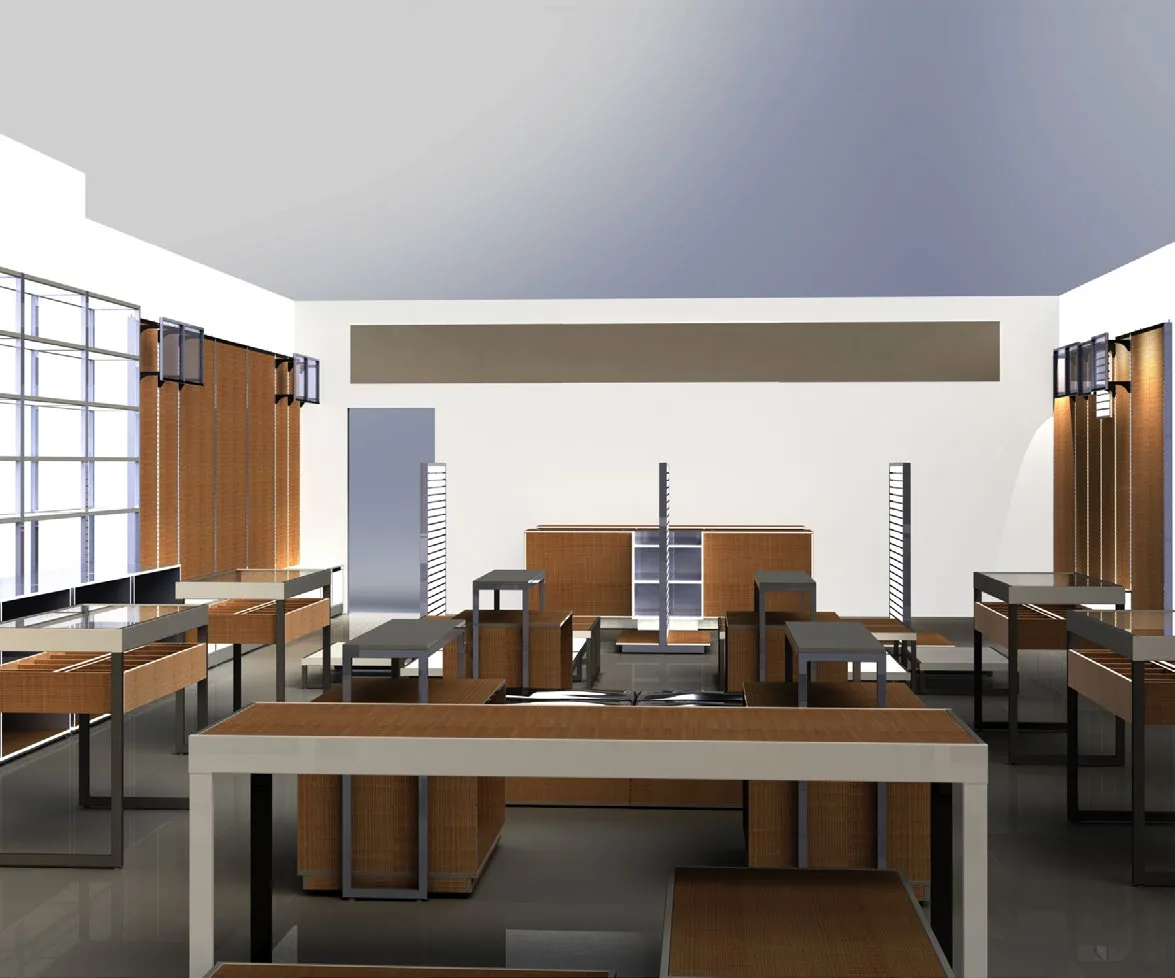
Custom business furniture and store displays; integrated design data with its ERP through an integration developed with the SOLIDWORKS API.
Since 2008, we have helped companies across Central America and the Caribbean select, implement, and use SOLIDWORKS, with official training and specialized technical support.
We review what you manufacture, how you develop variations, and what information your shop needs to identify suitable solutions.
We work with you to define the installation and configuration scope for the solutions you purchase.
We prepare your team to use the tools with a consistent working foundation.
We help you resolve usage questions and technical difficulties in your daily work.
Yes. It lets you model parts and assemblies for wood, metal, and mixed-material furniture, as well as prepare documentation. Specialized tools for cutting, hardware, or machining are evaluated based on your process; they are not all part of the base CAD software.
Yes. Parametric modeling and configurations let you develop families of parts and assemblies. Define which dimensions and components can vary, and check each variation before manufacturing.
They serve different purposes. Bills of materials identify the model’s components and quantities. Arranging parts on panels, optimizing material use, and preparing cutting operations require evaluating specialized tools and processes.
It depends on your manufacturing workflow. The machine, controller, operations, CAM software, and postprocessor need to be reviewed. Having a 3D model alone does not establish compatibility or direct CNC program generation.
Yes. SOLIDWORKS Visualize lets you create photorealistic images from CAD models to present alternatives. Images help communicate appearance; final approval of materials and finishes should also consider project samples and specifications.
This page focuses on designing and documenting manufactured products and components. Building-wide BIM coordination and data exchange with other disciplines require evaluating specific tools and formats.
We can assess the use of SOLIDWORKS Simulation to study stresses and deformations in components and assemblies under defined conditions. The scope depends on the materials, joints, and behavior you need to analyze. Simulation complements the physical testing required for the product.
Tell us what you manufacture, how you adapt each order, and what you want to improve. We will help you identify suitable SOLIDWORKS solutions for your team.
Let’s discuss your project