The new module does not fit the existing equipment.
Review dimensions, interferences and connection points in 3D. Consider conveying heights and available space before manufacturing or installing a modification.
SOLIDWORKS Design
Design and review processing, conveying, filling and packaging equipment with SOLIDWORKS and support from 3Designers.
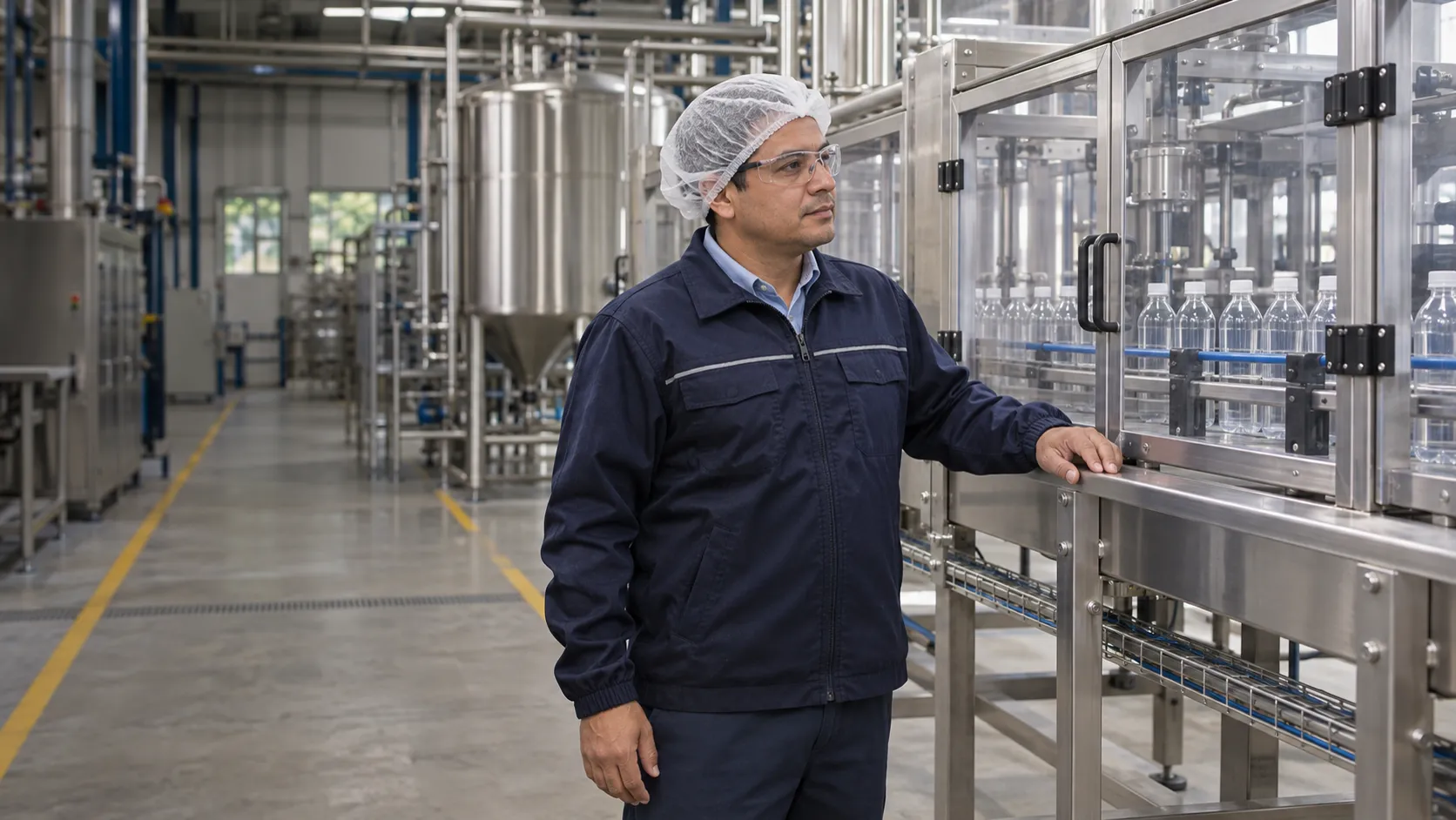
We support manufacturers, integrators and engineering teams developing or adapting machinery for food, beverage and agricultural processing.
Review dimensions, interferences and connection points in 3D. Consider conveying heights and available space before manufacturing or installing a modification.
SOLIDWORKS Design
Evaluate the space needed to remove guards, disassemble components and access areas for cleaning. Include these requirements in the assembly review before manufacturing.
SOLIDWORKS Design
Compare stresses and deformations in frames and supports under defined conditions. Use the analysis to guide changes and complement the physical tests required.
SOLIDWORKS Simulation
Evaluate velocities, pressure drops and heat transfer in suitable applications. Compare duct and component designs using the conditions of your process.
SOLIDWORKS Flow Simulation
Centralize files and establish revision and approval controls so teams can identify released information before manufacturing or modifying equipment.
SOLIDWORKS PDM
Use your 3D models to create illustrations and visual sequences that support assembly, installation and maintenance instructions.
SOLIDWORKS Composer
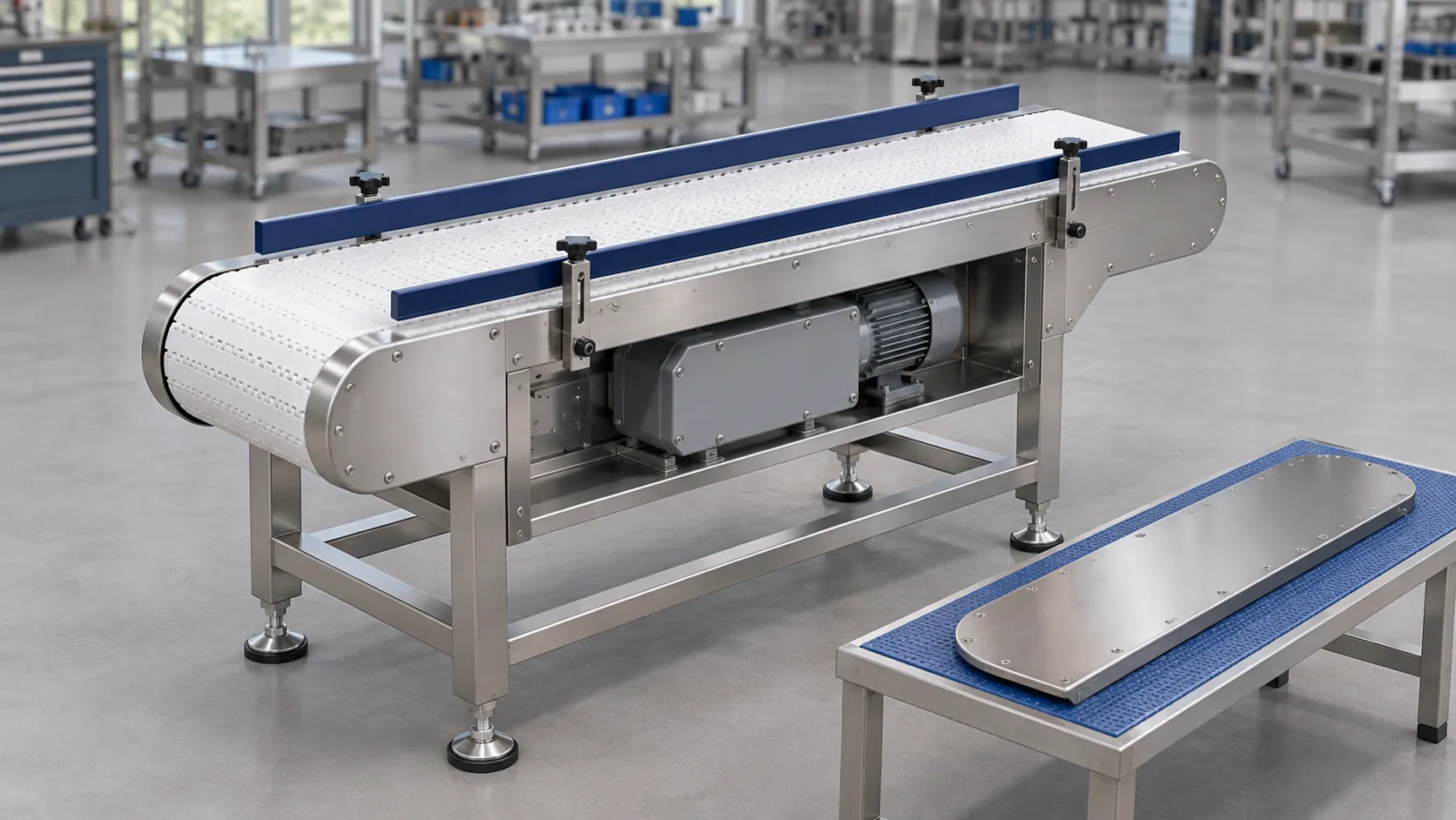
A modification needs to fit what is already there. Review the product path, mounting points and space needed to service components before manufacturing the new module.
Start with the need you want to address and add capabilities as your projects require them.
Need
Design and adapt equipment, components and documentation
SOLIDWORKS Design
Need
Evaluate stresses and deformations in supports and frames
SOLIDWORKS Simulation
Need
Study fluid flow and heat transfer
SOLIDWORKS Flow Simulation
Need
Control files, revisions and approvals
SOLIDWORKS PDM
Need
Prepare technical illustrations and instructions
SOLIDWORKS Composer
Capabilities depend on the product, package and configuration. We help you evaluate the tools and requirements for each application.
Equipment geometry and operating conditions affect performance. Define what you need to study and which data is available before choosing analysis tools.
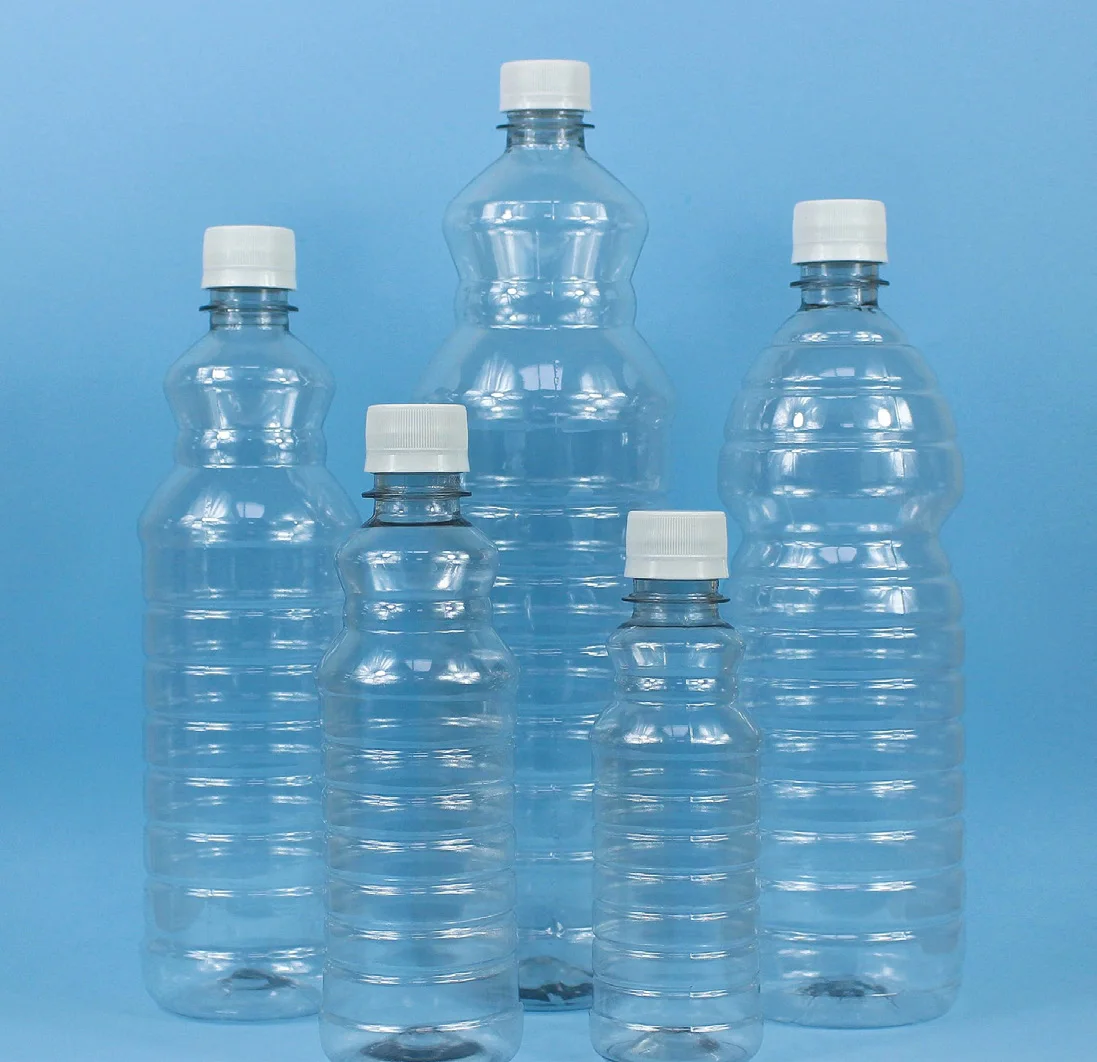
3Designers customer
Nesplas | Dominican Republic
Nesplas manufactures packaging for several industries, including food. Its story documents the move from 2D design to 3D modeling and technical support from 3Designers.
See how other manufacturers use SOLIDWORKS.
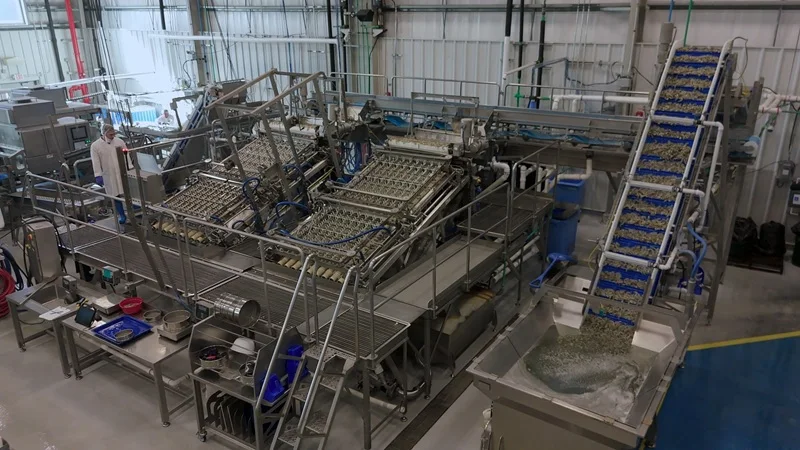
Designs seafood-processing equipment and coordinates mechanical design, electrical schematics, and revisions with SOLIDWORKS Design, Electrical Schematic, and PDM.
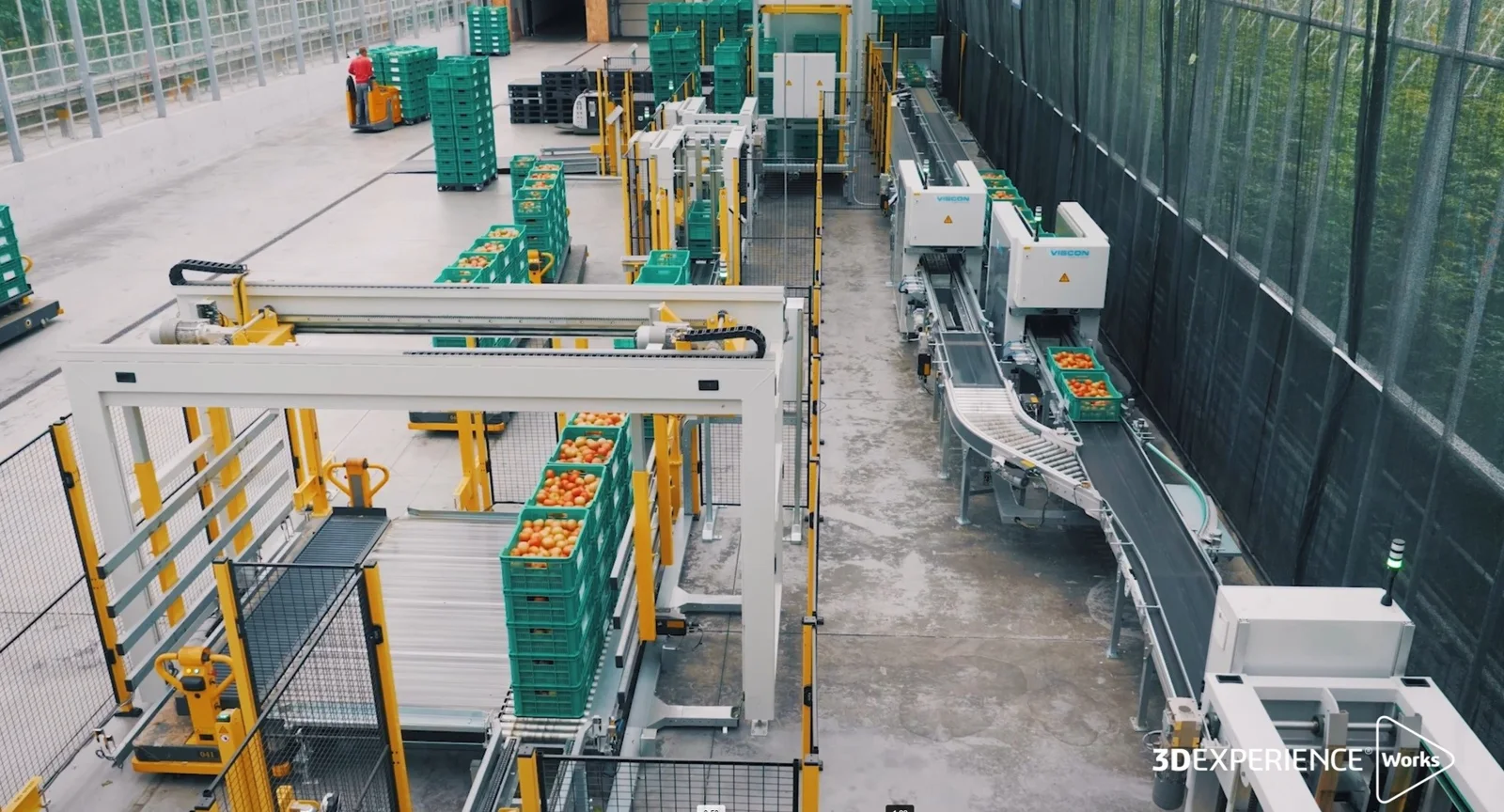
Source: SOLIDWORKS (opens in a new tab)Develops automation for agriculture and food and works with 3D layouts of lines and equipment using SOLIDWORKS and 3DEXPERIENCE Works solutions.
Source: SOLIDWORKS (opens in a new tab)We guide you through solution selection, implementation and use, with official training and specialized support across Central America and the Caribbean.
We review what you design, what needs to change and the deliverables your team uses.
We work with you to define the installation and configuration scope for the solutions you purchase.
We help your team build a consistent foundation for using the tools.
We help you resolve software questions and technical issues in your daily work.
Yes. They can be used to design adaptations, conveyors, supports and tooling within a plant, as well as equipment intended for sale.
Yes. You can represent the equipment and review interferences and clearances in the assembly. This requires reliable dimensions and references from the existing installation.
Yes. The model allows you to review clearances, disassembly and accessibility. Material selection and validation of hygienic design and procedures remain subject to project requirements and the responsible specialists.
Each application needs to be evaluated based on fluid properties, the behavior to be studied and operating conditions. We review the requirements to determine whether the tool and analysis model are suitable.
Simulation helps compare alternatives under defined conditions and complements physical testing. It does not guarantee food safety or replace process validation or the controls required by the organization.
Selection depends on your projects and existing licenses. We can start with design, analysis, file management or technical communication and expand when appropriate.
Tell us which equipment you need to develop or adapt and which difficulties you want to anticipate. We'll help you identify suitable SOLIDWORKS solutions for your project.
Let's discuss your project