
The modification does not fit the available space.
Review equipment, supports, and connections in the 3D assembly. Check interferences and assembly and maintenance clearances using verified installation dimensions.
SOLIDWORKS Design
Design and improve pumping, heat transfer, and plant utility equipment with SOLIDWORKS tools and support from 3Designers.
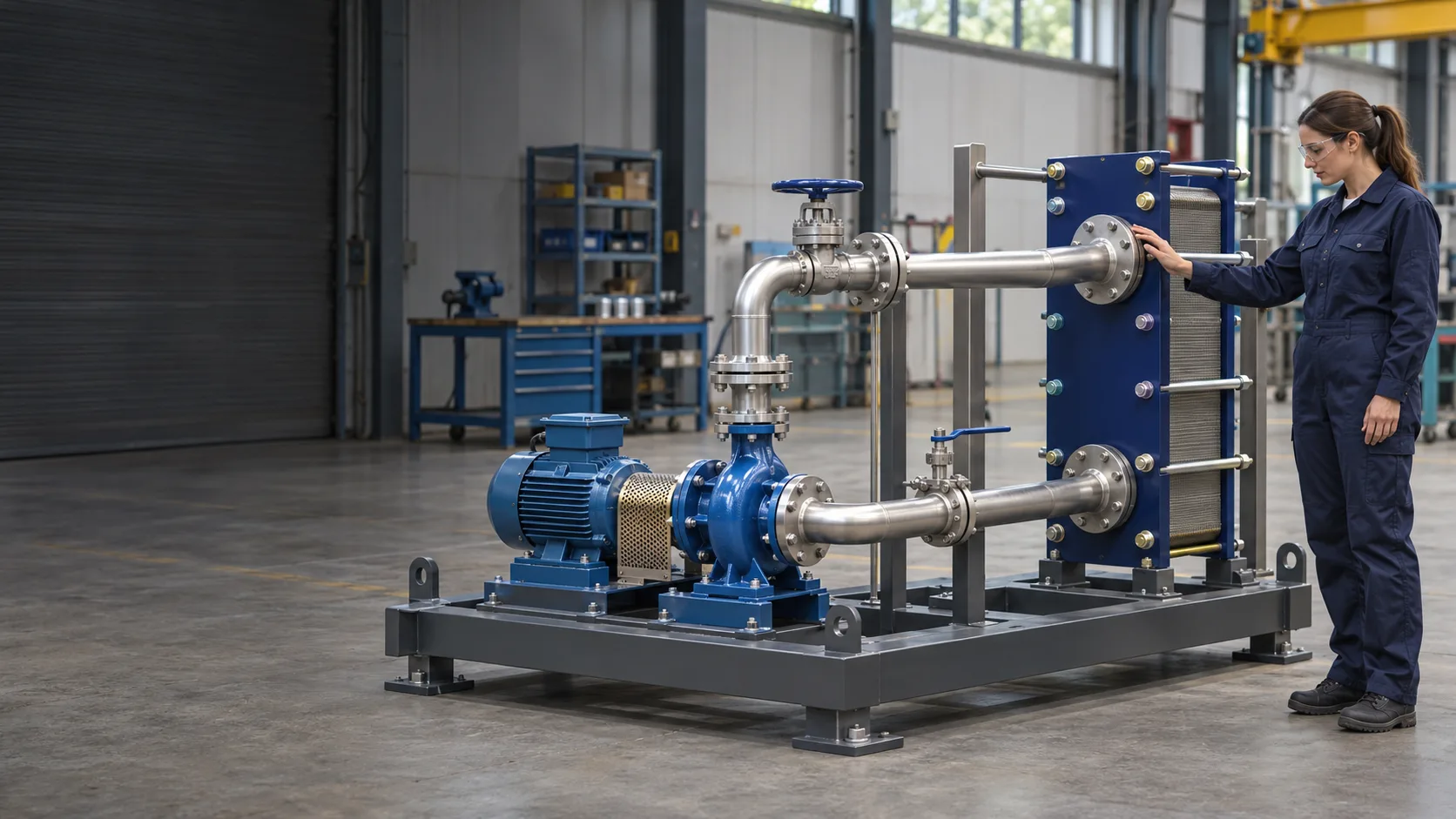
Solutions for manufacturers, industrial service providers, and engineering teams that need to coordinate design, manufacturing, and installation.
Review equipment, supports, and connections in the 3D assembly. Check interferences and assembly and maintenance clearances using verified installation dimensions.
SOLIDWORKS Design
Evaluate stresses and deformations in components and assemblies using defined loads, materials, and restraints. Compare alternatives before manufacturing and complement the project’s physical testing.
SOLIDWORKS Simulation
Study pressure, velocity, and flow distribution in pipes, valves, and ducts. Compare routes and geometries to identify restrictions under the operating conditions considered.
SOLIDWORKS Flow Simulation
Analyze how heat transfers between fluids and solids. Compare geometries, materials, and flow rates to guide changes to heat exchangers and cooling circuits.
SOLIDWORKS Flow Simulation
Centralize files and establish revision and approval controls to identify the models and documents released for each modification or service task.
SOLIDWORKS PDM
Reuse CAD models to prepare illustrations, exploded views, and visual sequences for assembly and service. Review the content with those responsible for the procedure before publishing.
SOLIDWORKS Composer
The location of a connection, the space needed to remove a component, and loading or flow conditions influence the design. The 3D model and suitable analyses help you compare alternatives before taking the change to manufacturing or installation.
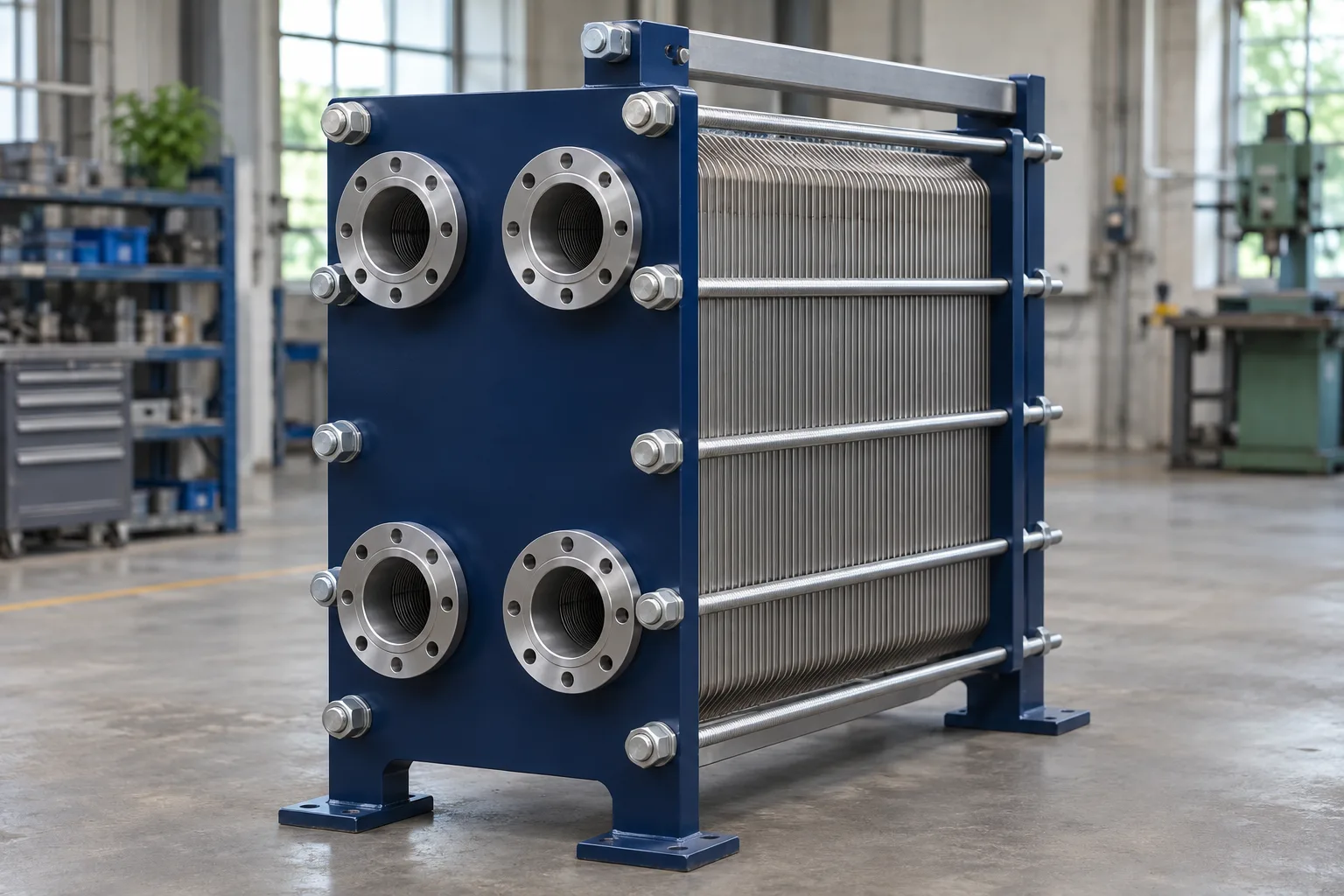
Start with the equipment you design or modify and the question you need to answer. We help you identify suitable tools.
Need
Design assemblies, review clearances, and prepare drawings and bills of materials
SOLIDWORKS Design
Need
Evaluate stresses and deformations under defined loads
SOLIDWORKS Simulation
Need
Study flow, pressure losses, and heat transfer
SOLIDWORKS Flow Simulation
Need
Control files, revisions, and approvals
SOLIDWORKS PDM
Need
Prepare visual content for assembly, installation, and service
SOLIDWORKS Composer
Capabilities depend on the product and package selected. Analysis scope is defined by geometry, materials, and operating conditions. Simulation complements the testing and reviews required for each application.
Industria Core | Dominican Republic
A manufacturer of radiators, coils, and heat exchangers that uses SOLIDWORKS to modify designs, retrieve information from previous projects, and prepare for manufacturing, with local support from 3Designers.
“3Designers’ local support is priceless—a real differentiator.”
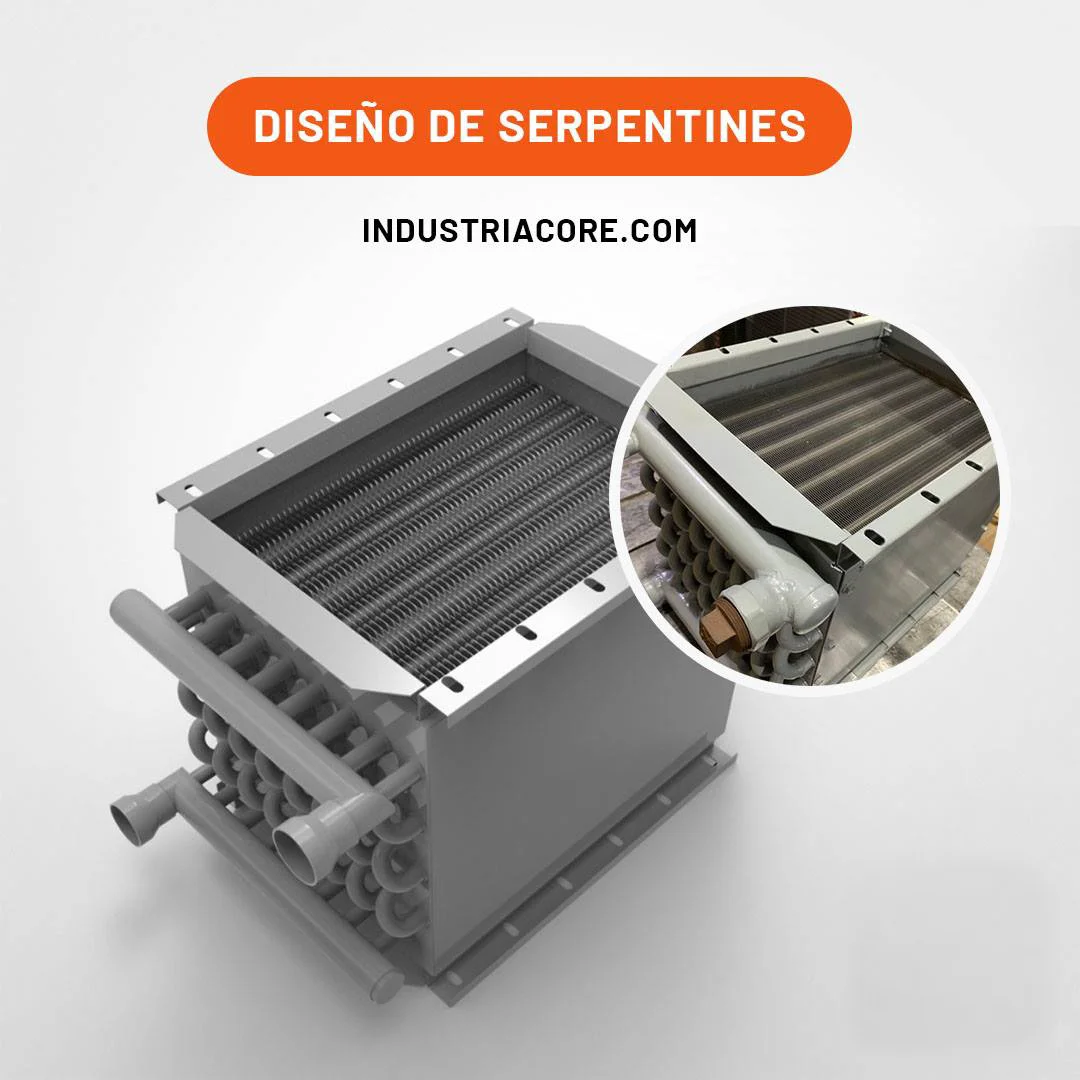
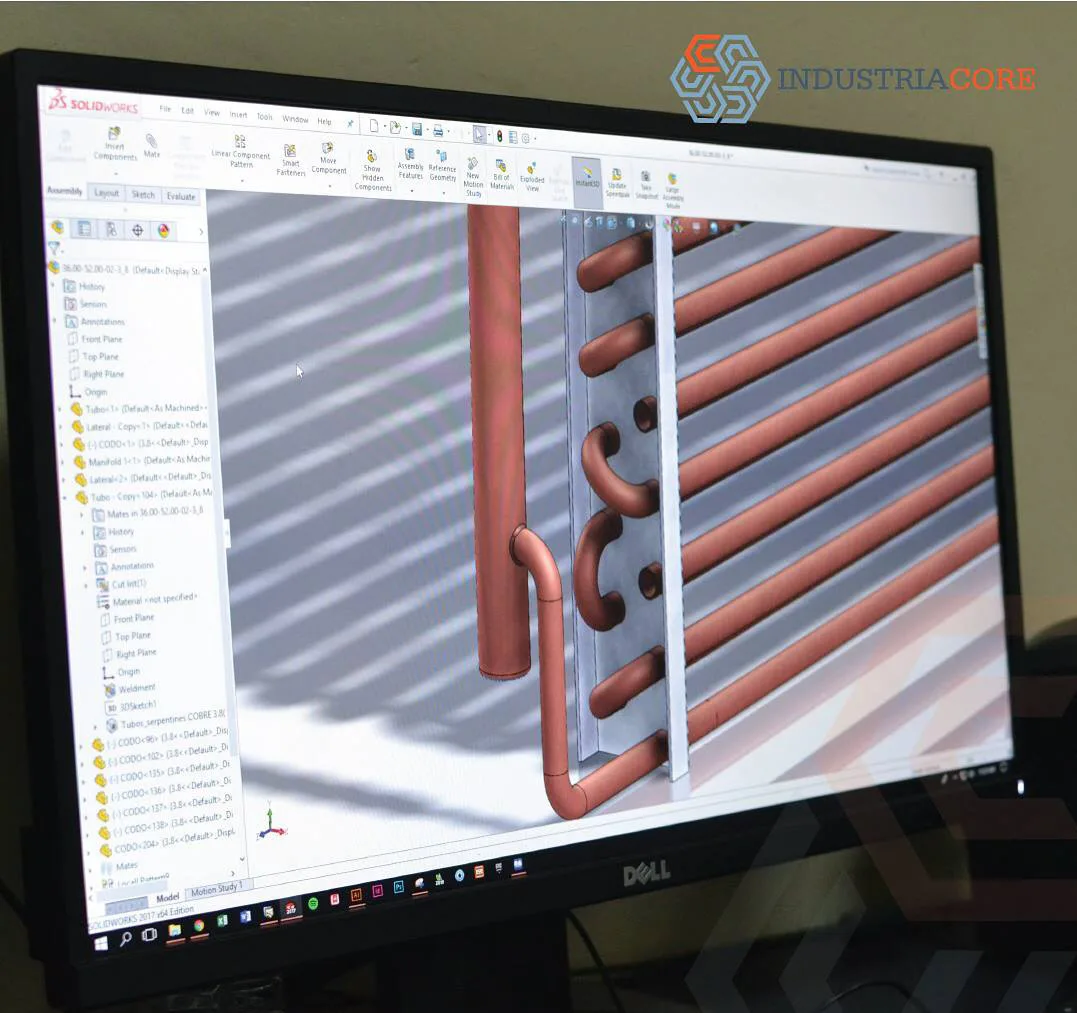
See how other manufacturers use SOLIDWORKS.
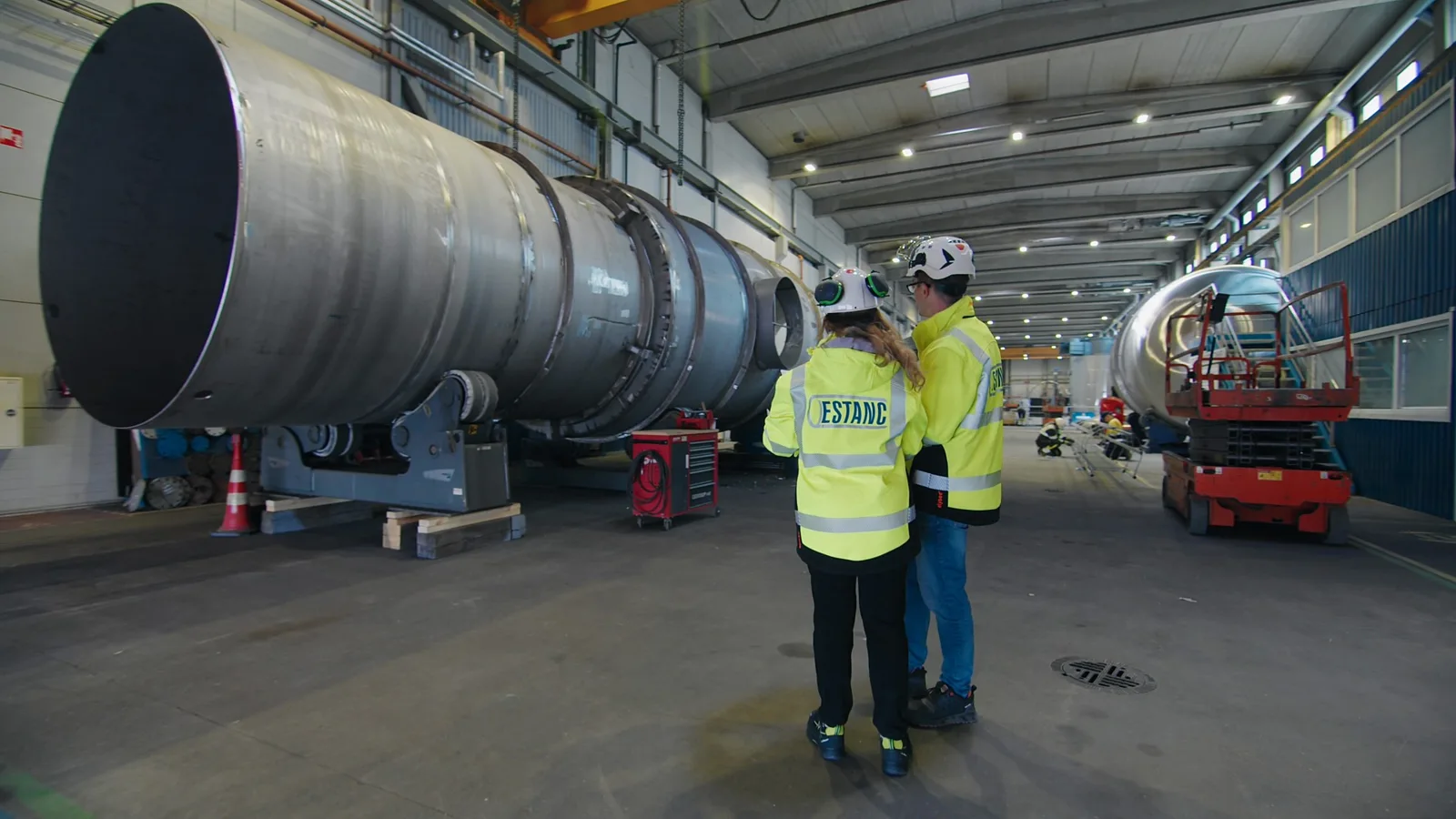
Estonia
Develops process equipment, including tanks and heat exchangers, using SOLIDWORKS Design and PDM to coordinate design and documentation.
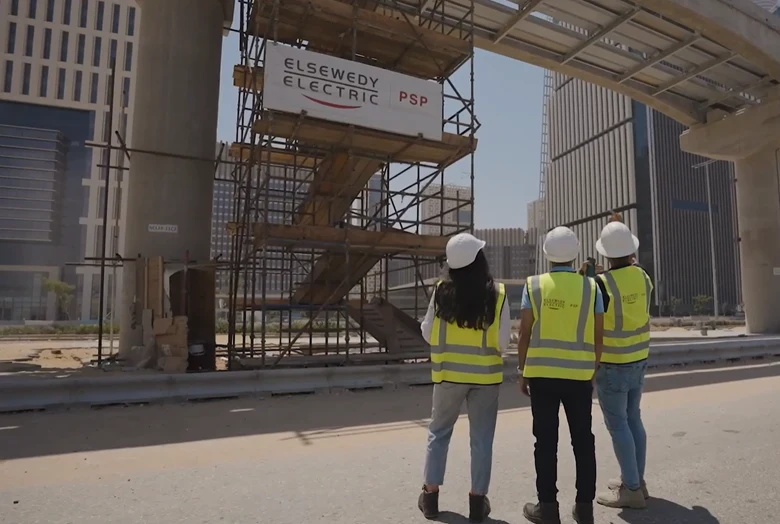
Egypt
Uses SOLIDWORKS Simulation to study loads and structural behavior in equipment, including supports and components for power plants.
Since 2008, we have helped companies across Central America and the Caribbean select, implement, and use SOLIDWORKS, with official training and specialized technical support.
We review the equipment your team develops, how it documents changes, and what it needs to evaluate to identify suitable solutions.
We work with you to define the installation and configuration scope for the solutions you purchase.
We prepare your team to use the tools with a consistent working foundation.
We help you resolve usage questions and technical difficulties in your daily work.
Yes. You can work with available models or develop the geometry needed to review a modification. Verify the installation’s actual dimensions, connections, and conditions before defining the change.
SOLIDWORKS Simulation lets you study structural response under defined loads. Flow Simulation focuses on the behavior of liquids and gases and heat transfer. They can support the same evaluation, but they are different solutions, and not all analysis types should be assumed to be included in a single package.
Yes. You can model assemblies with piping, supports, and components and prepare their documentation. Specific routing tools and licensing requirements are evaluated according to the design scope and the package selected.
The software provides tools for design, analysis, and documentation. Code compliance, certification, and inspections require the relevant procedures and responsible professionals or organizations. Using SOLIDWORKS does not, by itself, certify equipment.
Simulation lets you compare alternatives under defined conditions. It complements the testing, checks, and technical reviews required for the application; results depend on the data, assumptions, and study setup.
The type of equipment, the modification or problem you want to address, available files, and the documentation your team needs. If you need simulation, it also helps to identify relevant materials and operating conditions.
Yes. We can evaluate a starting point for design, analysis, or documentation and add capabilities as your projects require. You do not need to adopt all the solutions at once.
Tell us what you need to design, modify, or evaluate. We will help you identify suitable SOLIDWORKS solutions for your application.
Let’s discuss your project