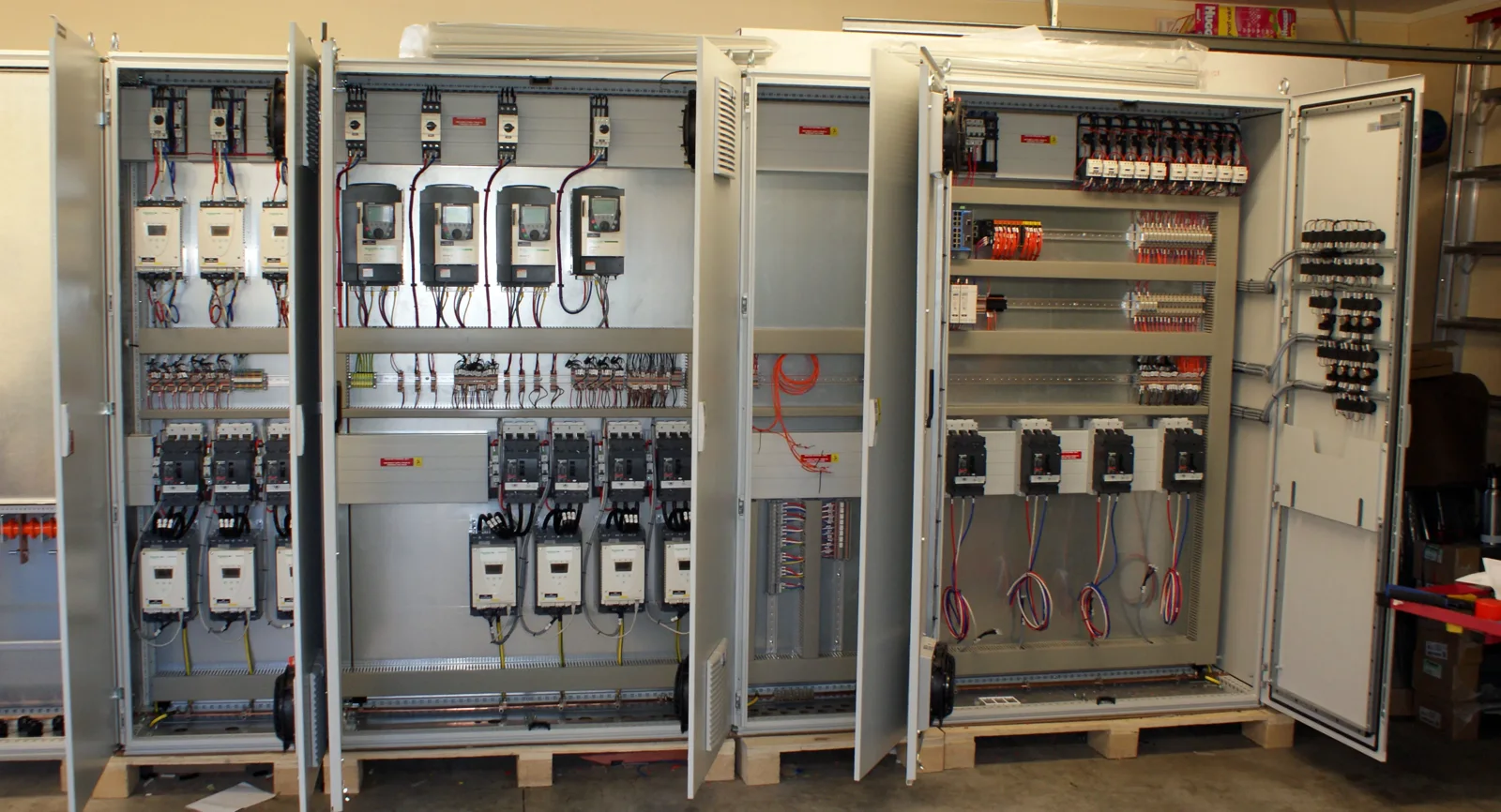
The cabinet leaves too little room for assembly or maintenance.
Review component placement, interference and access in the 3D assembly before manufacturing.
SOLIDWORKS Design
Design control panels, cabinets and enclosures, connect mechanical and electrical workflows, and assess thermal management with SOLIDWORKS and support from 3Designers.
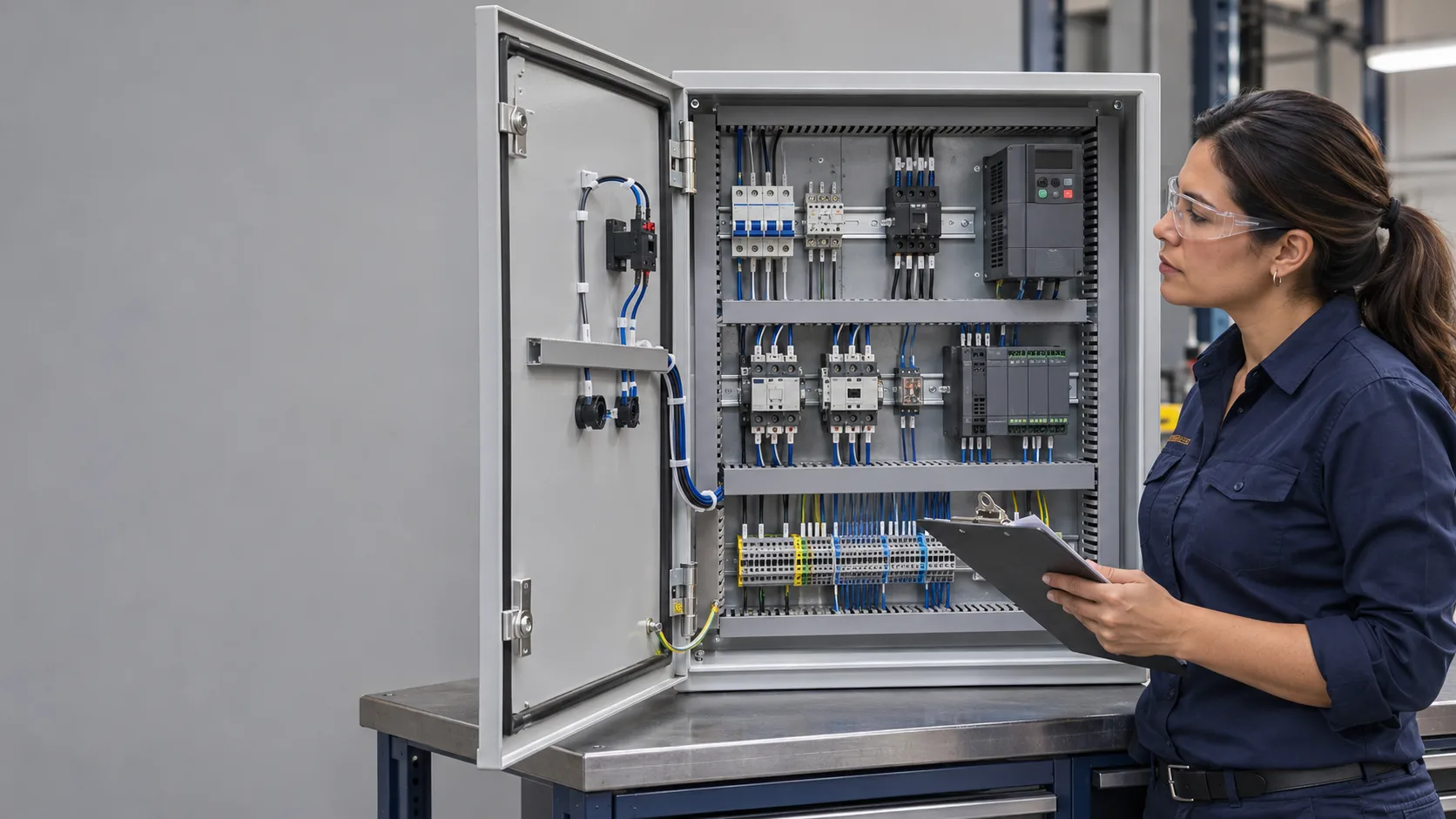
Solutions for equipment manufacturers, system integrators and engineering teams that need to coordinate components, connections and documentation.
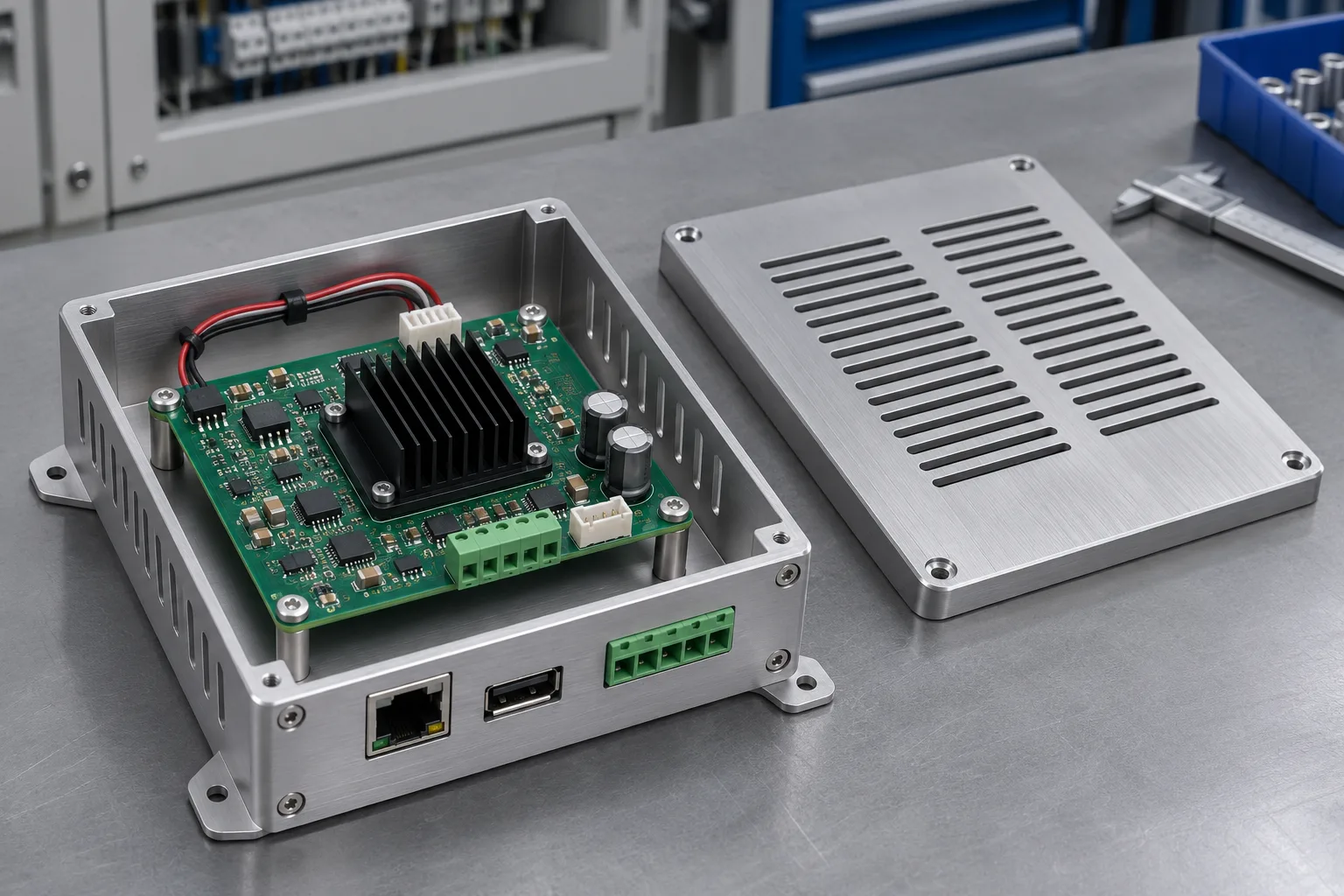
Review component placement, interference and access in the 3D assembly before manufacturing.
SOLIDWORKS Design
Use intelligent schematics to help update numbering, references and reports when the project changes.
SOLIDWORKS Electrical Schematic
Connect schematics and assemblies with Electrical Schematic Professional, Electrical 3D and SOLIDWORKS Design. Plan routes and calculate lengths within the 3D model.
SOLIDWORKS Electrical 3D + Schematic Professional + Design
Compare ventilation and component layout alternatives through airflow and heat transfer analysis under defined conditions.
SOLIDWORKS Flow Simulation
Use parametric designs and configurations to develop variants. Keep drawings linked to the model and review changes before releasing documentation.
SOLIDWORKS Design
Organize files, revisions and approvals to identify released documentation. Managing Electrical data requires a separate assessment of its integration.
SOLIDWORKS PDM
Component placement, cable routes and access for assembly and maintenance need to be reviewed together. The 3D model supports that conversation between electrical and mechanical design teams.
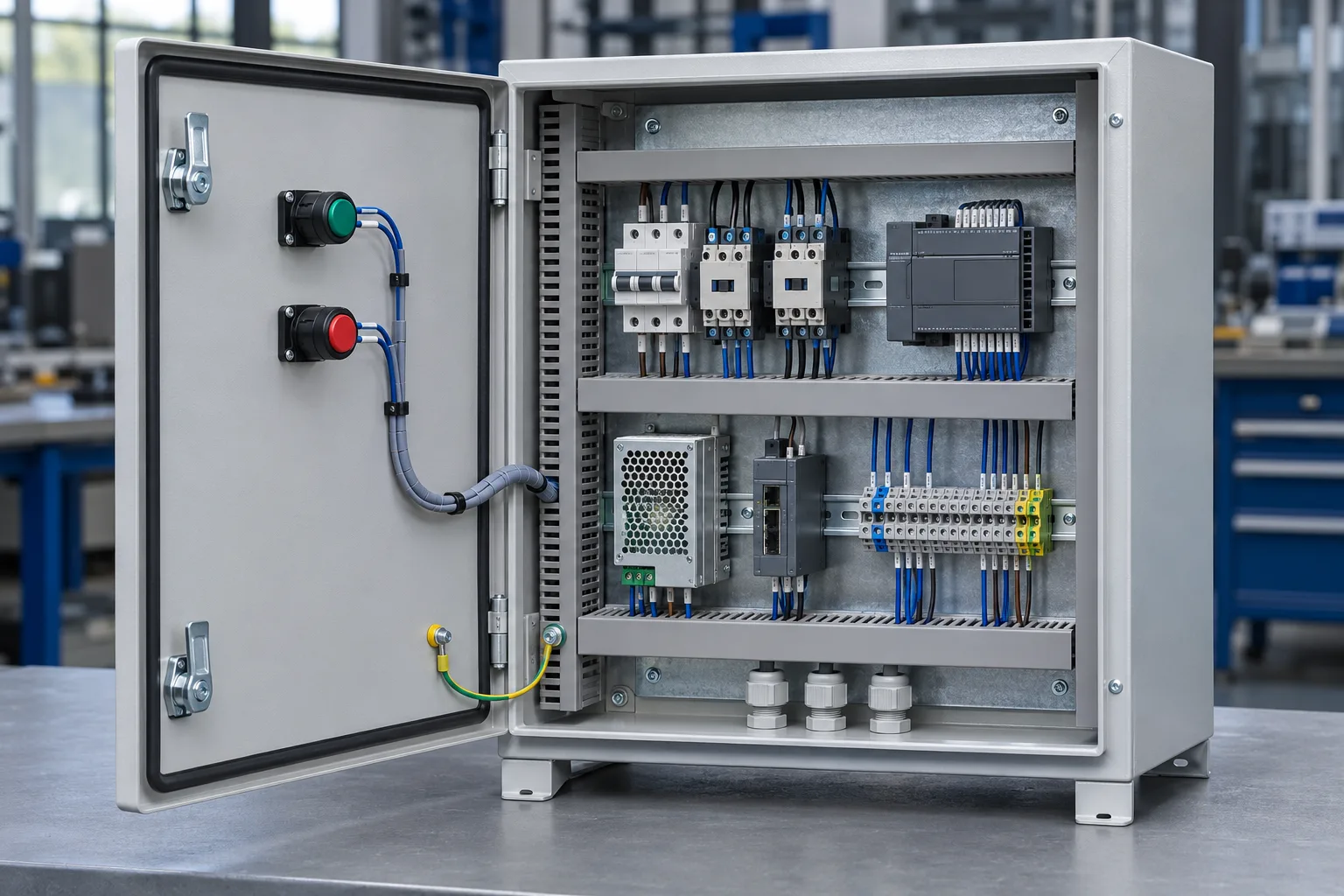
Start with what you design and the information you need to deliver. We help you identify the relevant tools and how to connect them.
Need
Design cabinets, enclosures and mechanical documentation
SOLIDWORKS Design
Need
Create electrical schematics and documentation
SOLIDWORKS Electrical Schematic
Need
Connect schematics with assemblies and plan wiring
SOLIDWORKS Electrical 3D + Schematic Professional + Design
Need
Assess ventilation and heat transfer
SOLIDWORKS Flow Simulation
Need
Control files, revisions and approvals
SOLIDWORKS PDM
Capabilities and requirements depend on the selected combination. Electronics Cooling is an additional module that requires Flow Simulation; its suitability depends on the analysis. Electrical data integration with PDM is assessed separately.
See how other manufacturers use SOLIDWORKS.
Coordinates enclosures, panels, and control schematics with SOLIDWORKS and Electrical to connect mechanical and electrical design for industrial systems.
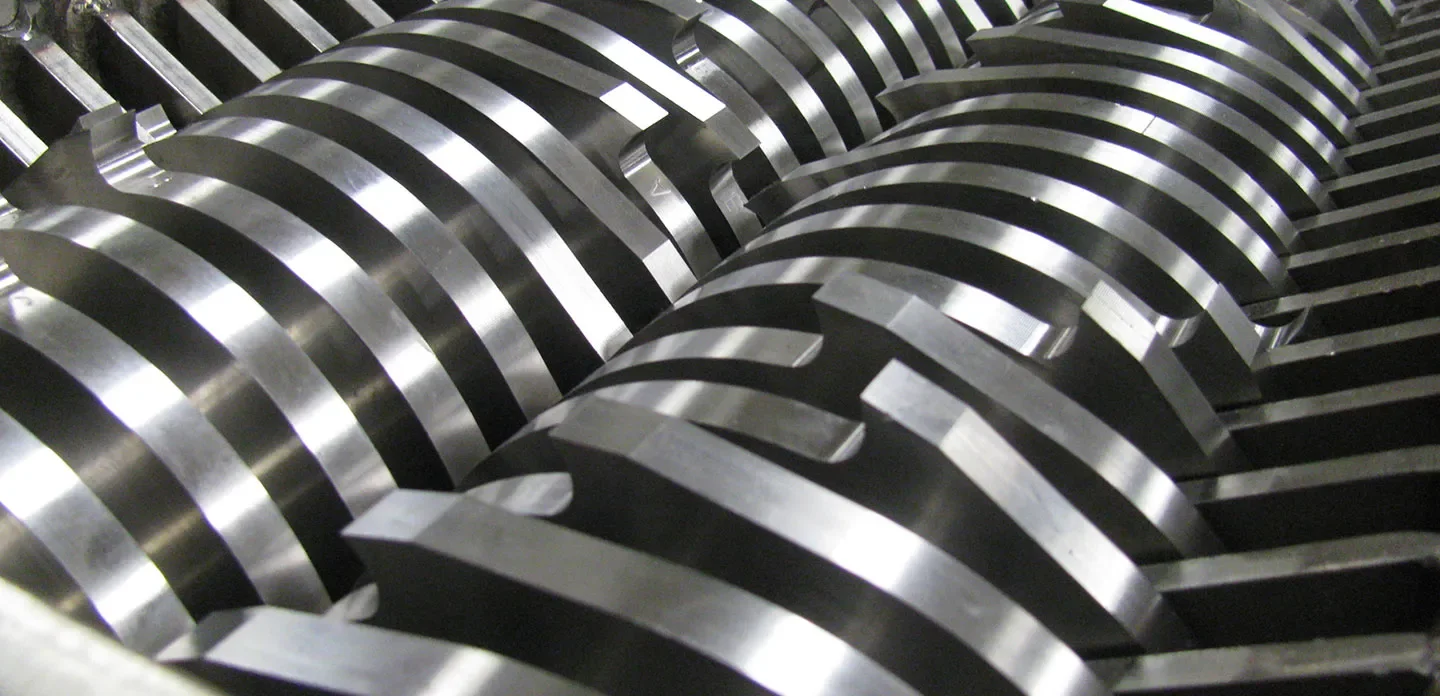
Source: SOLIDWORKS (opens in a new tab)Customizes shredder control panels and wiring by connecting mechanical design with schematics and 3D electrical design through SOLIDWORKS Electrical.
Source: SOLIDWORKS (opens in a new tab)Since 2008, we have helped companies across Central America and the Caribbean select, implement and use SOLIDWORKS, with official training and specialized support.
We review what you design, how you document it and where rework builds up to identify the relevant tools.
We work with you to define the scope of installation and configuration for the solutions you purchase.
We prepare your team to use the tools with a consistent working foundation.
We help you resolve questions and technical difficulties in your daily work.
Yes. Electrical Schematic supports schematics and documentation. If you need to connect them with the assembly, we assess Schematic Professional, Electrical 3D and SOLIDWORKS Design.
Yes. Flow Simulation supports airflow and heat transfer studies. Whether you need the Electronics Cooling module depends on the components and level of analysis; this module requires a base Flow Simulation license. Simulation complements physical product testing.
This page focuses on the equipment’s mechanical and electrical design. PCB circuits and traces require dedicated ECAD tools. We can review how to exchange their information with the mechanical model based on your formats and tools.
Control programming and product certification require specific tools and processes. The solutions described support design and documentation; regulatory requirements and testing must be assessed for the application.
Selection depends on what you need to solve. We can assess a starting point for design, documentation, coordination or thermal analysis and expand capabilities as your project requires.
Tell us what you design, how you coordinate the work and what you need to solve. We will help you identify the right SOLIDWORKS solutions for your application.
Let’s discuss your project