

Professional reviewing product information on a tablet in an operations center

Data Management and Collaboration

Control your information. Connect your team.

Organize design files, manage revisions, and support collaboration. At 3Designers, we help you choose and implement SOLIDWORKS solutions that fit the way your team works.

Where does your team need more control?

Find the right revision

Locate parts, assemblies, and drawings, and identify which information is approved for use.

Share designs clearly

Support reviews with colleagues, customers, and suppliers while controlling the information you share.

Coordinate changes across departments

Connect decisions, responsibilities, and documentation to track product changes.

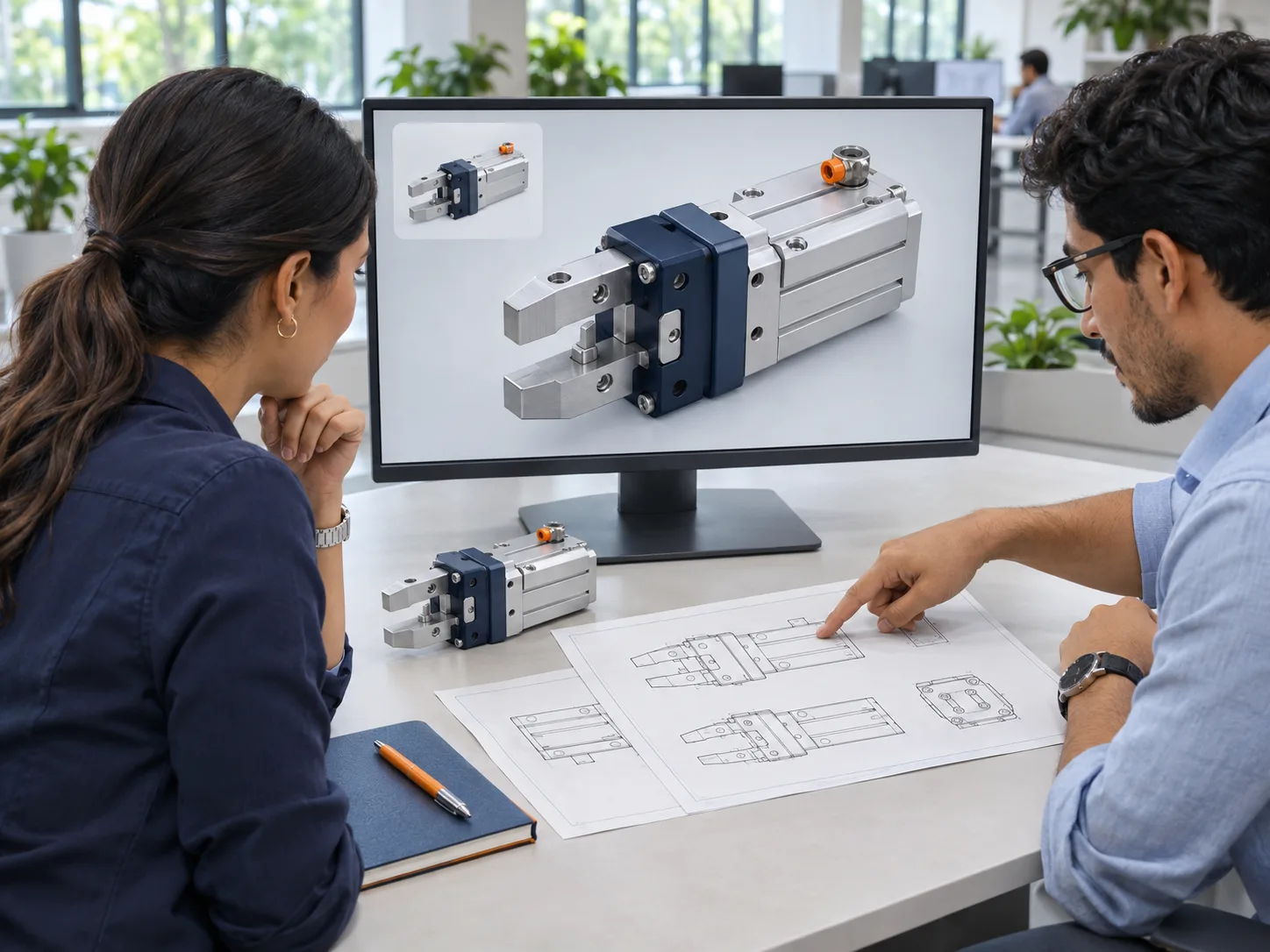
Conceptual representation of an engineering team reviewing a 3D model, technical drawings, and a mechanical component.
A single product brings together 3D models, drawings, and technical documentation. Keeping this information organized and its revisions under control helps design, engineering, and production teams work with the correct version.

Solutions for what you need to manage

Your starting point depends on your files, processes, users, and infrastructure. We help you choose a solution with the right scope.

SOLIDWORKS PDM

Centralize CAD files and documentation, control versions and revisions, and manage access to information. Available in Standard and Professional.

For project, process, and item management needs, SOLIDWORKS Manage extends the capabilities of PDM Professional.

Explore PDM and Manage →

Cloud Services for SOLIDWORKS Design

Share and mark up 3D designs, store information in the cloud, and manage revisions from SOLIDWORKS, with tools that understand CAD file relationships.

Explore Cloud Services →

SOLIDWORKS PLM

Connect product information and processes across departments. Address needs such as bill of materials management, planning, and change management, depending on the selected package.

Explore SOLIDWORKS PLM →

Available capabilities depend on the solution, package, and configuration. We review your requirements before preparing a proposal.

How does 3DEXPERIENCE connect it all?

3DEXPERIENCE is the platform that connects people, data, and applications in a collaborative environment. Cloud Services connects SOLIDWORKS data to this environment, while SOLIDWORKS PLM expands cloud-based product information and process management.

Available applications and capabilities depend on the roles and licenses purchased.

Explore the 3DEXPERIENCE platform →

SOLIDWORKS Customer Story

Collaboration connected to product development

See how Migma Packtron uses SOLIDWORKS and the 3DEXPERIENCE platform to connect its team, share information, and coordinate product development.

Migma Packtron · Video from the official SOLIDWORKS channel

The right tools, with guidance through implementation

An implementation starts with understanding how your team works. At 3Designers, we guide you through solution selection, setup, and the skills needed to use it.

  1. 01

    Understand your operation

    We review how you organize files, who is involved, and what you need to control.

  2. 02

    Define the scope

    We advise you on the solution, requirements, and implementation based on your priorities.

  3. 03

    Prepare your team

    We support adoption with training and specialized technical support.

Are you an active 3Designers customer evaluating PDM?

Access our PDM guide and assessment to review your team’s needs as a starting point for defining an implementation scope.

Access the PDM assessment →(Resource in Spanish)

Frequently asked questions

What is the difference between PDM and PLM?

PDM focuses on organizing and controlling product data, such as CAD files and engineering documentation. PLM extends the scope to the information and processes that connect different departments throughout the product lifecycle.

Is Cloud Services the same as SOLIDWORKS PLM?

Cloud Services connects SOLIDWORKS to collaboration and data management tools on the 3DEXPERIENCE platform. SOLIDWORKS PLM offers packages with a broader scope for managing product information and processes. We review which capabilities you need and which are available with your licenses.

Do I need to implement all these solutions?

The choice depends on your needs. We can evaluate options ranging from sharing and reviewing designs to controlling files or coordinating processes across departments, without adding tools your team does not need.

Let’s define what your team needs.

Tell us how you manage your designs today and what you want to improve. We help you evaluate SOLIDWORKS options for your business in Central America and the Caribbean.

Let’s discuss your project